What's new in Document Library Lite 1.3.0
What's new in Document Library Lite 1.3.0
Document Library Lite 1.3.0 gives you more control over how your documents are displayed and edited. The headline change is that three display options from Document Library Pro - grid layout, content length and image size - are now built into the free plugin. You can also edit your documents with the WordPress block editor for the first time.
Here's everything that's new in this release.
Edit documents with the block editor
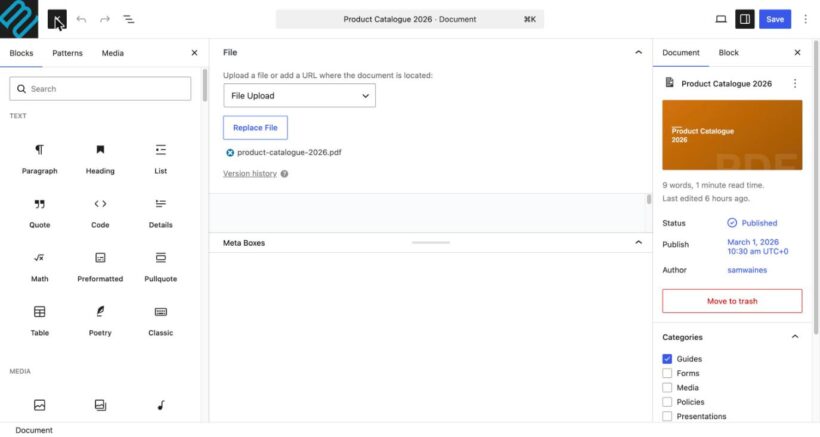
Until now, you could only edit a document's content using the Classic Editor. Document Library Lite 1.3.0 adds support for the WordPress block editor on the single document screen.
This gives you far more control over your document pages. Instead of a single Classic Editor field, you can now build the content with blocks - headings, columns, images, embeds, buttons and everything else the block editor offers. If you prefer the Classic Editor, nothing changes for you; the block editor is simply available as an option.
Three display features from Document Library Pro
Three options that were previously exclusive to Document Library Pro are now included in the free version. You'll find them on the plugin settings page at Documents → Settings, and each one also has a matching shortcode parameter so you can control it on a per-library basis.
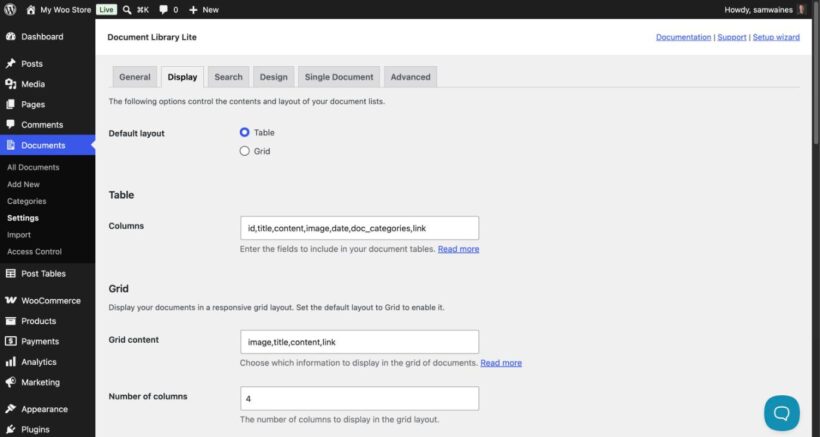
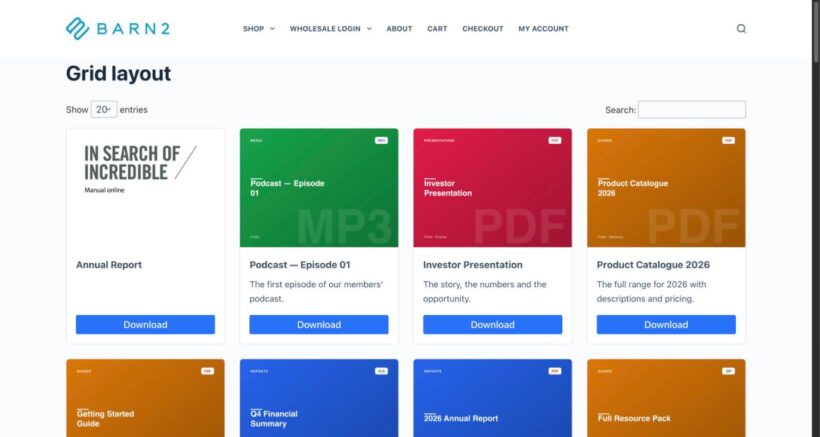
- Grid layout - Show your documents as a grid of cards instead of a table. This suits image-led libraries such as resource galleries, brochures and product-style catalogs. Turn it on with
[doc_library layout="grid"], and set how many documents appear per row with the 'grid_columns' parameter or by choosing between 1 and 4 columns in the settings. See how to set up the grid layout. - Content length - Control how much of a document's text appears in the 'content' column, so you can show a short preview or a longer extract. Set it with the 'content_length' parameter. See how to change the content length.
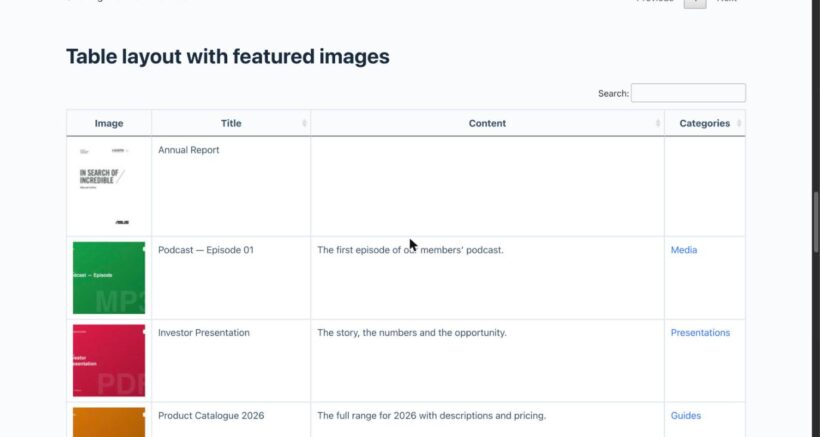
- Image size - Change the size of the featured images shown in the table. The default is 70x70 pixels, and you can enter a width by height value in pixels or any standard WordPress image size such as 'thumbnail', 'medium' or 'large' in the 'Image size' setting. See the full image options.
Built-in help with the HelpScout beacon
The plugin now includes a HelpScout beacon in the WordPress admin. This puts our documentation and support within reach from inside your dashboard, so you can search for answers or get in touch without leaving your site.
Other improvements in this release
- Updated the plugin's internal libraries and tested Document Library Lite up to the latest version of WordPress.
- Fixed the 'Filter by type' dropdown so it now displays correctly when working with the media library for the document post type.
Want even more?
Document Library Lite covers the essentials of building a searchable document library. If you need advanced features such as instant search-as-you-type, filter dropdowns, sortable columns, document previews, folders, custom fields and front-end upload forms, take a look at Document Library Pro.