Document library – using categories or taxonomies with numeric slugs
In Document Library Pro, you can use numeric slugs for categories or custom taxonomies. For example:
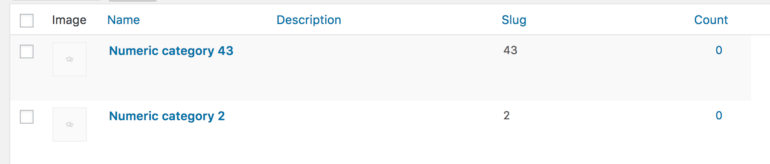
When you enter a numeric value in the category or term option in the Document Library Pro shortcode, or select it in the Categories dropdown filter, Document Library Pro checks whether the number matches an existing term ID. If no matching term ID exists, then Document Library Pro treats the value as a slug automatically.
If the taxonomy has one term with the ID 120 and a different term with the slug 120, the value is ambiguous. Document Library Pro uses the term ID by default. To use the numeric slug instead, set the numeric_terms option in the shortcode to true:
[doc_library numeric_terms="true"]
If searching the knowledge base hasn't answered your question, please contact support.