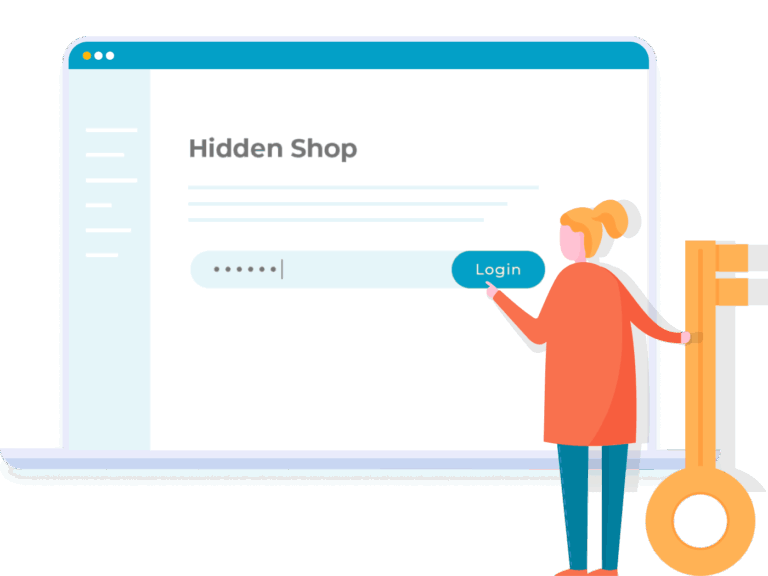
Completely hide your WooCommerce store from the public. Unlock for logged in users or with a secret password. Perfect for wholesale or private members areas.
Easily Hide Your Entire WooCommerce Store & Make It Private
Create a WooCommerce Private Store, with customizable privacy settings.
Hide WooCommerce Products From The Public
Perfect for wholesale stores, members-only clubs, and more.
Restricts all WooCommerce content: shop, products, categories, cart, etc (plus other pages if needed)
Guests can see main site pages while WooCommerce is hidden
Customizable Login Rules
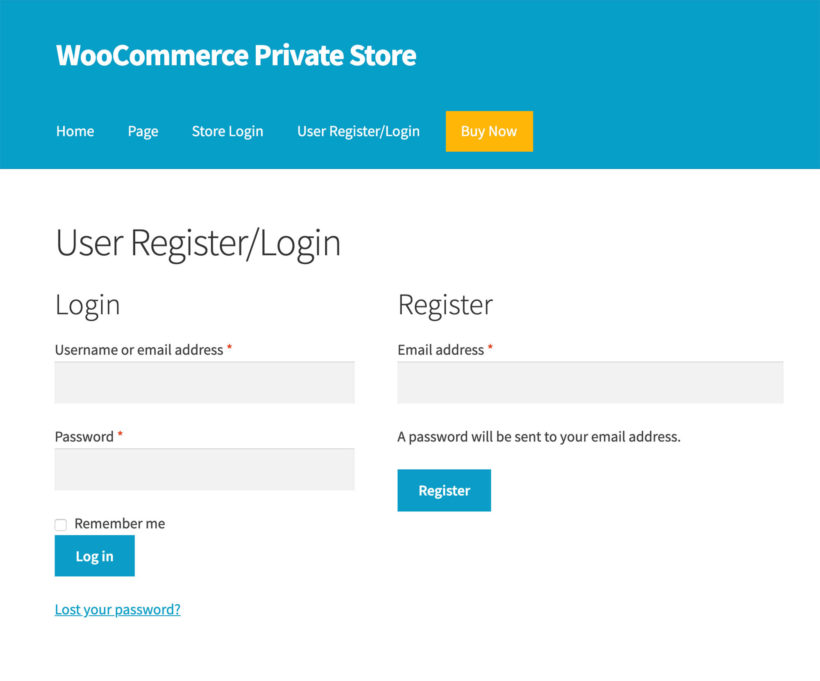
Secret login page provides exclusive user access
Customers login or enter a password to unlock the entire store
Use with or without separate user accounts
Your Store Privacy Is Our Priority
Zero visibility on search engines
Store hidden from all public-facing site pages
Sell trade or members-only products with confidence
COMPLETELY HIDE WOOCOMMERCE
The plugin hides the main WooCommerce shop page, cart, checkout, products, and more. 🚀
Password-protected store
Unlock by user or role
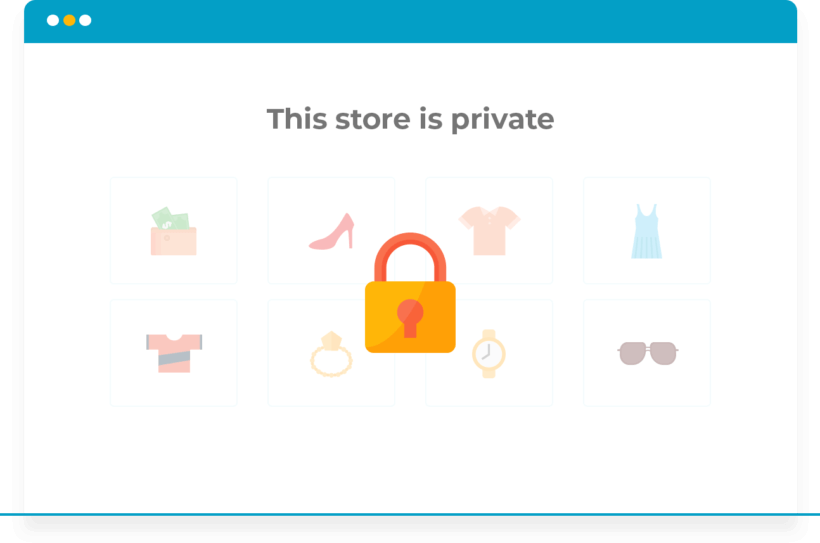
Hides the whole WooCommerce store
Hidden from search engines
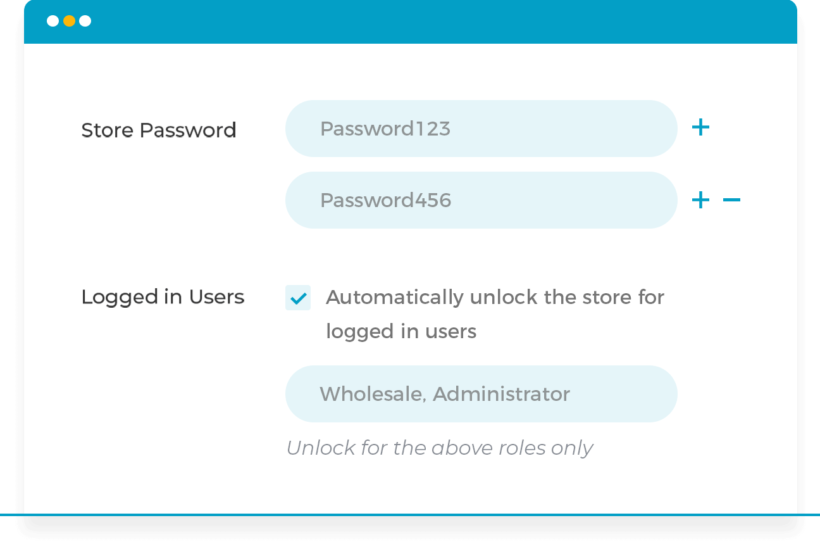
Multiple passwords
Hidden from menus and sidebars
Hide extra pages too
Quick 2-minute setup
WooCommerce login form
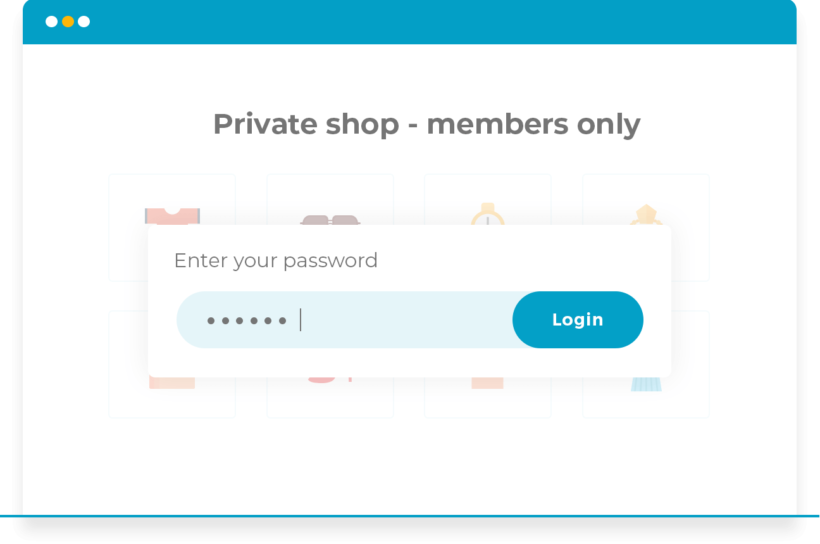
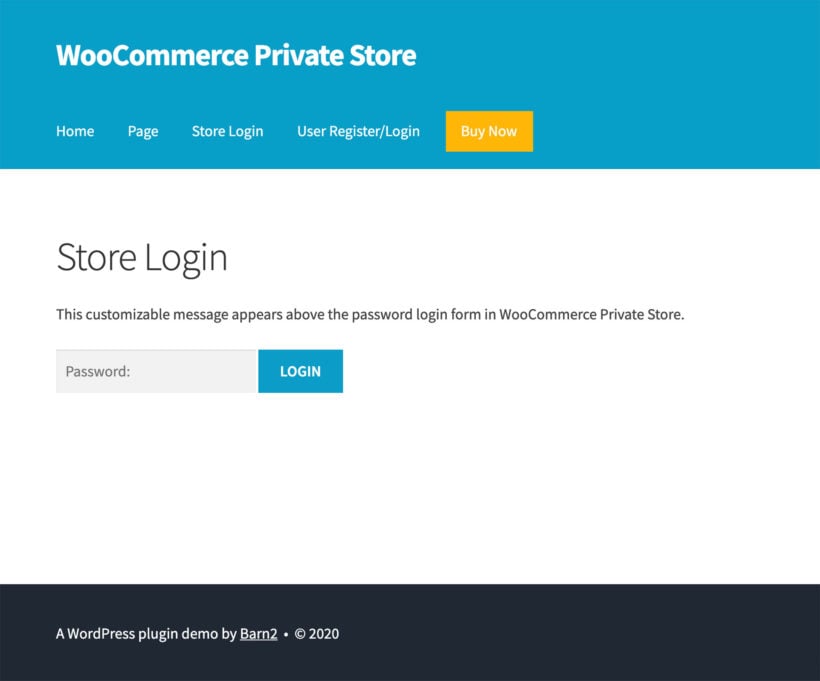
Customizable password page
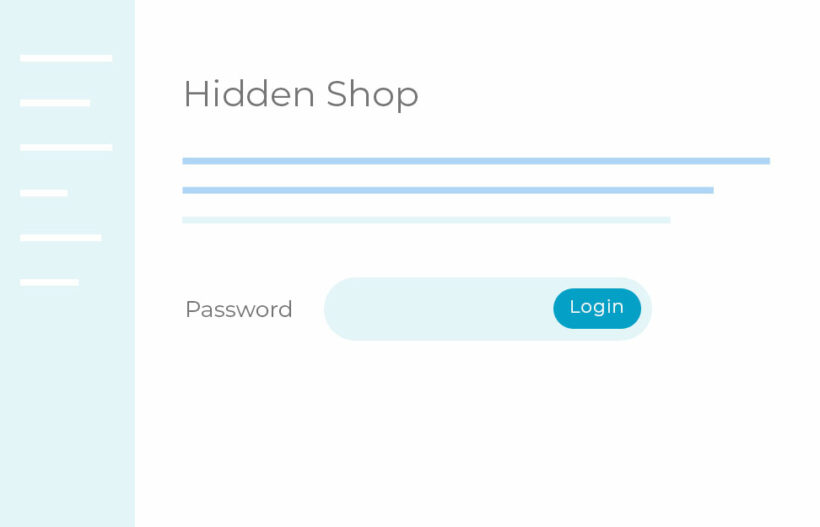
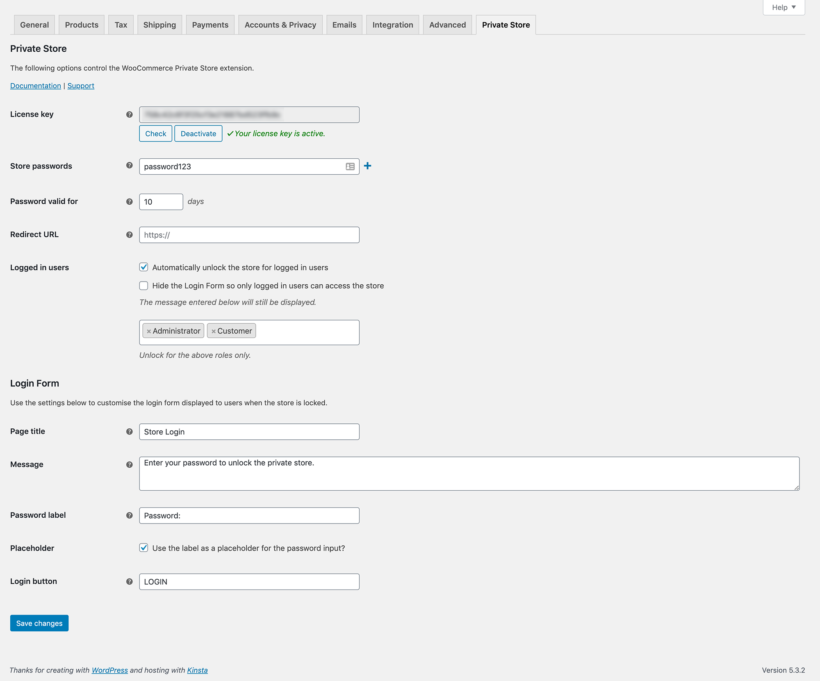
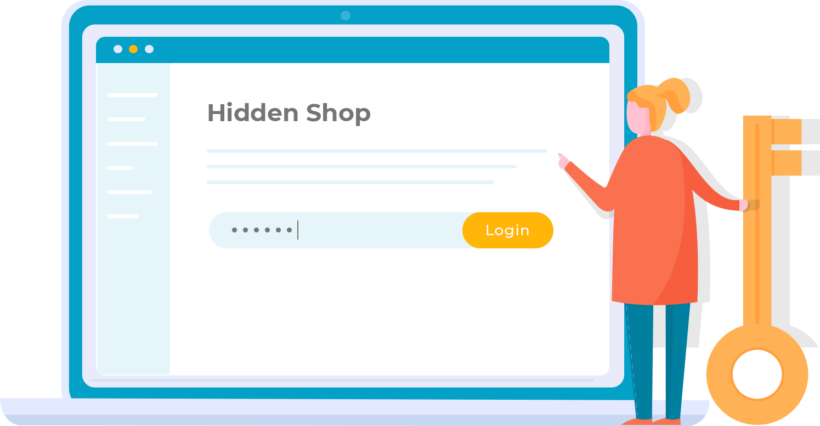
Protect your shop via a customizable password page. Enter a password to unlock, no need for separate accounts. Supports multiple passwords.
Unlock the whole store at once
Customers only need to enter the password once to access the entire store, including products, categories, cart and so on.
Choose where customers go next
Choose where customers are redirected after unlocking the private store.
Unlock for logged in users
Unlock by user role
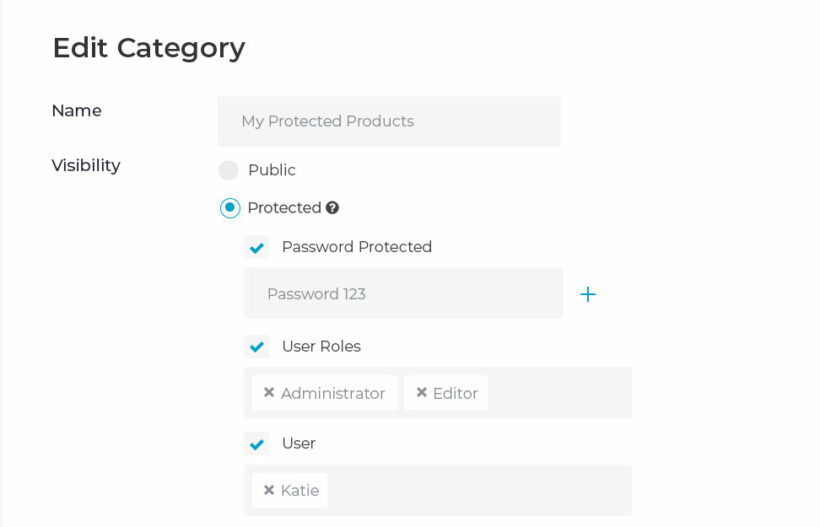
As well as password protecting WooCommerce, you can unlock the store for logged in users or specific roles.
Use alongside the password
The 'Logged In Users' role can be used in addition to, or instead of, the password protection. Choose whether to automatically unlock the store for all logged in users, or specific user roles.
Let approved customers access your store, and protect your products. Guests without access can see your main pages while WooCommerce is hidden.
Everything WooCommerce creates
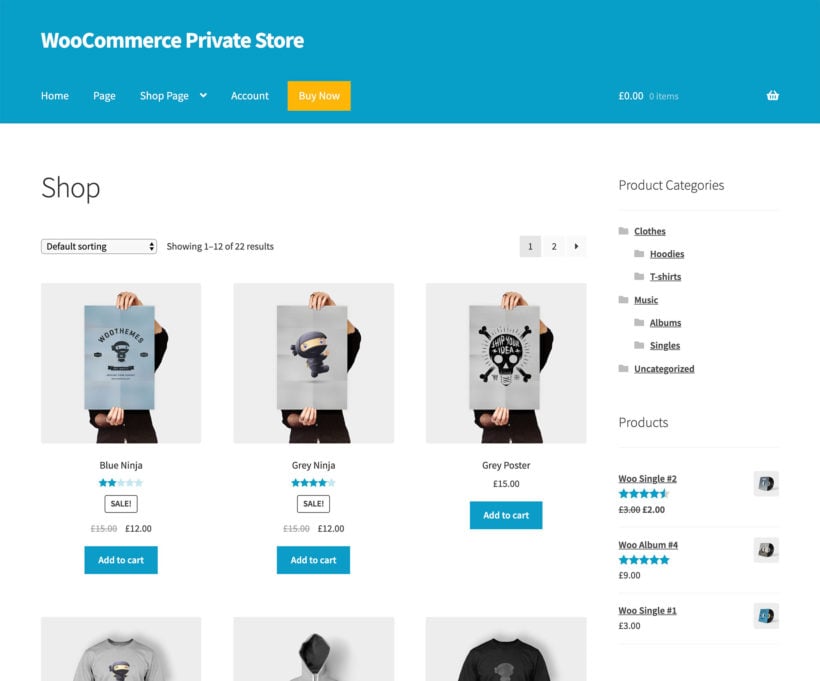
The plugin automatically hides your main Shop page, products, categories, product tag archives, cart and checkout.
Hide additional pages
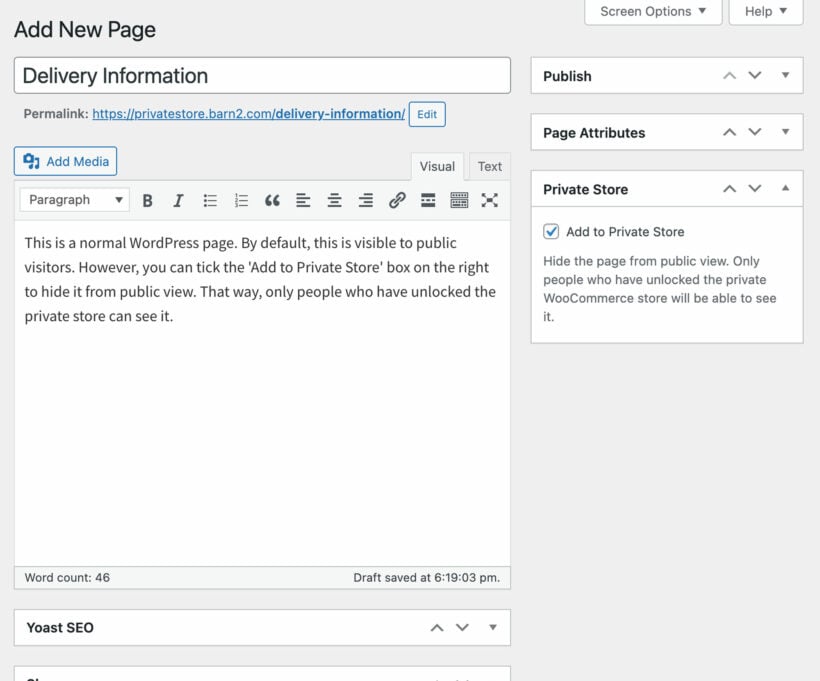
You can optionally hide any other pages on your WordPress site, such as pages added by wishlist or request a quote plugins. Simply tick the 'Add to Private Store' box for each additional page.
Hidden from menus and sidebars
Menus and widgets
WooCommerce Private Store password protects all shop pages, plus navigation menu links and sidebar widgets.
Link to it, or keep it secret
If you like, you can link to your private store from the menu or anywhere else on your public website (e.g. a 'Wholesale Login' link in the header). Or keep it completely hidden, so the only way people will know it exists is if you give them the link.
Hidden from search engines
Search engines and sitemaps
Your WooCommerce hidden store is automatically hidden from search engines and sitemaps for complete peace of mind.
Hidden from site search too
All parts of your online shop are also hidden from the WordPress search on your site, including your shop page, product pages, category pages and tag archives.
Super-simple 2-minute setup
Set up in minutes
Set up in just minutes. Customers simply log into their user account or enter a password to unlock an entire store.
Works with your theme
Works with any well-coded WordPress theme. You do not need to hire a developer, add custom code, or edit theme template files. (See the themes we test with.)
Multilingual ready
Designed to work with WPML, WeGlot and TranslatePress, so you can translate your login page and private store content into any language.
Wholesale and per-category access
Different products for different users
WooCommerce Private Store protects your entire store, so everyone with access sees all the products. To create user-specific private areas, use WooCommerce Protected Categories, which lets you create a separate protected category for each user.
“This plugin works perfectly to hide the store from logged out users. I am using the plugin's user login option instead of password protection, and without problems. Thank you!”
Iñaki - SpainTechniTest
★★★★★
“Barn2 not only make fantastic plugins that work easily and the customer service is second to none. The only thing better than dependable products is dependable customer service – they have that, too.”
Robert Pfeifer - USA
★★★★★
“After lots of research into plugins, this one towered above the rest. Great pre purchase information, great documentation, easy to install, AMAZING support. I recommend this plugin to anyone looking to create a password protected store without headache.”
Jeanie BriscoeJHL Creative - USA
★★★★★
“Barn2 is a rare company in this space - I have been building websites for many years and no other company has addressed issues as fast and diligently. They quickly move into action to add any features you suggest. Keep up the great work!”
Choose this option if you want to give different people access to different product categories.
$148$148$
109
Save$39
Private store Hide your entire store from public view
2 protection options Give customers a simple password, or unlock based on user role
Protected categories Set different access restrictions per category
One Plugin
WooCommerce Private Store
Choose this option if you want everyone who can access the private store to see the same products.
$
79
Private store Hide your entire store from public view
2 protection options Give customers a simple password, or unlock based on user role
Protected categories Set different access restrictions per category
$1641$1641$
399
Save 75%
GO ALL ACCESS
Unlock all plugins for one price
19 current + future plugins
Free setup, priority support
80+ exclusive discounts
All plans include free setup, updates and support. You can upgrade at any time and just pay the difference. If your annual license expires, the plugin will continue working on your site but you must renew to change settings or receive updates, new features or support.
The WooCommerce Private Store plugin password protects all the pages within your WooCommerce online store. The rest of your WordPress site remains public - e.g. your homepage and other pages. However the WooCommerce elements - your main Shop page, products, categories, product tag archives and the cart and checkout are password protected and hidden from search engines.
Will anyone know my private WooCommerce store exists?
Only if you want them to! If you like, you can link to your private store from the menu or anywhere else on your public website (e.g. a 'Wholesale Login' link in the header). When people click it, they will be taken to the WooCommerce login page where they can enter a password.
Or alternatively, you can keep your WooCommerce store completely hidden with no public links to it. The only way people will know it exists is if you give them the link.
How does the password protection work?
You can make WooCommerce private by activating the plugin and setting 1 or more passwords. All WooCommerce pages will be protected. Customers must enter a correct password to unlock the private WooCommerce store. Customers only need to enter the password once to access the entire store.
WooCommerce Private Store also has a 'Logged In Users' role, which you can use in addition to, or instead of, the password protection. You can choose whether to automatically unlock the store for all logged in users, or specific user roles.
Can I hide additional pages?
Absolutely! WooCommerce Private Store automatically hides all the pages that WooCommerce itself creates. This includes your shop, product pages, product categories, cart, and so on.
In addition, you can optionally hide any other pages on your WordPress site. For example, you might be using other plugins which add pages such as 'Wishlist' or 'Request a Quote' to your store. Simply tick the 'Add to Private Store' box for each additional page that you want to hide from public view.
Can I have a separate private WooCommerce shop for each user?
No - WooCommerce Private Store protects your entire store. Once customers unlock it by entering a correct password, they will have access to your whole WooCommerce shop.
To create user-specific private areas with different products for each user, you can use our other plugin WooCommerce Protected Categories. This lets you create a separate protected category for each user.
Will my products be hidden from search engines?
Yes, the WooCommerce Private Store plugin hides all parts of your online shop from search engines and the WordPress search on your site. This includes your shop page, product pages, category pages, tag archives etc.
Can my WooCommerce store have public AND private areas?
The WooCommerce Private Store plugin hides your entire shop (but not your normal WordPress pages and posts). To create separate public and private areas in WooCommerce, you'll need our WooCommerce Protected Categories plugin instead.
Can I have multiple wholesale roles with different products and prices?
WooCommerce Private Store hides your entire store from public view so that everyone with access to the store can see all the products. If you're building a wholesale store and want to show different products and pricing to different groups of users, then we recommend our other plugin - WooCommerce Wholesale Pro.
WooCommerce Wholesale Pro has a huge range of wholesale features, and you can use it on its own or with WooCommerce Private Store. Check out our knowledge base article about how to use the two plugins together.
Will it work with my theme and other plugins?
WooCommerce Private Store works with any well-coded WordPress theme and works alongside a membership plugin. You do not need to hire a developer, add custom code, or edit theme template files.
The theme compatibility guide shows which themes work with WooCommerce Private Store. If you do find a styling or compatibility issue, our support team will help.
Does it work in my language?
WooCommerce Private Store is designed to work with any WordPress translation plugin such as WPML, WeGlot and TranslatePress. They make it easy to translate your login page and private store content into any language.
What are the minimum requirements for running the plugin?
WooCommerce Private Store is fully tested with the latest versions of WordPress and WooCommerce. We always recommend running the most up-to-date version, but we also support older installations:
WooCommerce 7.2 or greater (tested to 11.0.1)
WordPress 6.1 or greater (tested to 7.0.4)
PHP 7.4 or greater (tested to 8.5)
MySQL 5.7.8 or greater / MariaDB 10.3 or greater
What offers are available for WooCommerce Private Store?
Several offers are available if you are a nonprofit or wish to buy multiple plugins:
2-plugin bundle - Get WooCommerce Private Store together with WooCommerce Protected Categories at a reduced fixed price. Select the bundle in the pricing table above.
Multi-buy discount - Add any two or more Barn2 plugins to your cart and get 40% off automatically at checkout. The most expensive plugin stays at full price, and every other plugin is reduced by 40%. No coupon needed.
All Access Pass - For the best possible value, get our All Access Pass which gives you VIP access to our entire plugin suite including WooCommerce Private Store.
Charity discount - Registered nonprofits get 15% discount off.
We are using Private Store for many years and we are 100% satisfied.
Jan De Rijck
Excellent
Rated 5 stars
By Jan De Rijck on
Easy to use, value for money, and great support!
Joseph Forberg
Works well, Awesome support
Rated 5 stars
By Joseph Forberg on
Works as described and support was awesome
Gregory J Smith
Works as it should!
Rated 5 stars
By Gregory J Smith on
This is the first time I have ever used WooCommerce Private Store on a website and am very happy so far. The store is only visible when registered users or vendors are logged in. Once a vendor is logged into the website, the store becomes visible and products can be purchased.
Christine Welsh
Great Service!
Rated 5 stars
By Christine Welsh on
While the plugin was working fine I found that I did not need it so I was going to cancel my trial BUT due to personal reasons I never cancelled in time so was charged for a year. I contacted support to ask if I could receive a refund and they were so nice and helpful and absolutely no issues with helping me at all and I received a prompt full refund. You certainly don't get that kind of service everywhere. I would definitely shop with Barn2 again!
Captain Ed @ SandTrapAudio
Thumbs Up!
Rated 5 stars
By Captain Ed @ SandTrapAudio on
The WooCommerce Private Store plugin by Barn2 solved my issue. It gave me a password gateway to my B2B store. Yet, just as important, Barn2 Support quickly follows up with my questions. I highly recommend Barn2 Plugins.
Toni Steinhauer
Great Support!
Rated 5 stars
By Toni Steinhauer on
Very responsive group and quick resolution of issues. Would definitely recommend!
Ernie Wijenberg
Super Fast Customer Service
Rated 5 stars
By Ernie Wijenberg on
It's not often these days that I am impressed with a customer service rep, but Edge at Barn2 support absolutely blew my socks off on how fast he responded and fixed my problem. Great job!!!
Frans van der Schaft
Good product & Great service
Rated 5 stars
By Frans van der Schaft on
WooCommerce Private Store license was set to autorenew, but unfortunately we did not need it anymore because client decided to move the site to another provider. With quick response from customer support we immediately got a refund. That's how great the service is! Well done Barn2!














Great plugin
By Gianni on
We are using Private Store for many years and we are 100% satisfied.