Free Setup - Barn2 Product Table Order Form
Short of time? Let us set up your first product table on your Shopify store - completely free of charge.
Free Setup for Your Shopify Store
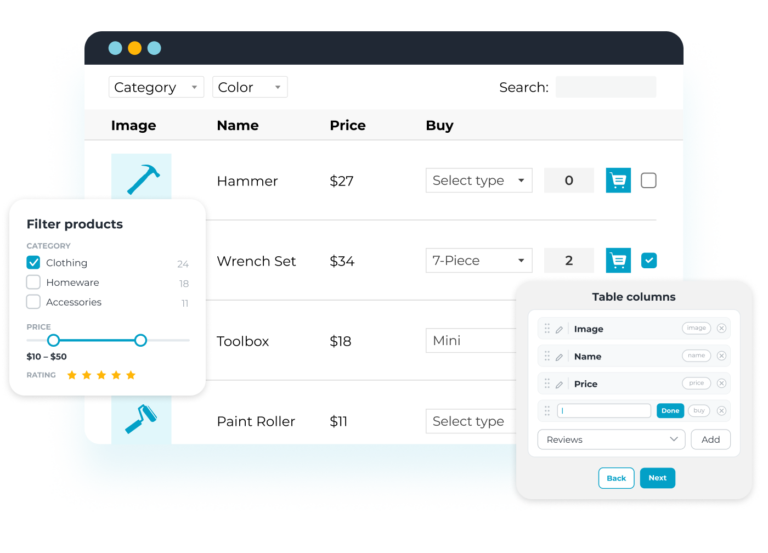
Want a product table or quick order form on your Shopify store, but short on time? Let us set up the Barn2 Product Table Order Form app for you - completely free! If you'd rather talk it through first, book a setup call.
What's Included?
- Your first product table - We'll create one product table, with your choice of products, columns, filters and add to cart options.
- Added to your store - On the Free plan, we'll set up the table on your Quick Order page and link to it from your store's menu. On the Standard plan, we can also add it to your theme using the Product Table block, for example on your collection pages.
- Theme issues fixed - If the table doesn't look right in your theme, we'll fix the problem for you.
Once your first table is live, it's easy to tweak it yourself. On the Standard plan, you can also create more tables by duplicating it in the app and adjusting the details.
How It Works
- Install the app - Install Barn2 Product Table Order Form from the Shopify App Store and choose a plan. Free setup is available on every plan, including the Free plan.
- Send us your request - Complete the form below, telling us about the product table that you'd like us to create.
- Give us access - We'll send a collaborator access request to your store from our Shopify Partner account. This is Shopify's official way to give app developers temporary access without sharing your login details.
- Relax! - We'll create your product table, add it to your theme, and let you know as soon as everything is live.
Request Your Free Setup
Please complete the form below and we'll take it from there. If you have any questions, feel free to contact us first.