










What is Setary?
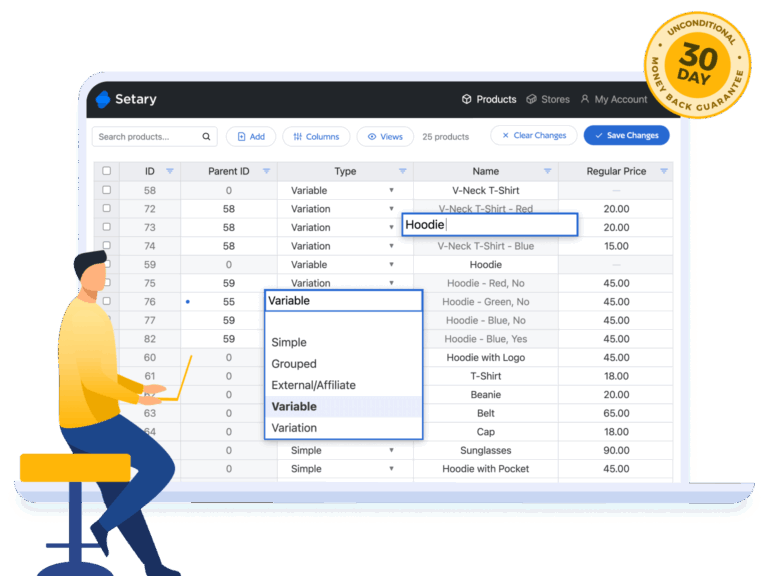
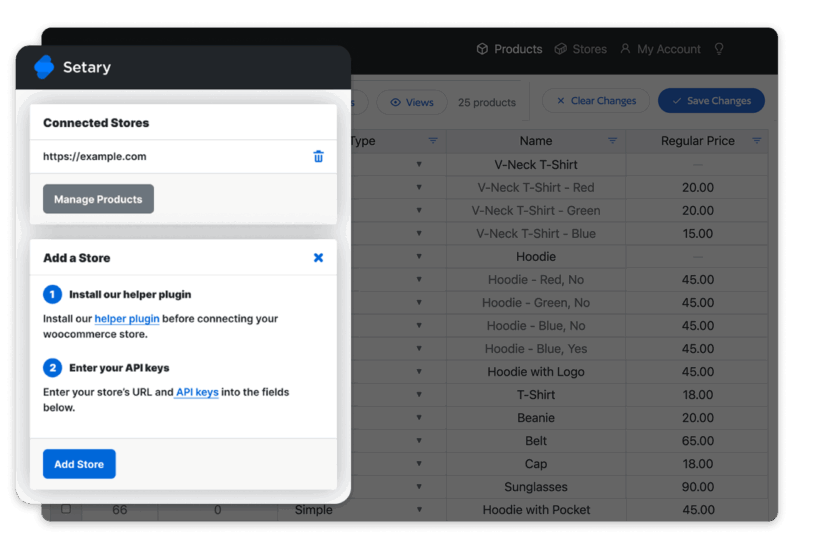
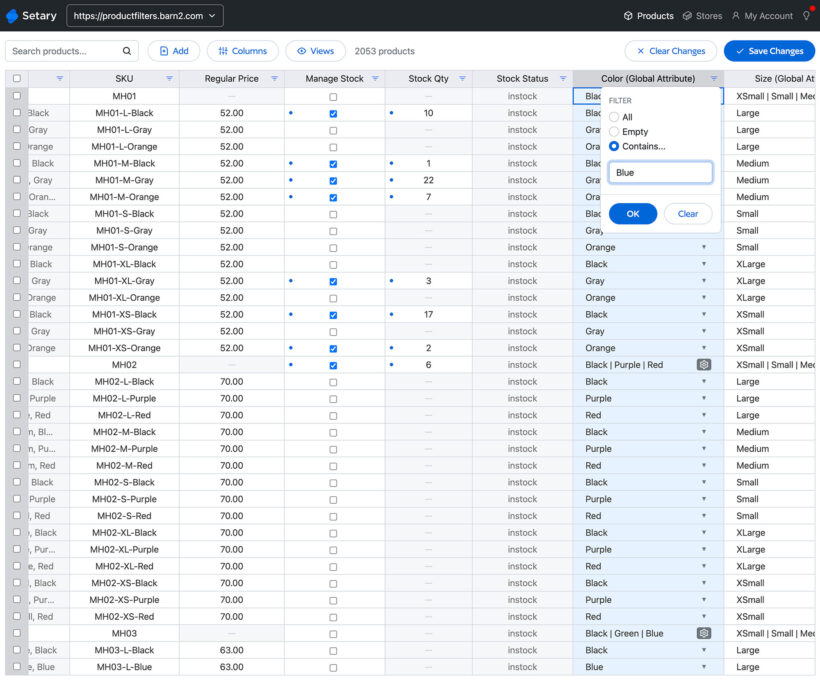
Setary is a hosted bulk editing app that connects to your WordPress, WooCommerce or Shopify site. For WordPress and WooCommerce, it connects via a simple helper plugin which you install on your site. For Shopify, it connects directly via the Shopify API.
This takes the pressure off your site because the bulk editing takes place on our servers, resulting in zero performance impact for you or your customers.
Is Setary a Barn2 product?
Barn2 are equal partners with the team behind Setary because we believe it's the best solution for bulk editing WordPress, WooCommerce and Shopify content. Setary is managed as a separate UK-based company, which is co-owned by Barn2.
While Setary is listed on our site, it is supported independently via the Setary website. You can sign up directly from our site, and your account will be created instantly in the Setary app. Your subscription, emails, and support will then come directly from Setary.
This partnership allows us to offer the best tools for your store, even beyond our own plugin range.
What can I edit in Setary?
You can edit almost any content on your site, including:
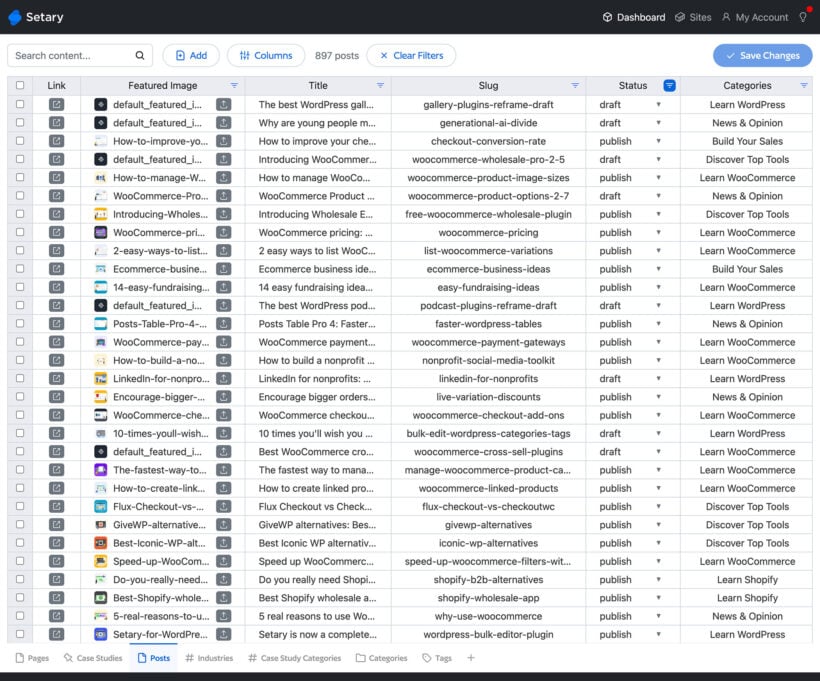
- WordPress: Posts, pages, media, and any custom post type registered on your site
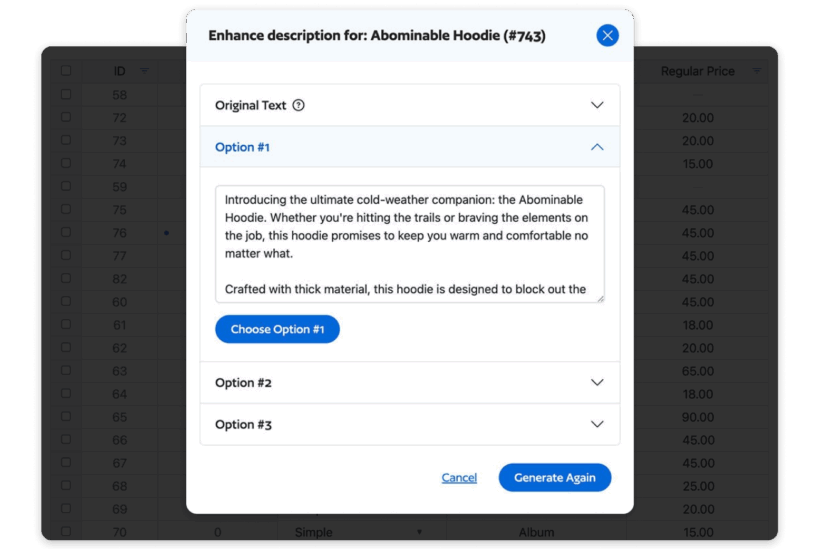
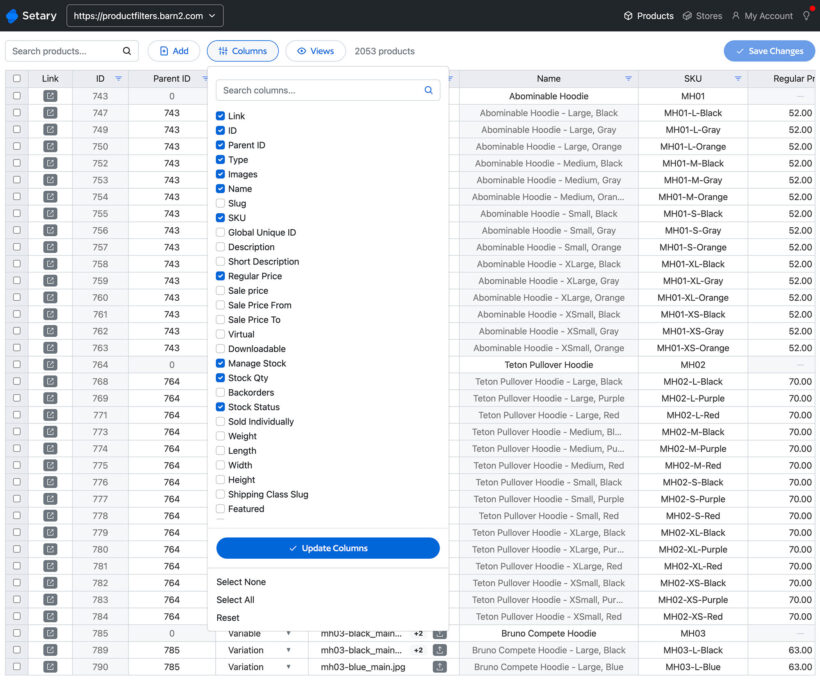
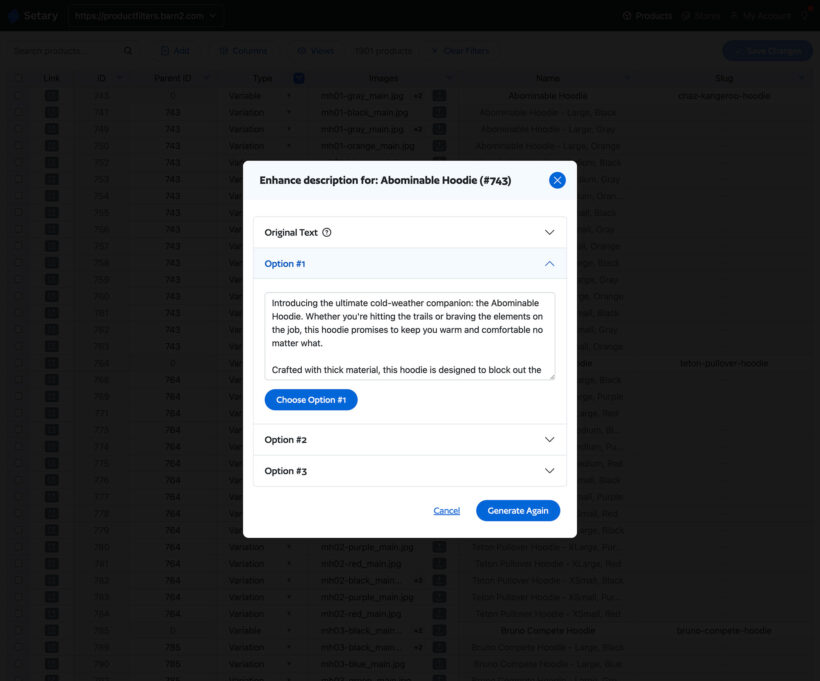
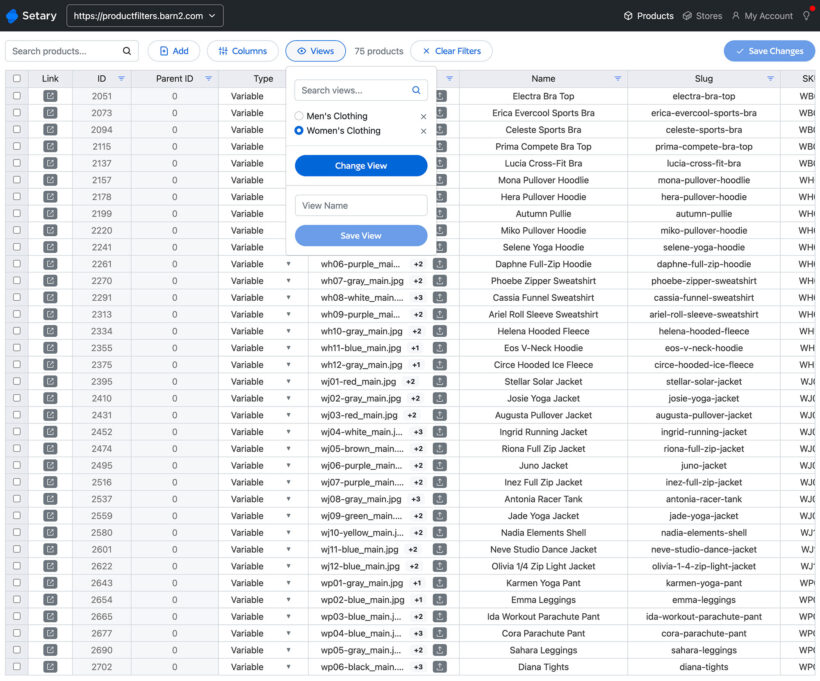
- WooCommerce: Product titles, descriptions, prices, stock levels, SKUs, images, categories, tags, attributes, and variation-specific data
- Shopify: Products, variants, prices, inventory, and metafields
- PLUS Custom fields, taxonomies and SEO metadata across all platforms
Can I bulk edit product variations/variants?
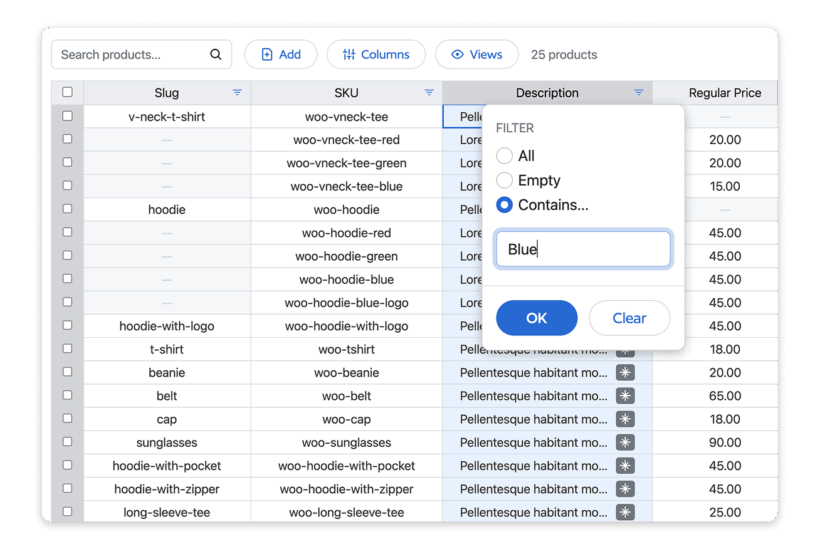
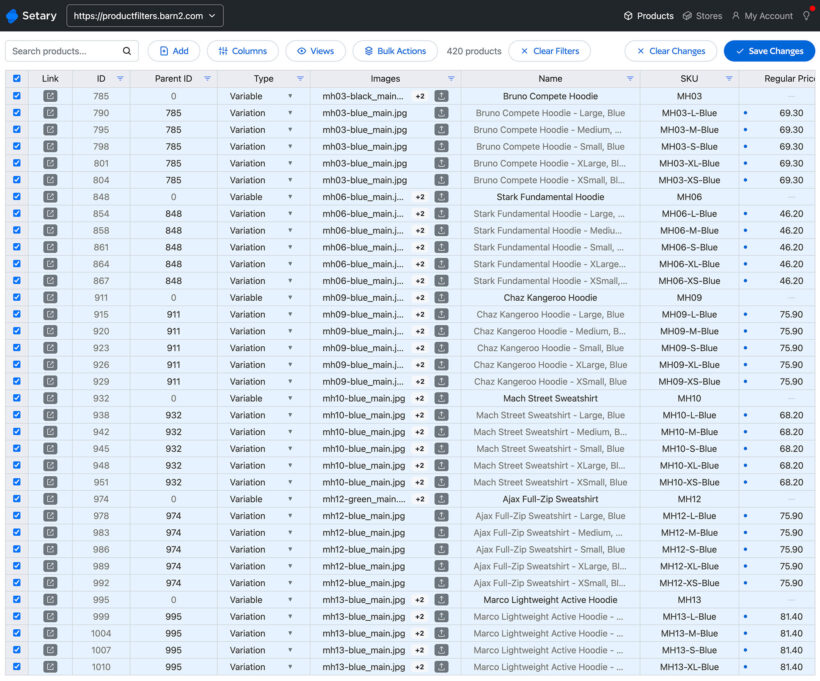
Yes – Setary makes it easy to bulk edit WooCommerce product variations. You can update variant prices, stock levels, SKUs, images, custom fields, and more, all from one spreadsheet-style interface.
Will it work with my theme, ACF, & other plugins?
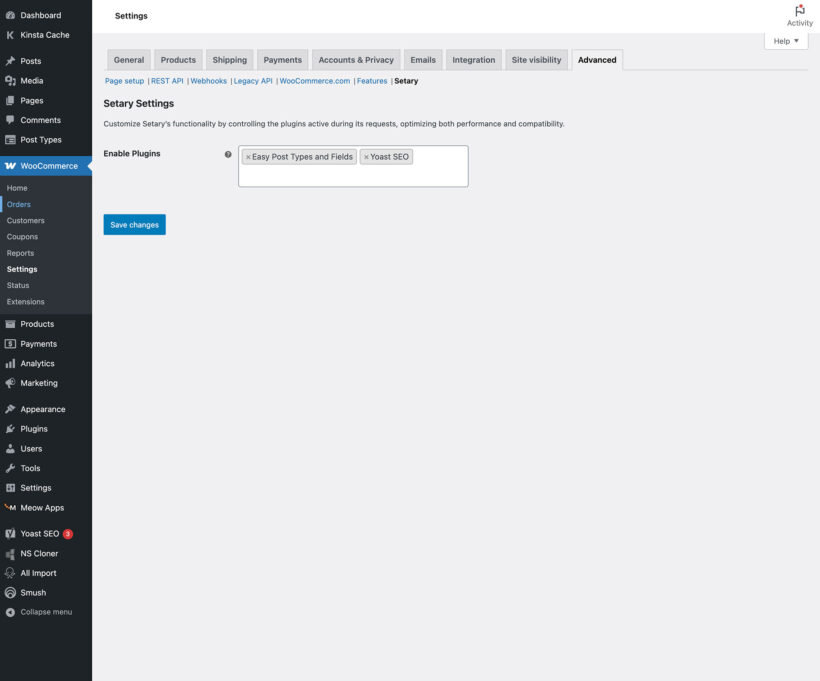
Since Setary is a hosted app that sits outside of your site, you don't need to worry about compatibility issues with your theme or other plugins. It works by updating data via the REST API.
You can use it to bulk edit data added by third party plugins, including Advanced Custom Fields (ACF), Pods, Yoast SEO and Rank Math.
Does Setary work with other Barn2 plugins?
Yes, Setary for WooCommerce is fully compatible with all Barn2 plugins. It's particularly useful alongside our plugins which are aimed at large stores with many products. For example:
- WooCommerce Product Table - Create quick order forms containing many products, while using Setary to manage product data in bulk.
- WooCommerce Bulk Variations - Let customers select variations more quickly in the front end, and bulk edit variations across multiple products with Setary.
- WooCommerce Wholesale Pro - Sell your inventory at different prices to public and wholesale users, and use Setary to manage it centrally.
Is there a free trial?
Yes – Setary includes a 7-day free trial so you can try all features risk-free. You’ll sign up for a paid plan, but your card won’t be charged unless you continue after the trial. Cancel anytime during the 7 days to avoid payment.
Is Setary included in the All Access Pass?
Setary is not included directly in the Barn2 All Access Pass, but All Access customers receive an exclusive 20% discount off Setary for WordPress/WooCommerce to help you manage your site more efficiently.
Do you offer refunds?
Yes – all Setary plans come with a 30-day money-back guarantee. If you’re not happy or the tool doesn’t meet your needs, just contact Setary support within 30 days and they’ll refund your payment — no questions asked.
What are the minimum requirements for running the plugin?
There are no minimum requirements because Setary is hosted on its own servers outside of your site. For WordPress and WooCommerce, the only requirement is that Setary can connect via the REST API (which is built into WordPress and WooCommerce). For Shopify, you just need an active Shopify store.