The best multimedia plugins for a WordPress resource hub

A WordPress multimedia resource hub pulls videos, audio, documents, and downloads into one searchable, browsable place, and modern visitors expect rich media, not walls of text.
A landing page with a video is 53% more likely to appear on the first page of search results, per WordStream. Global podcast listenership recently passed 584 million, up 6.83% on the year, per Backlinko.
WordPress lets you upload media, but its default tools stop short of helping you organize, present, or restrict access to a real library. The right combination of plugins fills those gaps without custom code. I'll cover the seven plugins worth considering, then practical tips for keeping the experience smooth.
Quick verdict
- Best video playerPresto Player is a full-featured WordPress video toolkit with private hosting, LMS integration, branding, and analytics.
- Best for the resource library itselfDocument Library Pro organizes documents, videos, and audio in a searchable, filterable table that visitors really use.
- Best block-based hubUltimate Blocks ships 25+ Gutenberg blocks for media-rich layouts, including an Advanced Video Block and a Table of Contents block.
- Best for embedded PDFsPDF Poster displays PDFs on the page with scrolling, full-screen, and content protection.
- Best simple HTML5 videoHTML5 Video Player is a lightweight free plugin for embedding self-hosted videos with playlists and password protection.
Further reading: How to create a resource library in WordPress.
Why multimedia matters for WordPress sites
Multimedia isn't a nice-to-have. Visitors expect how-to videos, podcast episodes, downloadable guides, and interactive content that makes learning or shopping easier. Wyzowl reports that 91% of businesses use video as a marketing tool, and 87% say video has increased traffic to their sites.
It boosts engagement and conversions
Videos make complex ideas easier to follow. Downloadable guides build trust. Podcasts extend a brand across platforms. Even online stores benefit: 87% of people are convinced to buy a product or service after watching a video, per Wyzowl. Manuals and spec sheets enhance the buying experience.
Where WordPress falls short
WordPress lets you upload images, video, and audio, but its default media tools stop there. There's no built-in way to:
- Organize files with taxonomies or categories.
- Restrict access to members or paying customers.
- Display media in a polished or branded way.
As your library grows, managing it through the default media tools becomes messy.
The right plugins scale the strategy
Plugins give you control over the four things that matter on a media-heavy site:
- Scalability: organize hundreds or thousands of files into searchable libraries.
- Flexibility: embed videos, audio, and documents anywhere with shortcodes or blocks.
- Security: restrict access to premium or member-only content.
- Professional presentation: use custom players, galleries, and viewers that match your branding.
Better structure means better SEO
Structured libraries with categories, tags, and filters help visitors find what they need. That keeps them on your site longer and lowers bounce rates. Many of these plugins also support schema markup, lazy loading, and file indexing, which help your site load faster and rank higher, especially on mobile.
How we evaluated these multimedia plugins
I looked at each plugin against the factors that decide whether it earns a place in a multimedia hub. That means whether it really solves a clear part of the problem: library organization, video playback, document embedding, or page-level composition. I also looked at integration with the block editor and major page builders, and what each adds over WordPress's default tools.
At-a-glance comparison
| Plugin | Free version | Standout strength | Best for |
|---|---|---|---|
| Presto Player | Yes | Polished video player with private hosting, LMS integration, and analytics | Course creators and marketers who need branded video |
| Document Library Pro | No | Searchable, filterable table for documents, video, and audio | Resource libraries, download hubs, and internal file systems |
| Ultimate Blocks | Yes | 25+ Gutenberg blocks including Advanced Video and Table of Contents | Block-editor sites building media-rich page layouts |
| HTML5 Video Player | Yes | Self-hosted video with playlists, sticky player, and password protection | Self-hosted videos without YouTube |
| HTML5 Audio Player | Yes | Lightweight MP3 and OGG player with playlist support | Podcasts, music samples, and audio lessons |
| Document Embedder | Yes | Embeds 16+ document formats via Google Drive Viewer | Curriculum files, manuals, and internal docs |
| PDF Poster | Yes | Dedicated PDF viewer with full-screen and content protection | eBooks, brochures, and white papers |
The 7 best multimedia plugins for a WordPress resource hub
Below are the seven plugins worth considering, ordered by how well they suit most multimedia hub builds. The list starts with the strongest dedicated video player, then our own Document Library Pro for the searchable library layer, then specialist tools for blocks, documents, and PDFs.
1. Presto Player
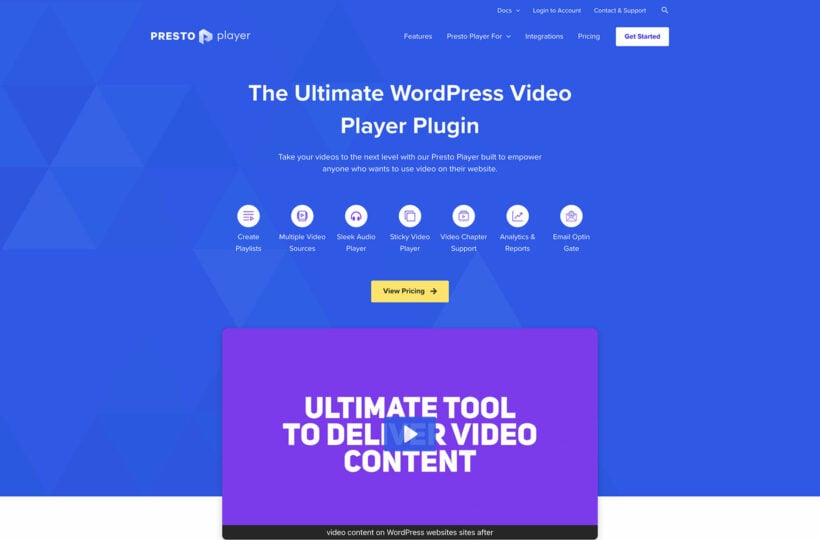
Presto Player is more than a video player. It's a full video engagement toolkit for WordPress, with private video hosting via Bunny.net, LMS integration, custom branding, and detailed analytics. That makes it the strongest fit when video sits at the center of your hub, especially for educators, coaches, and content marketers who want full control over how videos look and perform.
You can customize the player to match your brand and track how viewers interact with each video. There are no ongoing platform fees.
Pros:
- Supports HTML5, YouTube, and Vimeo videos.
- Private and public hosting via Bunny.net.
- LMS integration including LearnDash video progression controls.
- Player branding, multilingual captions, and analytics integration.
- Lazy loading and HLS adaptive streaming for performance.
Cons:
- The best features sit in the paid version.
- It's a video tool; you'll pair it with other plugins for documents and library organization.
Best for: course creators, marketers, and membership site owners who need branded video at the center of the hub.
2. Document Library Pro
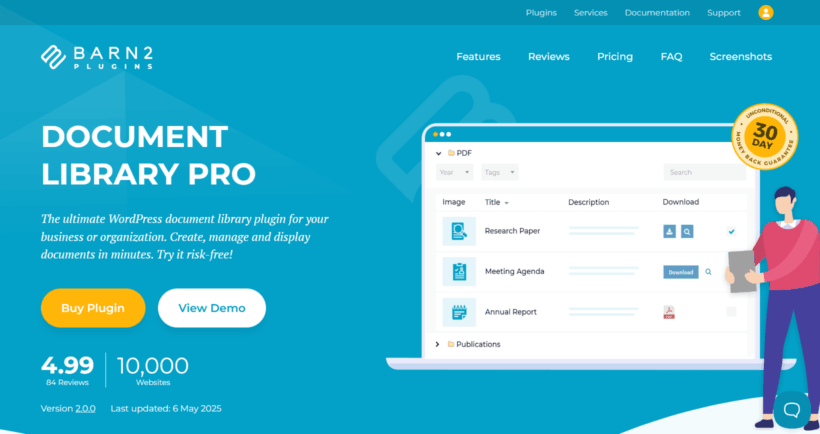
Our own Document Library Pro plugin handles the layer the dedicated players don't: the searchable, filterable index that ties the hub together. It turns your WordPress site into a powerful document library or download manager. Files appear in a clean table that visitors can search, sort, and filter, instead of long file lists or confusing folder structures.
The library supports PDFs, spreadsheets, audio, video, and any other file type. It pairs naturally with Presto Player or the HTML5 players above: use Document Library Pro for the library experience, and your chosen player inside individual entries. Building your hub on a platform other than WordPress? The same searchable library is available as a cloud version you can embed on any site.
Pros:
- Searchable, filterable tables with AJAX search and filter dropdowns.
- Supports any file type, including PDF, Word, Excel, audio, and video.
- Custom columns (title, description, date, download button, and more).
- Integrates with Dropbox, Google Drive, Office 365, and other cloud storage.
- Bulk upload via drag-and-drop, CSV import, or media library sync.
- Lazy loading and responsive layout for large libraries.
Cons:
- The free Document Library Lite version covers document tables, but built-in audio and video players are part of the paid plugin.
- Not a player itself, so you'll pair it with a video or audio plugin for playback.
Best for: schools, nonprofits, course creators, and businesses that need a central searchable index of mixed media resources.
3. Ultimate Blocks
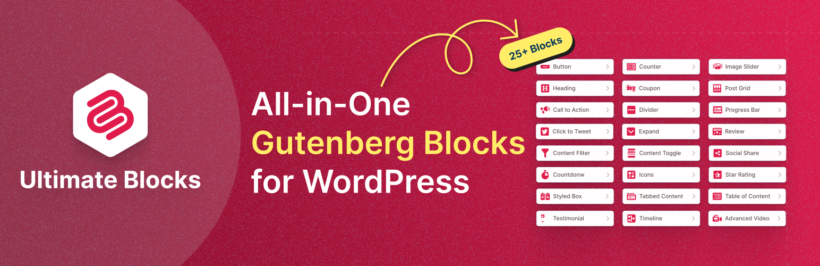
Ultimate Blocks is a multipurpose Gutenberg blocks plugin that helps you build interactive, media-rich pages directly in the block editor. It powers more than 50,000 sites and ships with 25+ blocks designed to extend native Gutenberg.
For a multimedia hub, the standout is the Advanced Video Block. It embeds and customizes videos with options the default block doesn't offer: custom thumbnails, custom start times, aspect ratio control, borders, and shadows. You can show self-hosted videos or videos from YouTube and Vimeo, all without leaving the block editor. Drop videos into Tabbed Content blocks to organize by topic, build expandable video FAQs with the Content Toggle block, and use the Table of Contents block for navigation on long media pages.
Pros:
- Advanced Video Block with custom thumbnails, start times, and aspect ratio control.
- Tabbed Content, Content Toggle, and Table of Contents blocks for organizing media-rich pages.
- Native to the block editor with no shortcodes or external dashboards.
- Lightweight: assets load only for the blocks you use.
Cons:
- It's block-editor only.
- It's a generalist toolkit rather than a dedicated player.
Best for: block-editor sites that want media-rich layouts without juggling multiple specialist plugins.
4. HTML5 Video Player
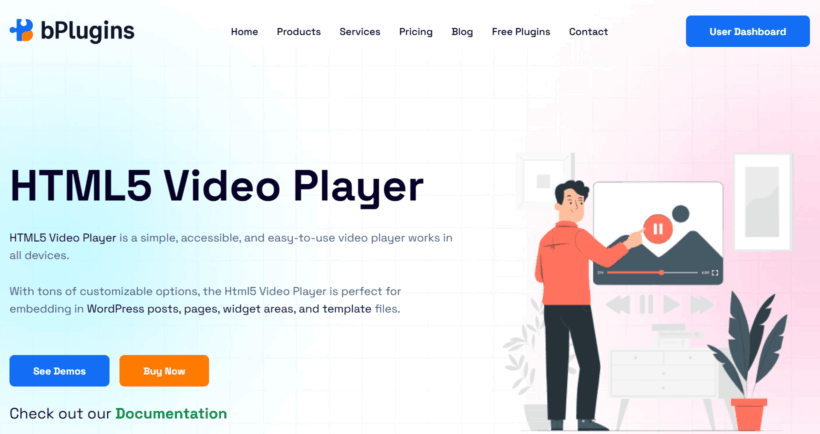
HTML5 Video Player is a flexible WordPress plugin for embedding self-hosted videos. You add videos directly to posts, pages, or templates and get a mobile-friendly viewing experience for single videos or playlists.
You can customize the player with different skins and colors. It suits creators who want full control over presentation without depending on YouTube or Vimeo. Use it for product demos, tutorials, or gated video content.
Pros:
- A free version is on WordPress.org.
- Responsive layout with several player skins.
- Supports MP4, WebM, OGG, FLV, and external hosting (e.g., Amazon S3).
- Sticky video, password protection, subtitles, and chapters.
Cons:
- Lacks Presto Player's LMS integration and analytics depth.
- The full feature set sits in the paid tier.
Best for: simple self-hosted video embeds where Presto Player's depth isn't needed.
5. HTML5 Audio Player
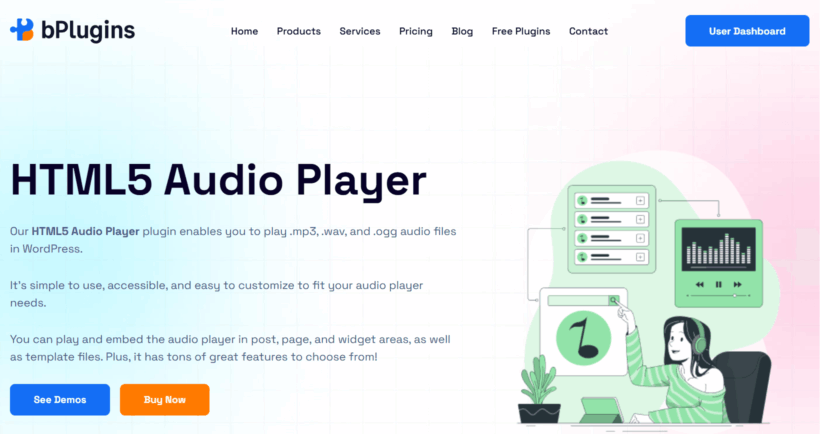
HTML5 Audio Player is a lightweight MP3 player plugin. It embeds audio files anywhere on your site for smooth playback of podcasts, music samples, or audio lessons. It supports MP3 and OGG and works through a shortcode or a Gutenberg block.
The player is responsive and cross-browser, including Chrome, Firefox, Safari, and Edge. You can switch skins and customize colors to match your branding.
Pros:
- It's free, lightweight, and quick to set up.
- You can add it via shortcode or a Gutenberg block.
- Multiple player skins are included, with color controls.
- Autoplay, loop, and mute controls are included.
Cons:
- It isn't built for managing a large catalog of episodes.
- It's lighter on metadata than dedicated podcast plugins.
Best for: simple audio embeds in posts, pages, or sidebars.
6. Document Embedder
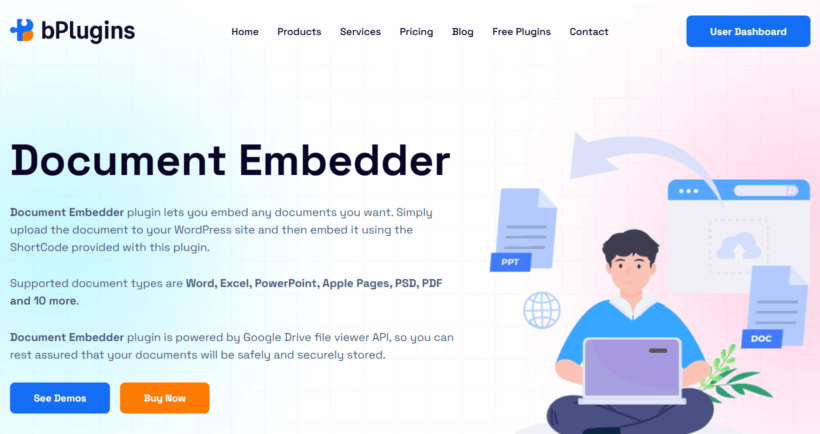
Document Embedder displays Word documents, Excel sheets, PowerPoint files, and other formats directly on your WordPress site. It uses Google Drive Viewer to support 16+ file formats and embeds documents responsively.
This is the easiest way to share curriculum materials, technical manuals, and business files in-page rather than as downloads. You can use files from your media library or link to files on Google Drive or Dropbox.
Pros:
- A free version is available on wordpress.org.
- Supports 16+ document formats.
- Fully responsive viewer with customizable width and height.
- Gutenberg block plus shortcode support.
- Works with cloud-hosted documents from Google Drive and Dropbox.
Cons:
- Relies on Google Drive Viewer rendering, which can be slow.
- PDF-specific features are stronger in PDF Poster.
Best for: teachers, bloggers, and business owners who need to share Office and PDF documents in-page.
7. PDF Poster
PDF Poster is a dedicated PDF viewer. You add PDFs to posts, pages, or widgets and get a mobile-friendly scrollable display, with no coding or third-party services. It works in both the block editor and the Classic Editor.
The viewer is responsive and customizable, so brochures, white papers, guides, and eBooks fit the site's design rather than looking like a generic embed.
Pros:
- A free version is available on wordpress.org.
- Dedicated PDF viewer with scrolling and full-screen.
- Custom width, height, and title above the PDF.
- Download and print options.
- Content protection in the Pro version.
Cons:
- It handles PDFs only. You'll need another plugin for Word, Excel, or PowerPoint files.
- The most advanced features need the Pro tier.
Best for: PDF-heavy sites: eBooks, case studies, product sheets, and downloadable assets.
Tips for a seamless multimedia experience
Uploading the files isn't enough. The hub needs to feel smooth, well-organized, and easy to explore.
Organize with categories and tags
As your media library grows, categories and tags keep it navigable. Visitors can filter to a tutorial video, a manual, or a podcast episode without scrolling a long list. This matters most for course materials, documentation, and content libraries that cover many topics or formats. Most of the plugins above support taxonomies; use them.
Match your site's design
Media should feel integrated, not bolted on. Use plugins that let you customize the appearance of players and viewers, colors, buttons, layouts, icons, to match your brand. Consistent design signals professionalism and builds trust.
Make it mobile-friendly
Many visitors will arrive on mobile. The plugins in this list are responsive by design, but test your media on different screen sizes anyway. Mobile experience also affects search rankings.
Protect premium or private content
Not all media should be public. If you sell courses, share internal documents, or offer member-only content, pick plugins that restrict specific files, pages, or libraries. This matters most for educators, subscription sites, and businesses sharing exclusive content.
Optimize for fast loading
Videos and high-resolution PDFs slow sites down if you let them. Compress files before upload and use plugins that support lazy loading so media loads only when needed. The result is lower bounce rates and better cross-device performance.
FAQs about WordPress multimedia plugins
Can I use self-hosted and third-party content like YouTube or Dropbox?
Yes. Most multimedia plugins support both. You can upload files to your site or embed content from YouTube, Vimeo, or Dropbox. Use self-hosted files for private content and third-party links when you want to save server space.
Will media players slow down my WordPress site?
Not with the right plugins. Many include lazy loading and optimized file handling so media loads only when needed. Pages stay fast even with a lot of media.
Can I restrict access to specific files or media?
Yes. Some plugins control access based on user roles or login status. This suits membership sites, gated courses, and internal resource libraries.
Are these plugins compatible with Elementor or Gutenberg?
Yes. Most modern plugins integrate with both block editor blocks and Elementor widgets. You drag in players or libraries with no coding.
Can I customize the look of players and libraries?
Yes. Most plugins offer built-in design controls. For more flexibility, use shortcodes or custom CSS to match the rest of your site.
Do these plugins support analytics?
Presto Player does, with viewer engagement tracking and Google Analytics integration. Others are lighter on analytics.
Which multimedia plugin should you choose?
The right combination depends on what kind of content sits at the center of your hub.
- If video is your main content, choose Presto Player.
- For the searchable library that ties everything together, choose Document Library Pro.
- If you'd rather build media-rich pages directly in the block editor, choose Ultimate Blocks.
- For simple self-hosted video without LMS depth, choose HTML5 Video Player.
- For simple audio embeds, choose HTML5 Audio Player.
- For embedded Word, Excel, and PowerPoint documents, choose Document Embedder.
- For dedicated PDF embedding, choose PDF Poster.
Most hubs pair two or three of these. The common shape is Document Library Pro for the index, Presto Player or HTML5 Video Player for video playback, and a PDF or document embedder for the in-page documents.