Social media integration for WooCommerce: Top social commerce plugins


Over half of US adults have bought a product directly from a social platform, and many more discover new products there long before they reach your website. If you sell with WooCommerce, the right plugins let you tap into that. You can put your Instagram on your store, add product share buttons, run a referral program, or let shoppers sign in with a social account.
WordPress and WooCommerce don't connect to social media on their own, so you need a plugin for each job. I've compared the best WooCommerce social media plugins below, with pros and cons for each, so you can pick what fits your store.
Quick verdict: the best WooCommerce social media plugins
Short on time? Here is where each plugin fits.
- Best for Instagram feeds Spotlight shows your Instagram on your store, with shoppable feeds that link to your products.
- Best for social sharing Social Share for WooCommerce adds product share buttons so customers spread the word.
- Best for referrals AutomateWoo Refer A Friend runs a word-of-mouth referral program.
- Best for social login miniOrange Social Login lets shoppers sign in with an existing social account.
Evaluating these social plugins
I looked at what matters when you choose a social plugin for WooCommerce: what it does, whether there is a free version, pricing, ease of setup, and whether it is still actively maintained. Each plugin below also meets these basics:
- It is easy to use.
- It loads quickly.
- It works well on mobile.
- It looks good out of the box.
- It works across different devices and platforms.
- It has positive reviews.
The role of social commerce in business
Today, social platforms have become a major communication tool connecting people across the globe. People use the platforms to post product reviews and give opinions, information, and product recommendations. Others use the channels to search for products and research more about them.
Social platform users spend extended time reading their feeds. In the US, over half of the country’s adults ordered products directly on social platforms in 2022.
Social commerce is a concept where brands use social media to sell products and services. Brands conduct the entire process of a sales funnel on social media channels.
Through social commerce, brands sell products and services through social media and provide shoppers with options to add to their cart and checkout without leaving social platforms. Its main role is to make online businesses available on social platforms which widens traffic and marketing reach. Store owners benefit from enhanced trust, brand awareness, and sales.
Social platforms influence customer behavior in different ways.
- Building brand awareness across different social platforms.
- Influencing purchases through social proof of products.
- Brands offer sales deals such as discounts and product promotions.
- Influencers have the power to make users adopt a certain buying trend.
Why integrate social media with WooCommerce?
Social media is everywhere
Social media today forms a big percentage of people’s daily lives. A Sprout Social report shows an estimated 4.89 billion people use social media globally. In another report by Data Reportal, an adult internet user spends over 2.5 hours daily on social media. Based on these reports, e-commerce platforms cannot afford to miss social media benefits.
And people aren't just using social media to look at cat photos or chat with their friends. It extends into the ecommerce world too.
Reports from Sprout Social and Hootsuite consistently show that most shoppers now discover and research products on social media before they buy. Brands that use social e-commerce can tap into this large market and make sales.
Proven success stories
In 2018 for instance, Nike pre-released its Air Jordan III a few days before the NBA All-Star games started. The company used Snapchat's social platform to advertise the product. It recorded a big success in terms of sales. Users could add the product to a cart directly on Shapchat.
Another company that is influencing the market on social platforms is Cluse. It has been using hashtags and links to attract customers. Cluse uses user-generated content to give its store a personalized touch. Its Instagram account is a perfect example of engaging social media for smart shopping.
With the right WooCommerce social plugins, you can achieve these benefits for your own store.
Other ways to make WooCommerce social
So far, I've talked about the idea of making your products available for purchase on social platforms, as well as directly on your WordPress website. That's definitely worth doing.
In addition, there are other ways to allow a WooCommerce store to benefit from the power of social. For example, there are plugins that:
- Allow customers to log into your website using their social media accounts. This reduces friction compared to making them create an account from scratch.
- Encourage customers to spread the word and share your products on their social networks. This can be a fantastic marketing opportunity which will expand your reach.
Top social commerce plugins for WooCommerce
Next, I'll walk you through the best WooCommerce social media plugins. Read about each one and install the ones that fit your business model.
| Plugin | What it does | Free version | Starting price | Best for |
|---|---|---|---|---|
| Spotlight | Instagram feeds (shoppable) | Yes | $59/year | Showcasing Instagram |
| Social Share for WooCommerce | Social share buttons | Yes | $29/year | Letting shoppers share products |
| AutomateWoo Refer A Friend | Referral program | No | ~€86/year (plus AutomateWoo) | Word-of-mouth referrals |
| miniOrange Social Login | Social login | Yes | Paid tiers | Faster signup and checkout |
Spotlight Instagram Feeds

Spotlight (recently rebranded Spotlight Social Media Feeds, though it is still Instagram-only) lets you add Instagram feeds in seconds. It allows customization to create an attractive feed of products. Users can also track their feeds, add hashtags, and tag posts.
In my opinion, Spotlight's most exciting feature is its Shoppable Instagram Feed. This can auto-create Instagram feeds of the products from your WooCommerce store. These are then shared on Instagram, complete with buy buttons. That's what makes it such a great social commerce plugin.
Pros and cons
Pros:
- A genuinely useful free version, with unlimited Instagram accounts and feeds.
- A best-in-class live visual customizer, so feeds match your store.
- Shoppable Instagram feeds (on the PRO plan) link posts straight to your WooCommerce products.
Cons:
- Instagram only, so it cannot show Facebook, TikTok or other networks.
- Shoppable feeds are locked behind the PRO plan ($99/year).
- It needs an Instagram Business or Creator account; personal-account feeds no longer work.
Social Share for WooCommerce
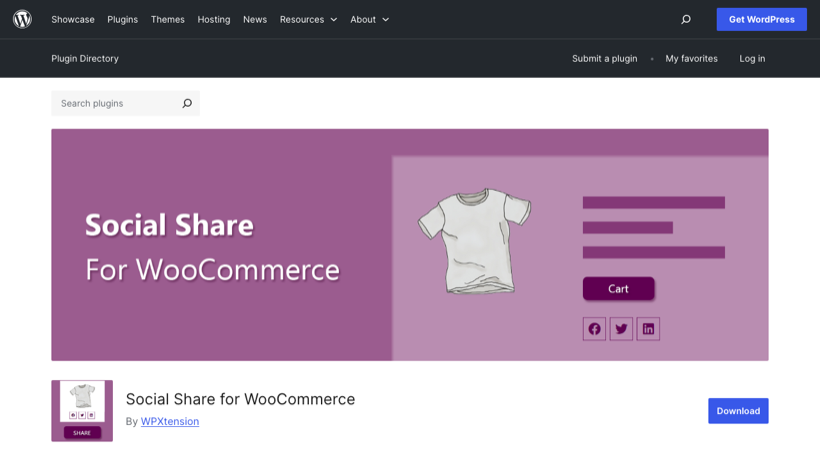
Social Share for WooCommerce is a free social sharing plugin. It allows users to add Reddit buttons, Tweet buttons, Facebook Recommendations and more to their store pages. This makes customers more likely to share your products. It is a small, focused plugin rather than a big brand, but if all you want is clean per-product share buttons, it does that job without bloat.
Pros and cons
Pros:
- Purpose-built for sharing WooCommerce products, not a generic site-wide tool.
- Lightweight and focused, with drag-and-drop button ordering.
- A free core version to start with.
Cons:
- A small, niche plugin (around 3,000 installs) from a little-known vendor.
- Most useful customization (floating icons, colors and shop-page sharing) is PRO-only.
- Share buttons on their own deliver limited measurable return.
AutomateWoo Refer A Friend
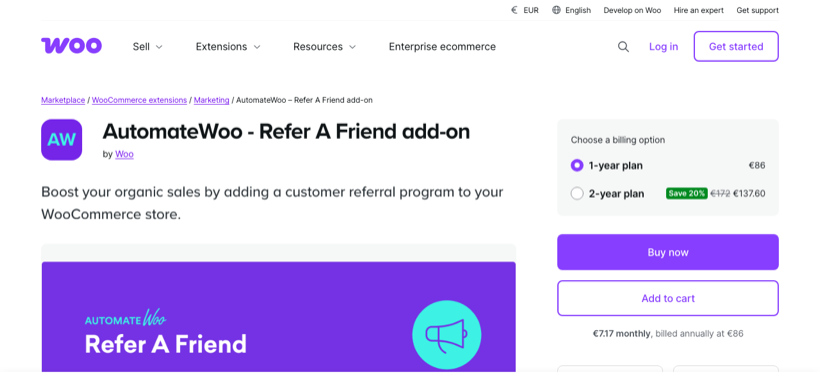
AutomateWoo Refer A Friend is an add-on that adds a referral program to your store. Note that it requires the separate, paid AutomateWoo plugin to run. You can set automated or manual referral approval, and reward both the advocate and their friend.
It is the most polished referral tool here, but the two-plugin cost makes it overkill unless referrals are a real priority for your store.
Pros and cons
Pros:
- A first-party WooCommerce extension, built and maintained by Automattic.
- Flexible referral rules, with automated or manual approval.
- Rewards both the advocate and their friend, which encourages word of mouth.
Cons:
- It is an add-on that requires the separate, paid AutomateWoo plugin, so you pay for two.
- No free version, which makes it expensive for a single feature.
- Overkill if a referral program is all you need.
miniOrange Social Login
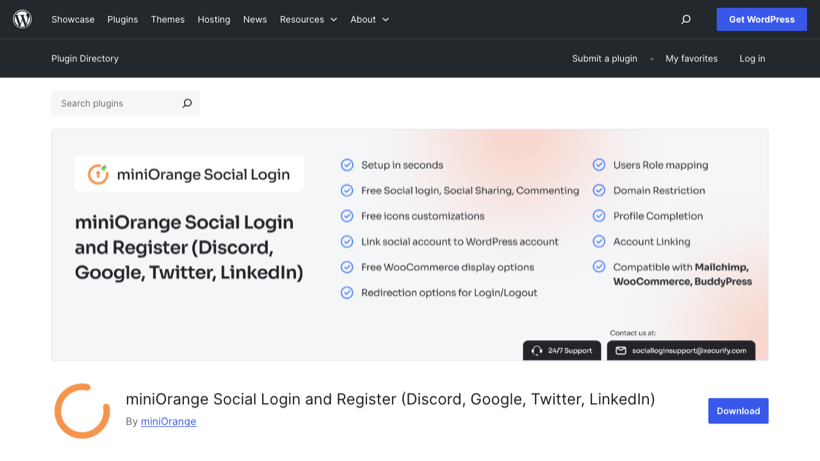
miniOrange Social Login is a free plugin built to let users log in with an existing social account, without creating a new one. Since WooCommerce uses standard WordPress user accounts, you can use it to improve the login process on any WooCommerce store.
Social login saves time and increases sales in e-stores because customers don't need to create a new account. It simplifies the checkout process to limit the number of abandoned carts.
Users do not need to create a new social media account to use the plugin. They just log into your website using their existing social media accounts.
Pros and cons
Pros:
- A free version that supports around 11 social providers, including Google and Facebook.
- Reduces signup friction, so fewer shoppers abandon at registration.
- Widely used and actively maintained.
Cons:
- Aggressive feature-gating: the WooCommerce integration and many providers are paid-only.
- Support is a recurring complaint in reviews.
- Setup can be fiddly compared with simpler social-login plugins.
Make WooCommerce social!
Making your WooCommerce store social does not take one big plugin. It takes the right small ones for the jobs you care about, and which you need depends on what you want to do:
- To show your Instagram on your store, use Spotlight.
- To let shoppers share your products, add Social Share for WooCommerce.
- To reward referrals, use AutomateWoo Refer A Friend.
- To speed up signup with social login, try miniOrange Social Login.
Start with the plugin that matches your main goal, and add another only when you need it.
2 Comments
Great article - thank you.
I was wondering if it's possible to share my Woocommerce orders on social platforms.
I run a classified website, so my orders and for horses that my clients are trying to sell.
I spend an hour a day, sharing my clients horses they have for sale across my social platforms. I was wondering if there was a plugin for Woocommerce that could streamline this process for me.
Kind regards
Kate
Hi Kate, thanks for asking! I’ve heard that the Social Share for WooCommerce plugin might help with your requirements. However, most WooCommerce plugins and integrations are generally designed for sharing product pages rather than individual orders. Sharing specific details of individual orders (like customer purchases) directly on social media isn’t a common feature and could raise privacy concerns. You might consider reaching out to the Social Share for WooCommerce plugin developers to see if they offer this functionality. I hope this helps! If you have any more questions, feel free to reach out to us at our Support Center.