New Document Library Pro integration - protect files & view download reports

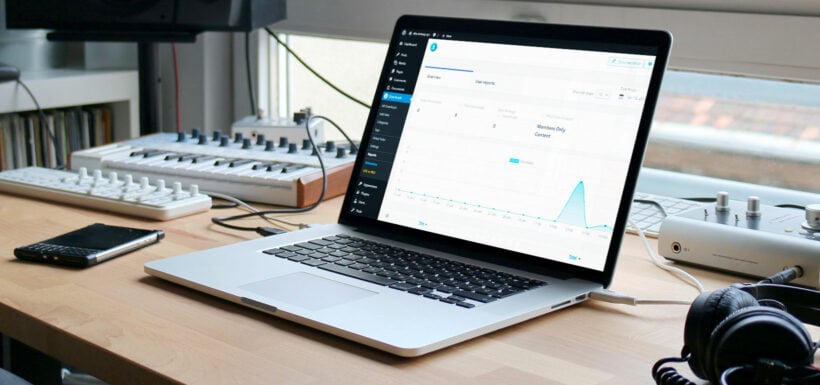
We are excited to announce a new integration between Document Library Pro and the Download Monitor plugin. Use the two plugins together to track downloads of the files in your document libraries.
Protect document files
If you have a private document library then you're probably already using its access control features, which let you restrict access to sections of - or your entire - document library. This is common practice for healthcare organizations or legal firms, for example. By doing this, only specific logged in users, roles or people with the password can view the documents within the protected area(s).
Restricting a document doesn't restrict the file behind it. Anyone who has the direct file URL can still download a protected document straight from your uploads folder.
On the Advanced plan, Document Library Pro 4.2 protects those files for you. Tick 'Protect media files' under Documents → Settings → Access Control and the files attached to your protected documents move into a private folder that your web server won't serve. Every download then runs through the plugin, which checks the visitor against the document's own access rules first. Read protecting your document library for the full setup.
View document download stats
You can also use Download Monitor to access detailed reports on the number of downloads for each document. This helps you to gain insights into the popularity of each file. It also helps you learn how people are using the document library.
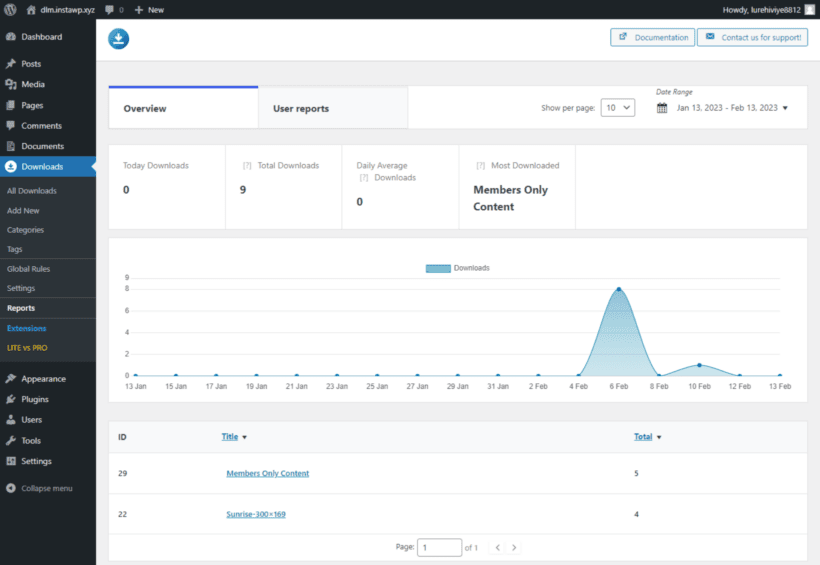
As well as viewing overall reports on the number of downloads for each document, you can view individual user behavior. This is good for knowing which users downloaded which documents.
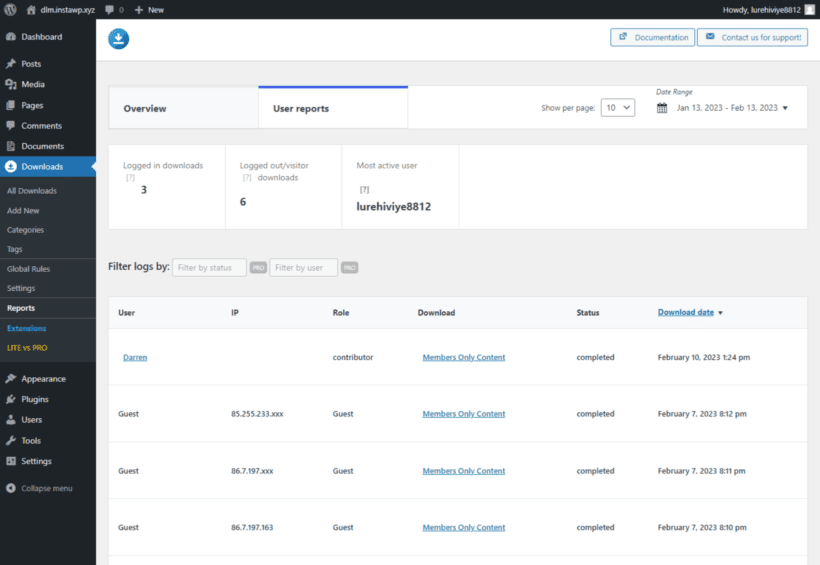
Please note that Download Monitor only reports on the document files it manages.
Where to get the plugins
To take advantage of the new integration, you need the following plugins:
We are constantly working to improve Document Library Pro, both directly and through integrations with other useful tools. We hope this integration with Download Monitor will provide you with added value and help you to better manage and report on your files.