Document Library Pro now works with Shopify

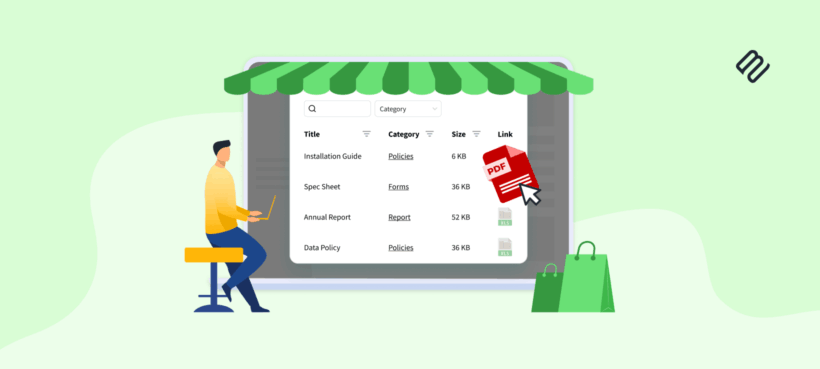
We've released a Document Library Pro app for Shopify. It was already available as a hosted service you could embed in Shopify, and the new app makes it much easier to add searchable, filterable document libraries directly within your store.
Most Shopify stores sell products that come with documents, whether that's datasheets, spec sheets, manuals, warranties or safety certificates. Shopify has no built-in way to organize those files so shoppers can find them. The Document Library Pro app gives your store a proper document library that customers can search, filter and download from. Below, I'll cover why an ecommerce store needs one, what the app does and how to set it up.Why does an ecommerce store need product documents?
A searchable, filterable library
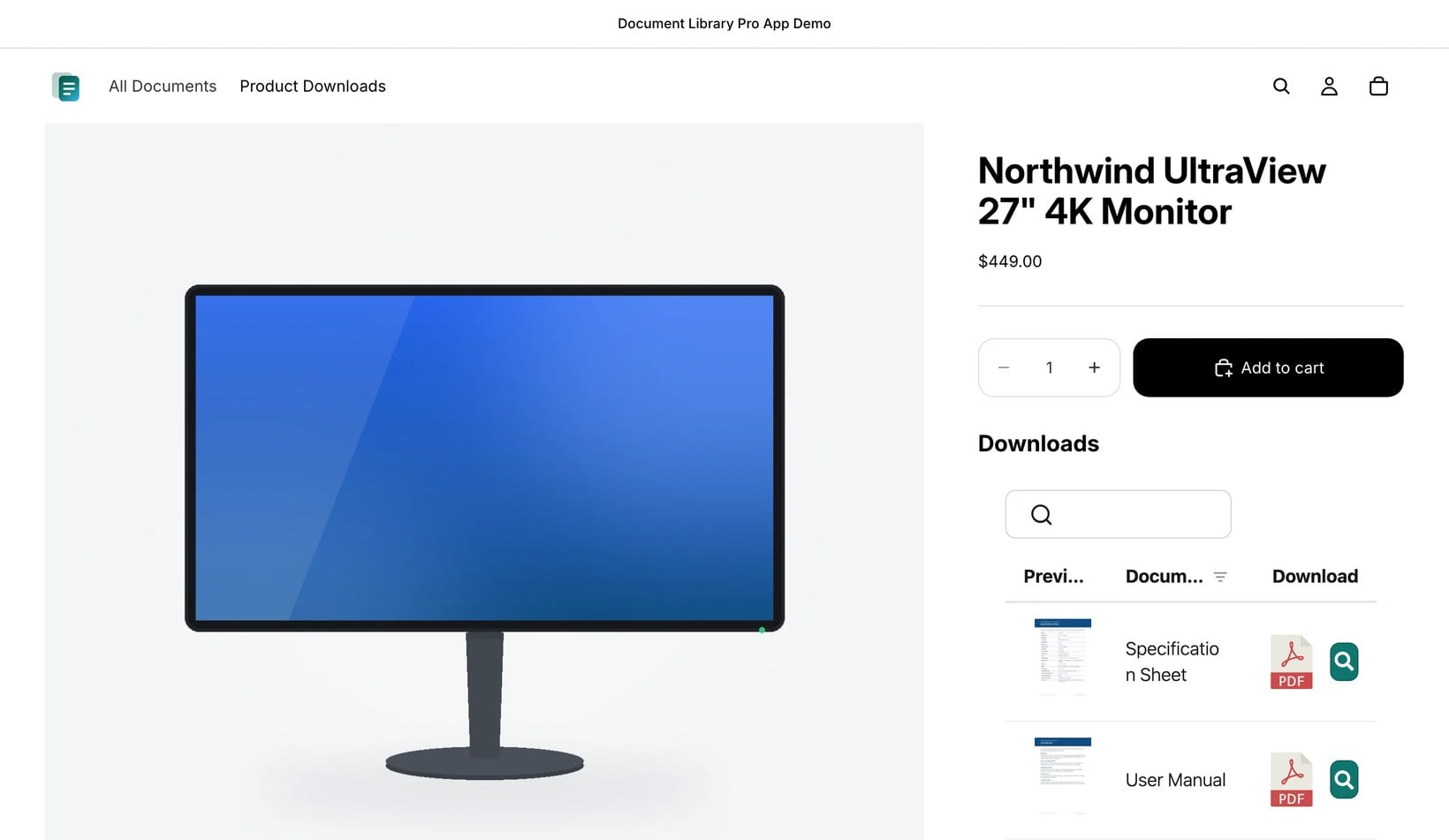
The app puts a searchable, filterable document library on your store. Customers get a search box and filters, so they find the exact file they need instead of scrolling through a long list. They can preview a document before downloading it, and take one file or several at once. You choose the layout that fits your catalog. A table suits a long list of datasheets, a grid works for documents with cover images, and a folder view keeps everything tidy. You organize documents by category and tag, and those become the filters your customers click. Every common file type is supported, including PDF, Word, Excel, PowerPoint and images. To fill a library quickly, you can bulk import documents from a CSV or drag and drop them straight in.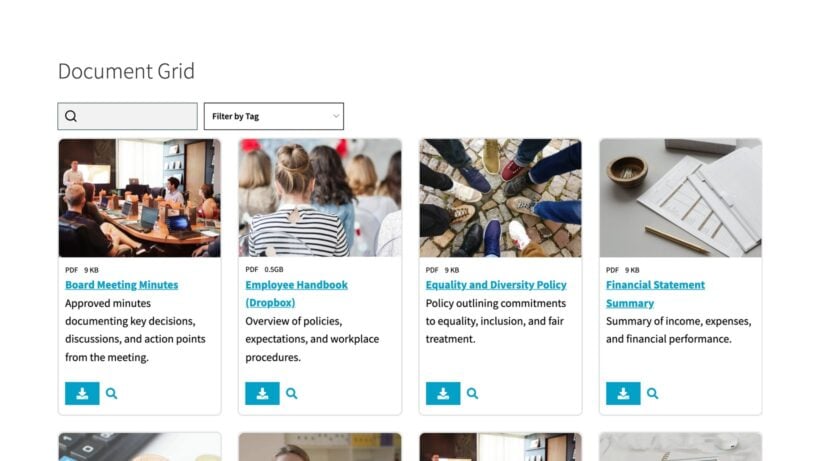
One central library, or different files on each product
You can use the app in two ways, and most stores end up using both.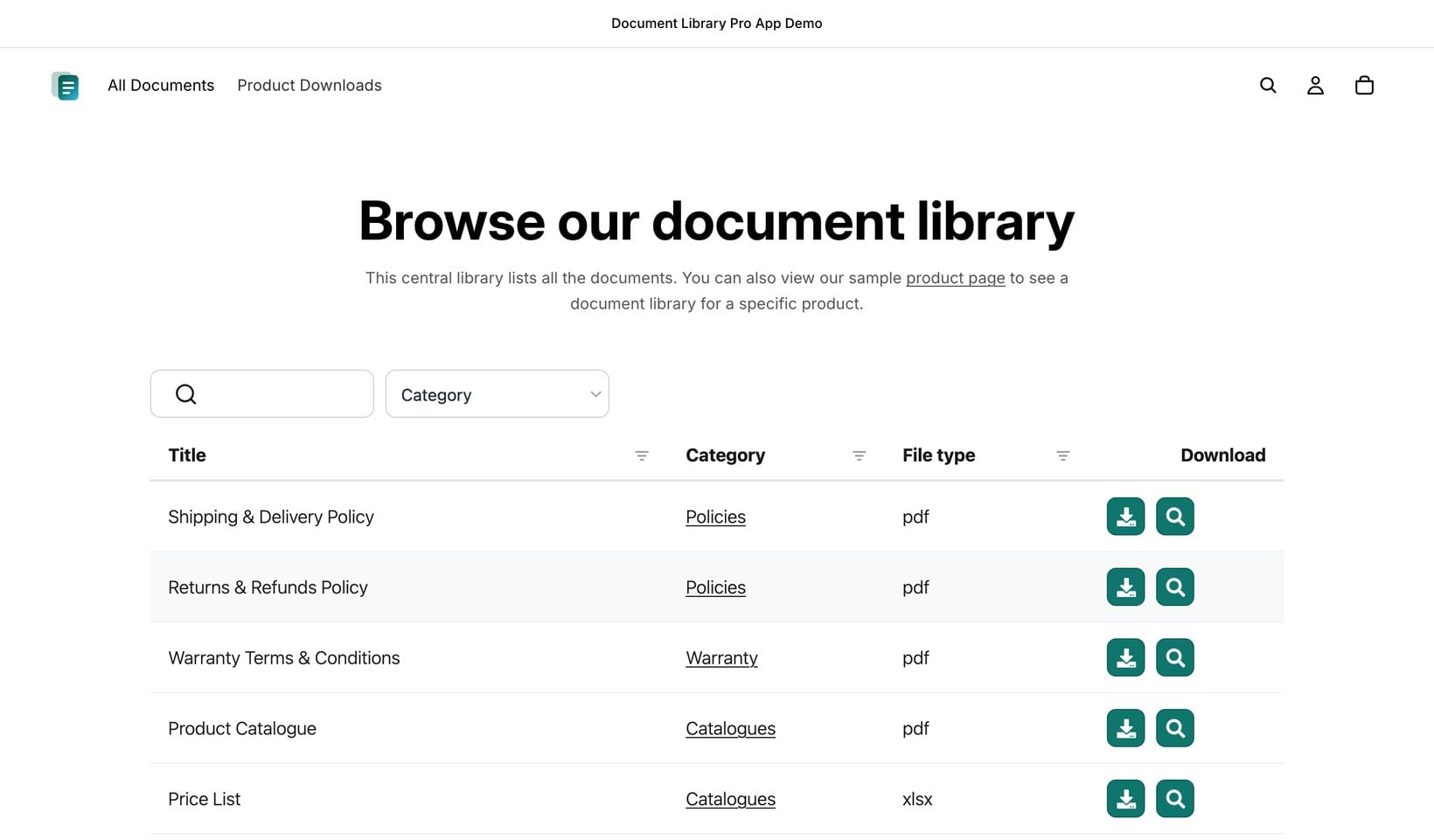
- The first is a single, central library that lists every document in one place. A parts supplier might put its whole catalog of datasheets there, then link to it from the store menu so customers can browse or search the lot.
- The second is a different library on each product. A power-tool listing can show that model's manual, spec sheet and warranty, while the next product shows its own set.
Keep old documents off live products
A warranty changes, but the old PDF stays attached to the product page. Or a safety certificate expires and remains available beside the Add to cart button. That's a different problem from a missing file. It can become a liability, not just an inconvenience. This is why our document library Shopify app includes version control on the Advanced plan. You replace the file in one place, and every product or library showing that document updates to the current version. Auto-expiry, also on the Advanced plan, handles documents with a known end date. You set the date, and Document Library Pro removes the certificate when it lapses. As a result, your store is less likely to keep serving a superseded warranty, an expired safety certificate, or old compliance paperwork after the product has moved on.Who the Shopify app is for
We built the app for a particular kind of store, where the documents matter as much as the products. That covers manufacturers, distributors and wholesalers, and any B2B store whose buyers want the full datasheet, manual or certificate before they order. If your product pages are really sales pages with a stack of PDFs bolted on, this is the store I had in mind. You can also keep certain libraries private. A library can be public, or locked behind a password for wholesale customers, members or a specific account. That way your wholesale price lists and restricted datasheets stay visible only to the right people, which suits any B2B store that separates trade and retail.Getting started takes a few minutes
Part of the Document Library Pro family
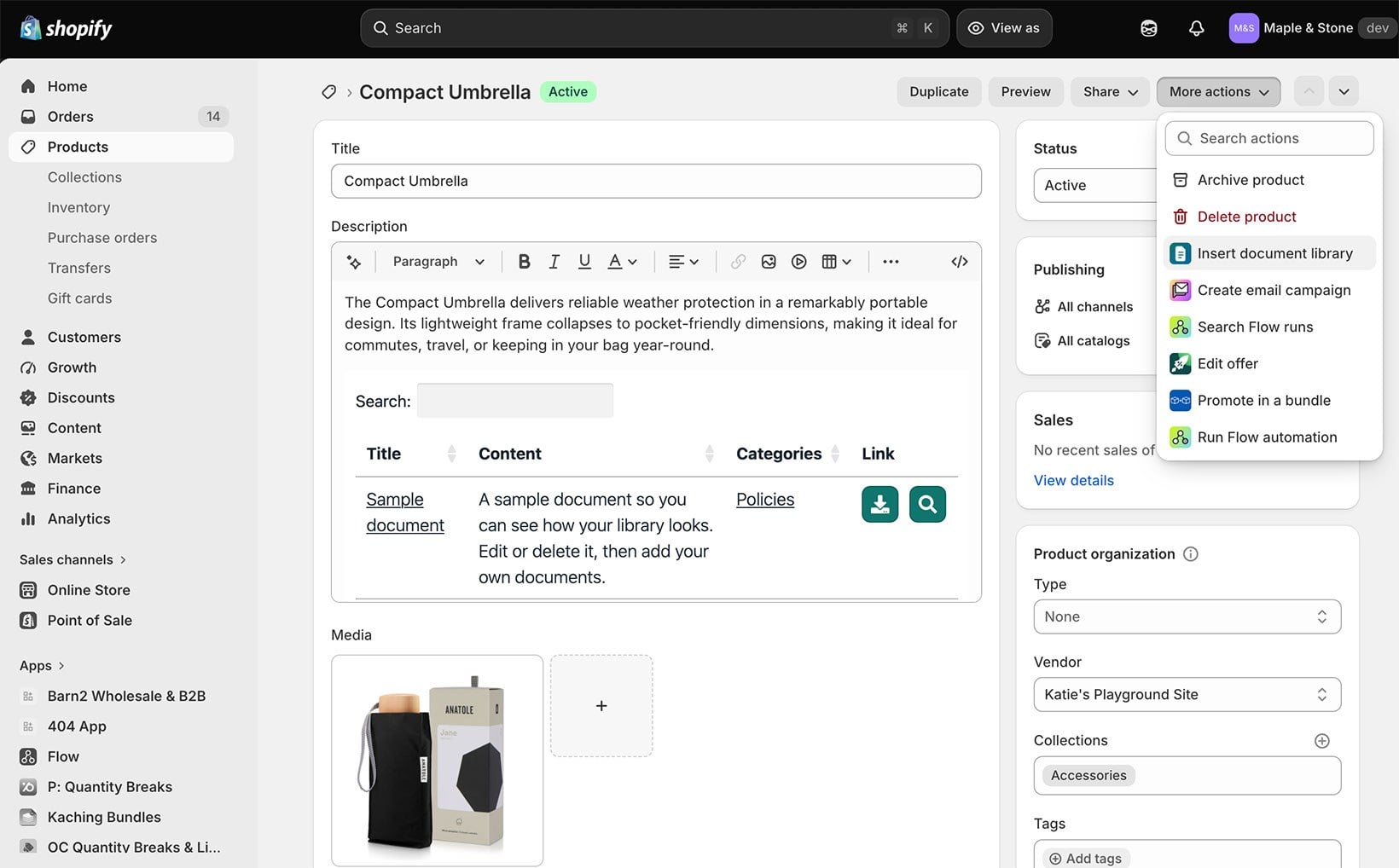
Document Library Pro was already available as a hosted service at documentlibrary.pro, which lets you embed a document library on almost any website using an embed code. You could already embed one in Shopify that way. The new app simply makes it easier. Pasting embed codes into a Shopify theme was always the fiddly part, so that's the step we set out to remove. Now you add and manage your libraries from inside Shopify, with the Documents page and the product action doing the work. It runs on the same document library engine that more than 13,000 sites already use, and it's our second app for Shopify, after Bulk Quantity Discounts. There is one thing worth knowing up front: Your files live in your Document Library Pro account and are shown on your store through the app, rather than sitting inside Shopify's own product data. For most stores that is exactly what keeps setup so quick.Add a document library to your Shopify store
If your products come with documents, a document library for Shopify gives your store a fast, tidy way to share them. Here's what you get:- Search, filter and downloadCustomers find files by searching, filtering and browsing table, grid or folder layouts.
- One library or manyList everything in one central library, or show different files on each product.
- Every common file typePDF, Word, Excel, PowerPoint and images, with bulk CSV or drag-and-drop import.
- Public or private accessKeep wholesale and members-only libraries behind a password.
- No embed codesAdd libraries from inside Shopify, with billing through your Shopify account.
- Current filesUse version control and auto-expiry to replace documents once and remove time-sensitive files when they lapse.