Best WordPress donation plugins for 2026


Looking for the best WordPress donation plugin for your charity or nonprofit? I've compared the top options for collecting donations on WordPress, with real pros and cons for each.
Collecting donations on WordPress means different things depending on your setup. Some nonprofits want a dedicated form with recurring giving and donor records. Others already run a WooCommerce store and want donations sitting alongside their other sales.
I'll cover the strongest standalone donation plugins first, then a flexible option for stores that already run WooCommerce. And because so many nonprofit sites overlook it, I'll finish with a bonus: how to add a searchable document library for your annual reports, board minutes and policy documents.
Quick verdict
Short on time? Here's where each donation plugin fits best.
- Best overallCharitable is the most complete dedicated donation plugin, with a capable free version and no transaction fees.
- Best for existing WooCommerce storesWooCommerce Product Options turns a product into a donation form, so giving sits beside your other sales.
- Best form-builder routeWPForms adds a simple donation form if you already build your other forms with it.
- Best standalone valuePaymattic includes recurring donations with no platform fee, even on its lower-priced plans.
- Best hosted optionDonorbox runs the donation engine for you and embeds the form on your site.
- Leaving GiveWPPick one of the options above, or read my guide to switching from GiveWP.
The criteria I used to compare these plugins
I focused on the things that matter when a nonprofit chooses where to collect money. For example:
- How much does the free version cover?
- Which payment gateways are supported?
- Is recurring giving included or charged as an extra?
I also weighed the fees each plugin or platform adds on top of your payment processor. While price is important, reliability is essential. So I won't recommend cheap solutions unless they're backed with quality code and support.
1. Charitable
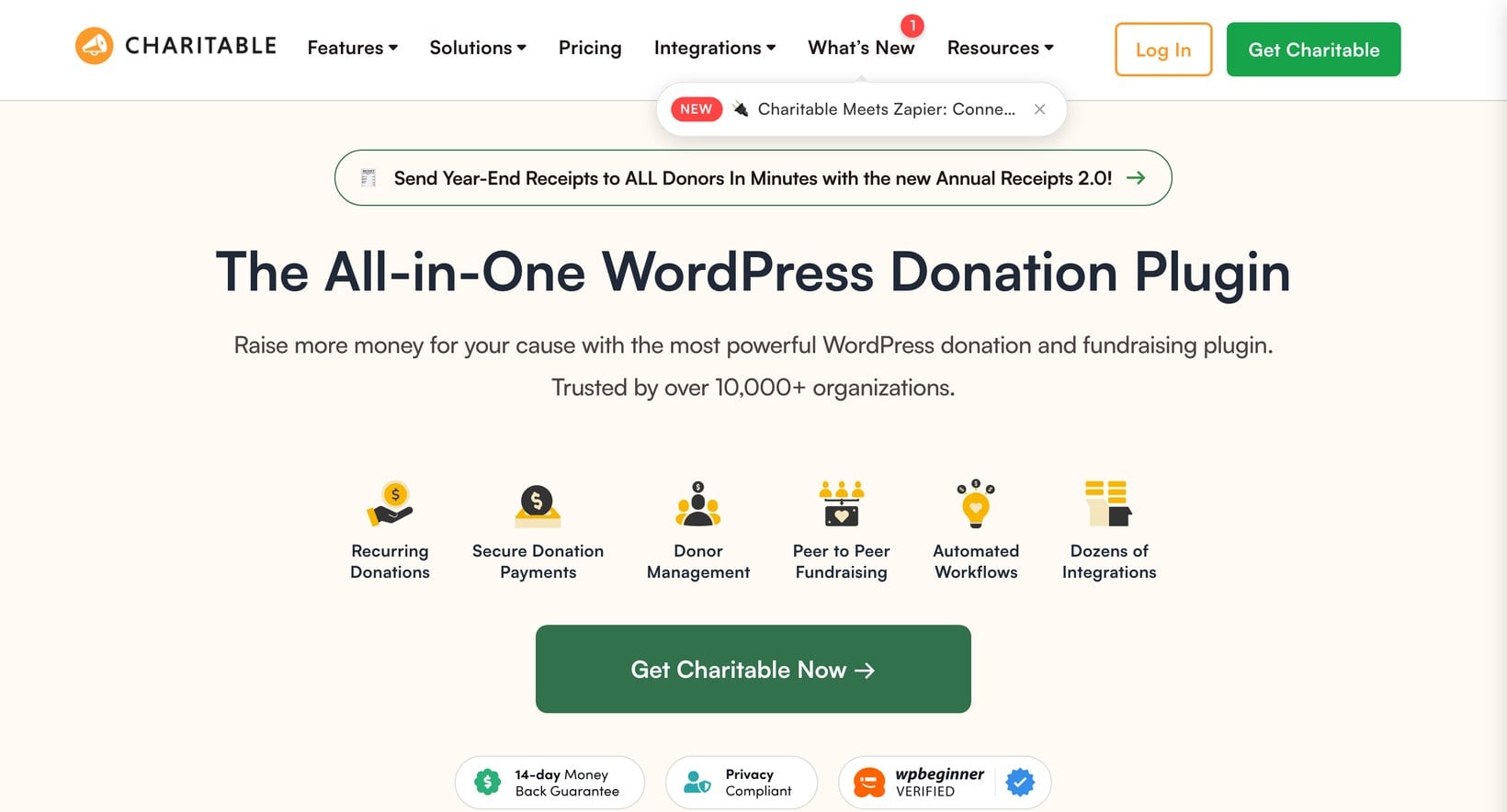
Charitable is where I'd start if you want a dedicated donation plugin and you're not running an online store. It's been built specifically for nonprofits since 2015.
It's now owned by Awesome Motive, the team behind WPBeginner and WPForms, so it's well resourced and updated often. It holds a 4.9 out of 5 rating from more than 200 reviews on WordPress.org, which is rare in this category.
The free version covers what most small charities need: unlimited donation forms, suggested or custom amounts, and basic donor records. Stripe and PayPal both work without a separate gateway plugin. Charitable also charges no transaction fees of its own, so every dollar above the payment processor's cut reaches your cause.
Recurring giving is the feature most nonprofits ask about. Charitable handles monthly donations through either PayPal's subscriptions or an on-site billing option, but that sits in a paid extension rather than the free plugin.
The same goes for peer-to-peer fundraising, donor portals and detailed reporting. That's the main thing to weigh: the features that grow regular income are premium add-ons, so the real cost climbs once you move past one-off donations.
Pros
- Capable free version with unlimited forms and no transaction fees.
- Purpose-built donor management, the most complete of any WordPress donation plugin.
- Actively maintained with a very high review score.
Cons
- Recurring giving, peer-to-peer and reporting are paid extensions, so costs add up.
- It's a standalone system, so you'd run it separately if you also sell products.
2. WooCommerce Product Options
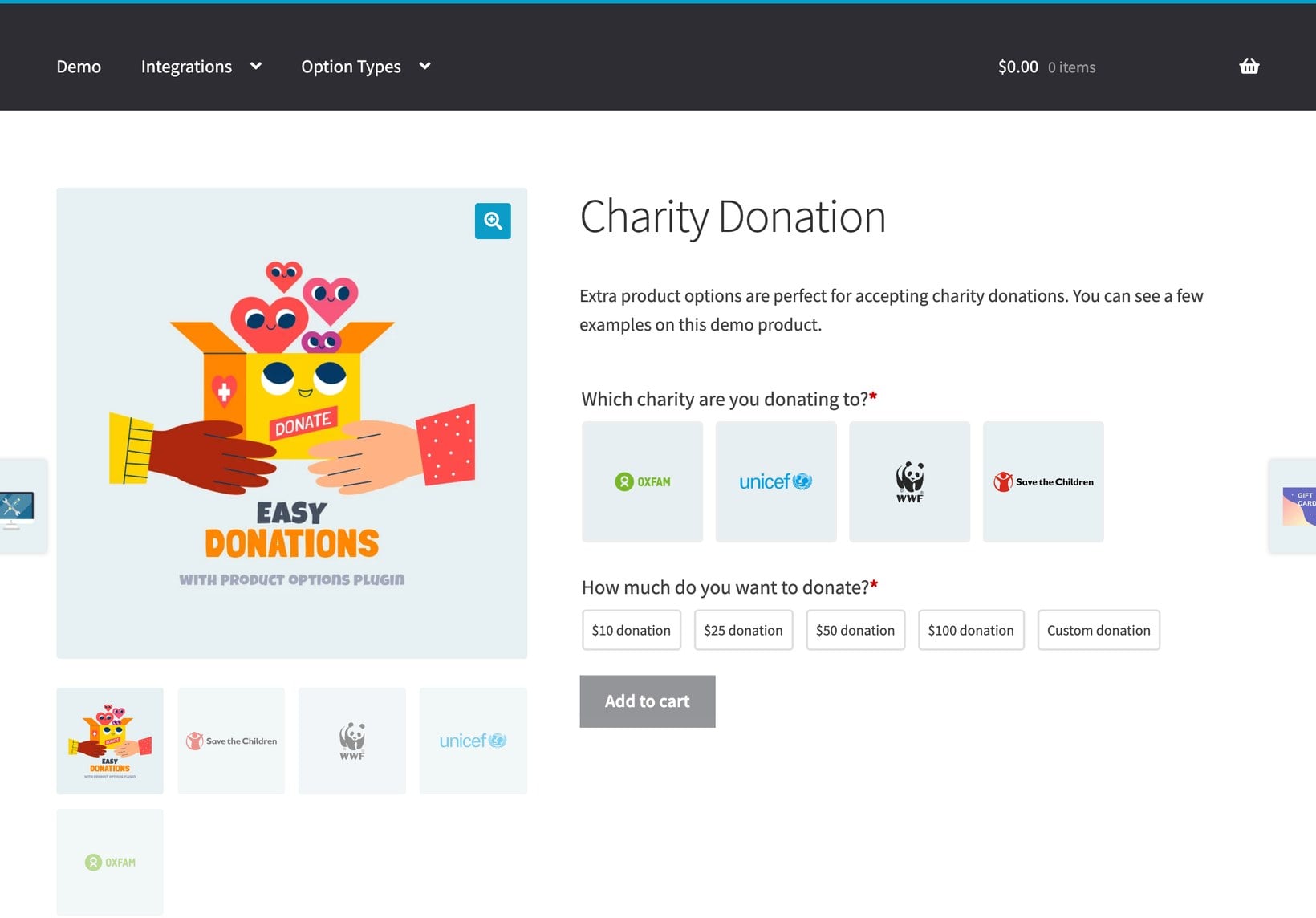
This option is for a specific situation: you already run a WooCommerce store to sell products, tickets or merchandise, and you want to collect donations in the same place. We make WooCommerce Product Options, and it lets you turn an ordinary product into a flexible donation form rather than installing a second donation system.
You set up predefined amounts as clickable buttons, then add a custom amount field for donors who want to enter their own figure. With conditional logic, you can reveal that field only when someone picks 'other', or show an optional Gift Aid checkbox based on the amount.
Every donation is recorded as a WooCommerce order. Receipts, donor records and reporting all sit in the same dashboard as your product sales.
The benefit is real for stores already on WooCommerce: there's no second platform to maintain, and giving lives next to everything else you sell. Be clear about how narrow this fit is, though. WooCommerce Product Options is not a dedicated fundraising tool.
It has no donor portal, no peer-to-peer campaigns and no built-in recurring giving, so monthly donations would need a separate subscriptions plugin. For a pure donation site with no shop, a dedicated plugin like Charitable is the better choice. For a fuller walkthrough, see my guide to adding a charitable donation option at the WooCommerce checkout.
Pros
- Donations and product sales live in one WooCommerce dashboard.
- Flexible form with suggested amounts, a custom amount field and optional Gift Aid fields.
- Uses your existing WooCommerce payment gateways and reports.
Cons
- Only makes sense if you already run WooCommerce.
- Not a dedicated donation or fundraising system.
- Recurring giving needs a separate subscriptions plugin.
3. WPForms
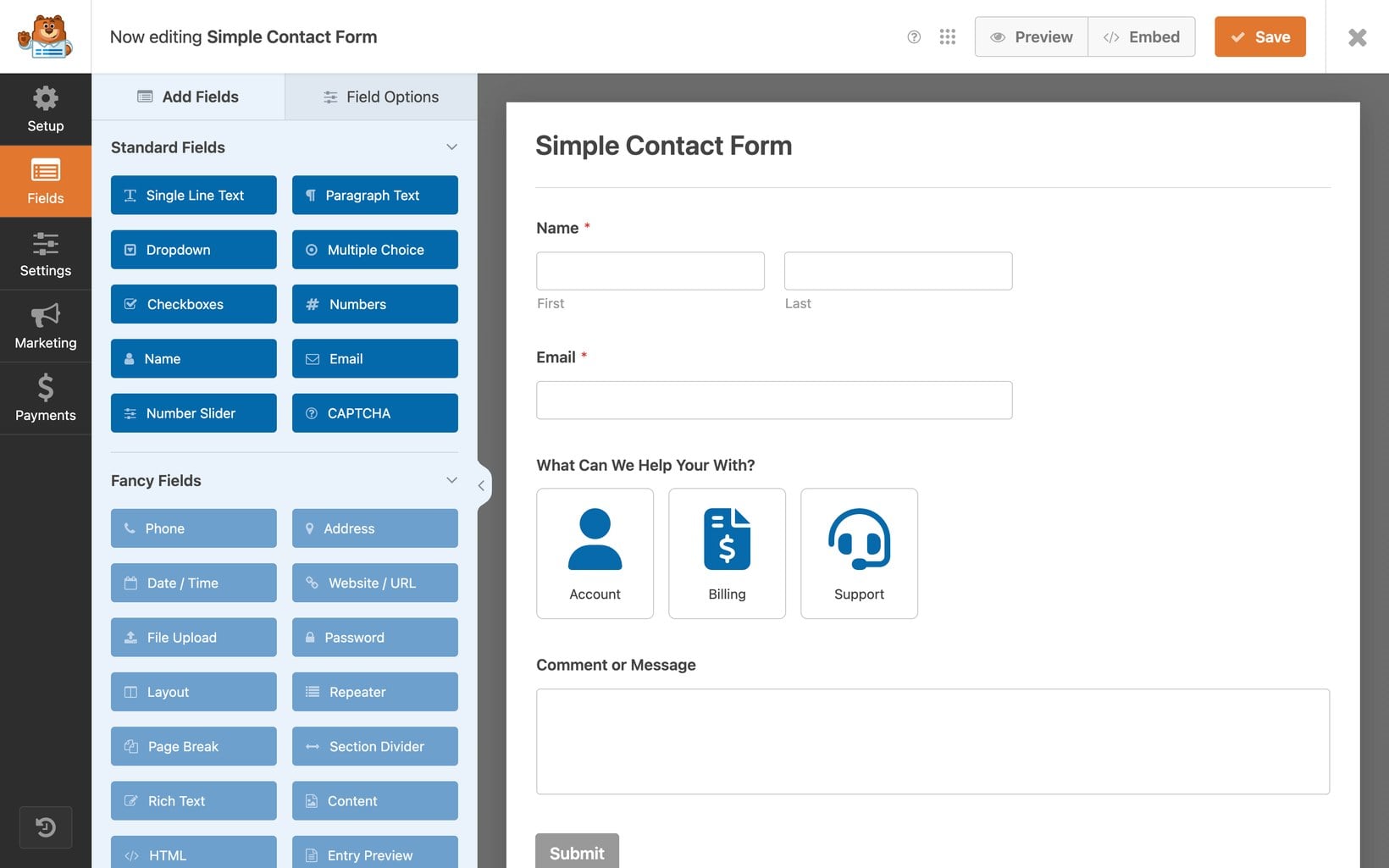
WPForms is the most popular form builder for WordPress, with more than 14,000 reviews and a 4.8 out of 5 rating. It shares a parent company with Charitable.
It earns its place here for a different reason: if you already build your contact and signup forms with WPForms, adding a donation form is the path of least resistance. The donation form sits in the paid version through a dedicated donation field, with support for Stripe, PayPal, Square and Authorize.net.
You can set suggested amounts, let donors enter their own, and combine the donation with other fields on the same form. That suits things like event signups that also take a contribution.
What it isn't is a fundraising platform. There's no donor management, no campaign pages and no peer-to-peer giving. For a nonprofit that wants light donation collection alongside its other forms, that's fine. For a serious fundraising operation, a dedicated plugin will do more.
Pros
- Ideal if you already build your forms with WPForms.
- Donations combine neatly with other fields on a single form.
- Broad payment gateway support and a huge, well-supported user base.
Cons
- Donation features need a paid license.
- A general form builder, not a fundraising platform with donor management.
4. Paymattic
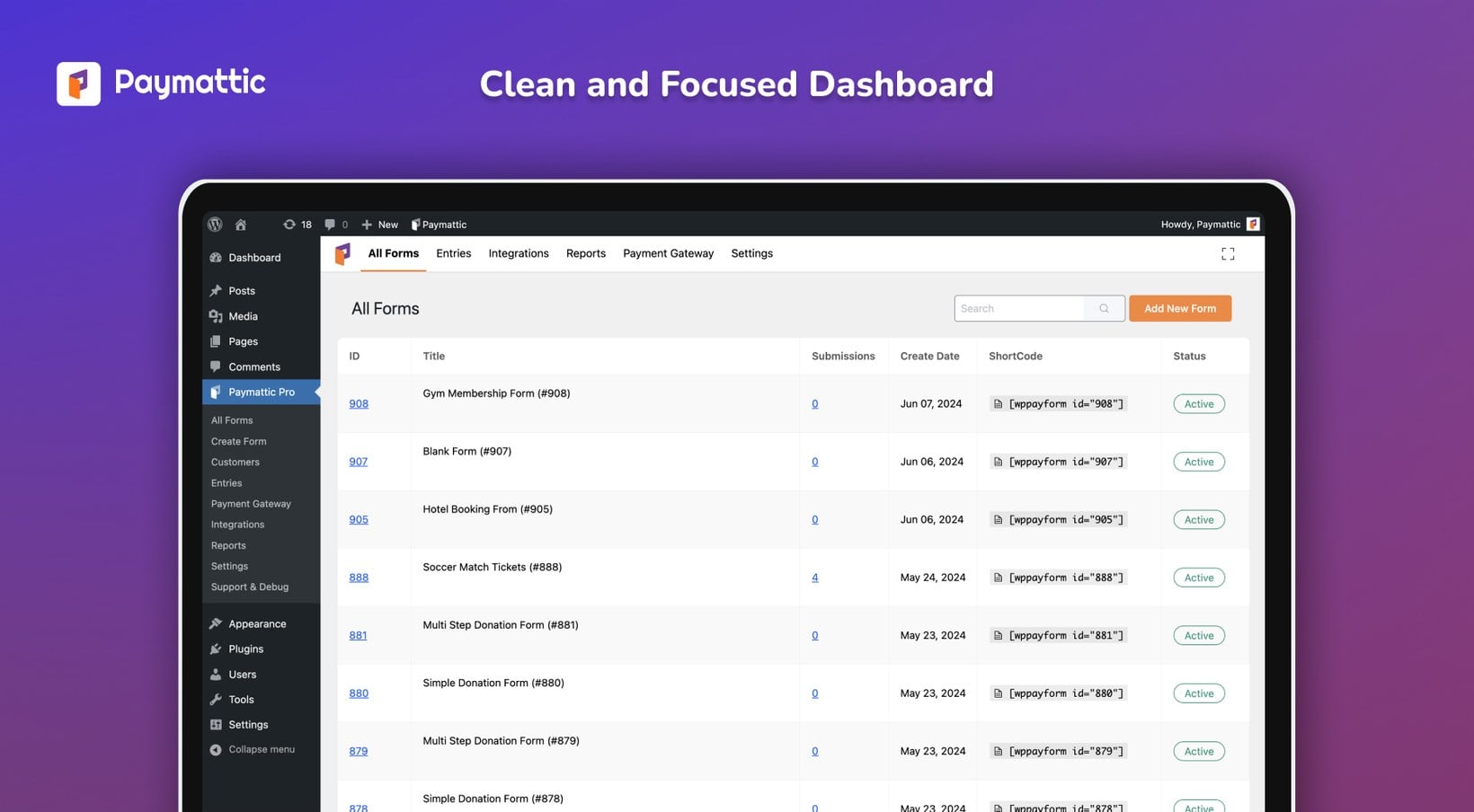
Paymattic is a lighter, form-based payment and donation plugin from the team behind Fluent Forms. It's the standalone option I'd look at when recurring donations matter and you'd rather not pay extra for them.
Several competitors put monthly giving behind a separate extension. Paymattic includes recurring donations in its Pro plans, which start at a low monthly price. It supports Stripe, PayPal and Square, adds no platform fee of its own, and includes donation campaigns and basic donor management.
Reviews are consistently positive on setup speed and support response. The community is smaller than Charitable's or WPForms', though, with only a few dozen WordPress.org reviews so far.
It won't replace a full fundraising suite. There's no peer-to-peer giving and the nonprofit-specific tooling is lighter. As a straightforward way to take one-off and recurring donations without platform fees, though, it's strong value.
Pros
- Recurring donations included in Pro, not a costly add-on.
- No platform fee on top of your payment processor.
- Lightweight and quick to set up, with well-rated support.
Cons
- Smaller community and fewer reviews than the bigger names.
- No peer-to-peer fundraising and lighter nonprofit tooling.
5. Donorbox
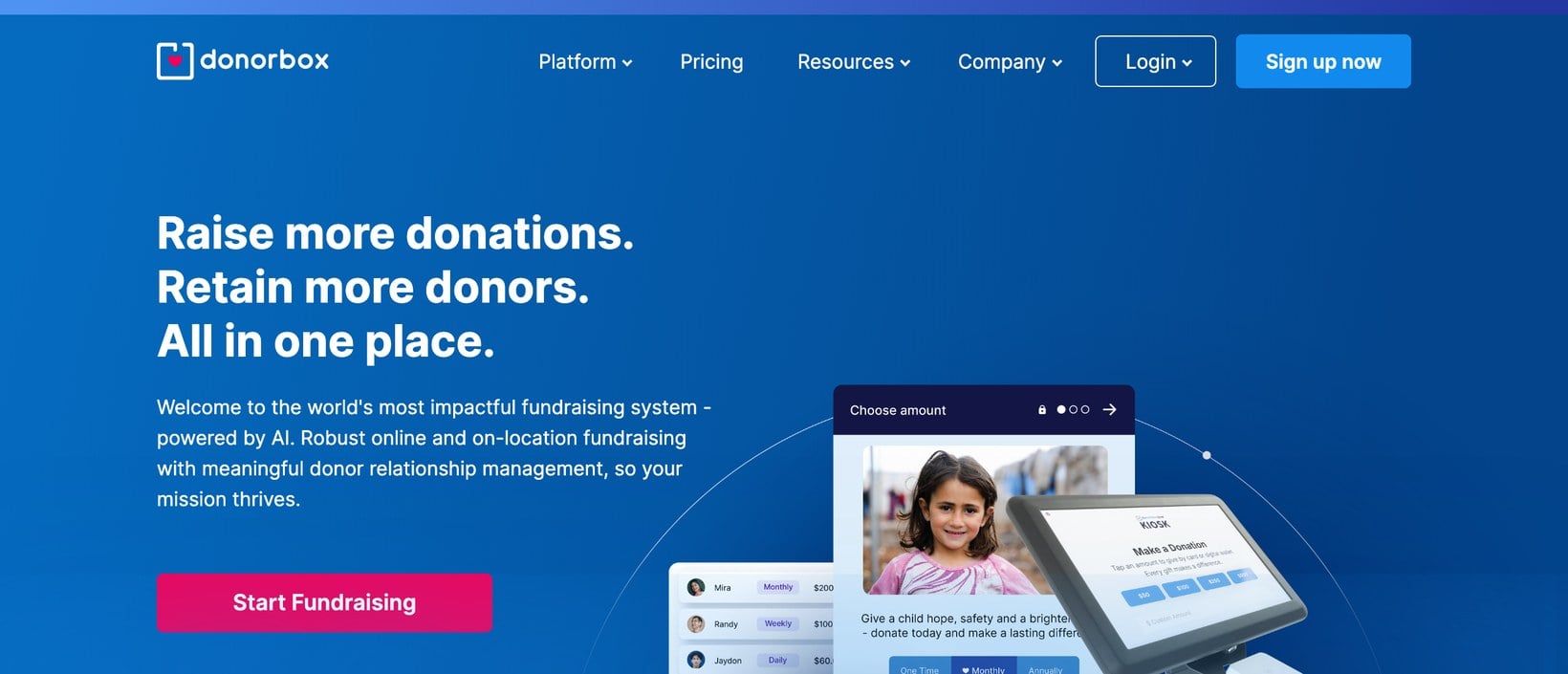
Donorbox works differently from the others. It's a hosted fundraising platform, and the WordPress plugin embeds a Donorbox form on your pages rather than running the donation engine inside your site.
That makes it one of the fastest ways to start taking donations, because Donorbox handles the forms, recurring billing and donor dashboard for you. It's a good fit for organizations that want a managed tool and would rather not maintain a donation plugin themselves. Recurring giving, text-to-give and a polished donor experience all come built in.
The trade-off is fees and control. Donorbox adds its own platform fee on top of standard payment processing on the free plan, which eats into smaller donations over time.
Because the form is embedded, it's also less customizable inside WordPress, and your donor data lives on Donorbox's platform rather than your own database. For some nonprofits that hands-off setup is worth it. For others, keeping everything on their own site matters more.
Pros
- Fastest setup, with the donation engine fully managed for you.
- Recurring giving, text-to-give and a strong donor experience built in.
Cons
- Charges a platform fee on top of payment processing on the free plan.
- The embedded form is less customizable inside WordPress.
- Donor data lives on Donorbox's platform, not your own site.
6. GiveWP
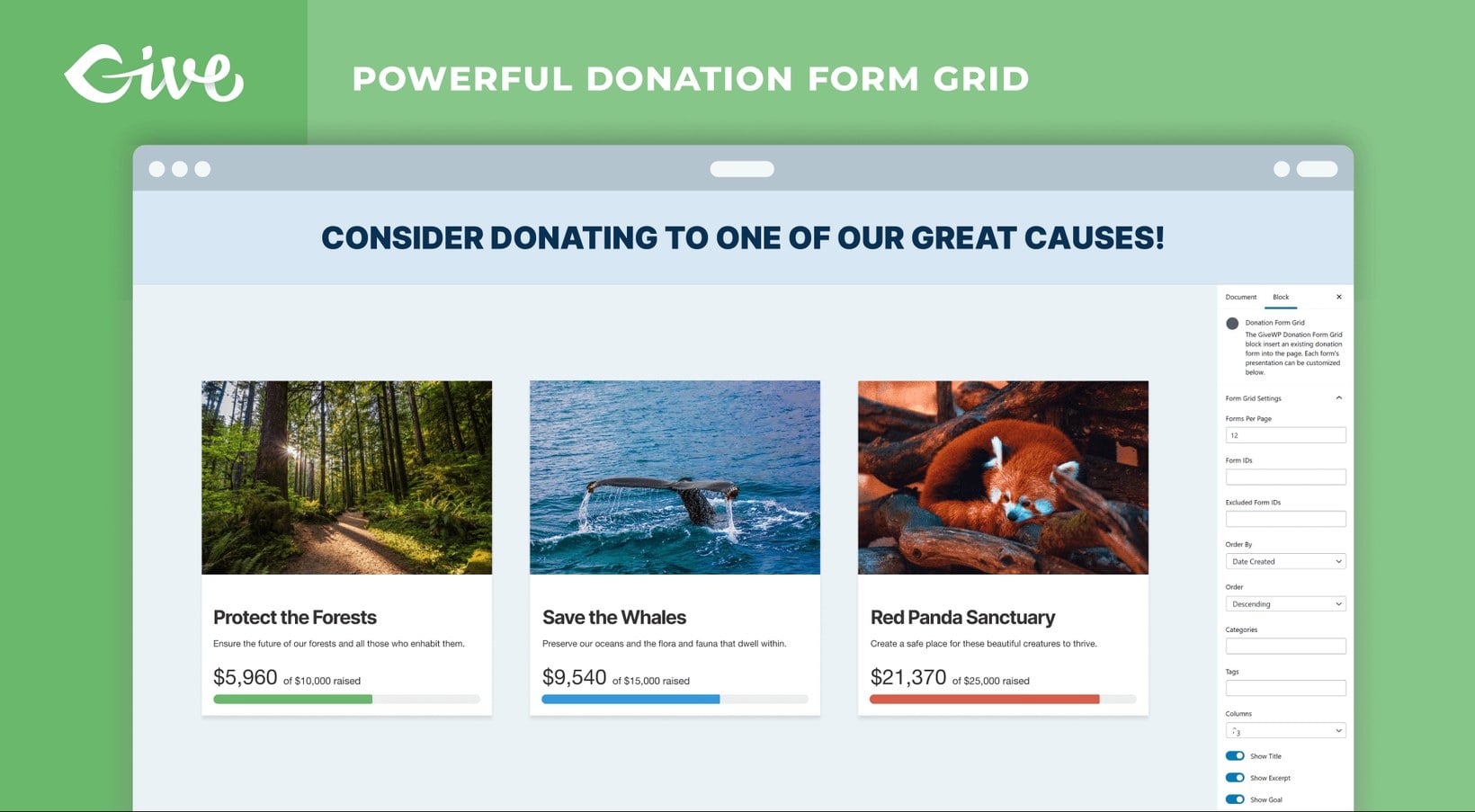
For years, GiveWP was the donation plugin I'd have put at the top of this list. It was built specifically for fundraising by Devin Walker and Matt Cromwell, it was beautifully designed, and it earned a loyal following of more than 700 reviewers.
We have a lot of respect for the founders and the software they created. For a long time it was the obvious recommendation for a serious WordPress donation site.
The ownership tells a different story now. GiveWP was acquired by Liquid Web back in 2021, and both founders have since moved on. Devin Walker left in 2025, with Matt Cromwell following later the same year.
Liquid Web then dissolved its StellarWP brand and folded GiveWP into its wider portfolio as "Give", taking the standalone GiveWP website offline. The consolidation drew a lot of criticism from the WordPress community.
The plugin still receives updates, so the code itself is being maintained. Even so, with both founders gone, the brand dismantled and the roadmap unclear, I'm sadly no longer able to recommend GiveWP for a new donation site. If you're already using it and weighing your options, I've written a dedicated guide to the best GiveWP alternatives and how to switch.
Pros
- Mature, polished software with a capable free core.
- A strong feature set built specifically for fundraising.
Cons
- Both founders have left and the standalone brand has been dissolved.
- The dedicated website is gone and the roadmap is unclear.
- The ownership transition drew significant community criticism.
Bonus: add a searchable document library for your nonprofit
Finding the right online fundraising ideas and cheap fundraising ideas is only part of running a nonprofit website. Most organizations also need to share documents, whether this is annual reports, board minutes, policies, sponsor packs and volunteer handbooks.
Lots of nonprofits get this wrong. Since WordPress itself can't list resources nicely, people end up dumping them into a long unstructured list. We built Document Library Pro to fix exactly that.
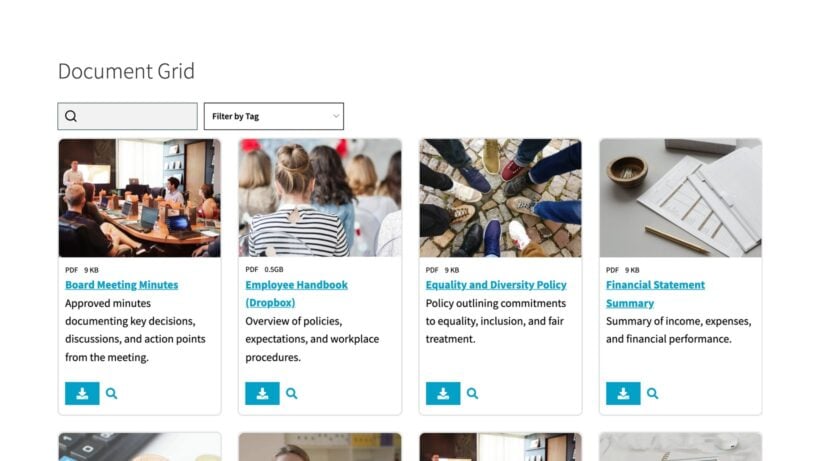
Document Library Pro creates a searchable, filterable resource library where every document has a title, description, category and tag. Donors, board members and volunteers can search by keyword or filter by category instead of scrolling endlessly. You can also restrict access, so board-only papers stay hidden from the public and donor packs are limited to logged-in supporters.
It pairs with any of the donation plugins above, covering both sides of a nonprofit site: giving and document sharing. For real examples, see how five organizations built theirs in my guide to nonprofit resource libraries in WordPress.
Frequently asked questions about WordPress donation plugins
What is the best free WordPress donation plugin?
Charitable has the most capable free version, with unlimited donation forms, Stripe and PayPal support, and no transaction fees of its own. Paymattic is a good free starting point too if you want a lighter, form-based tool.
Can I accept donations on WordPress without WooCommerce?
Yes. Charitable, Paymattic and Donorbox all collect donations without WooCommerce. You'd only use the WooCommerce route if you already run a store and want donations recorded alongside your product sales.
Do WordPress donation plugins charge fees?
Most self-hosted plugins like Charitable and Paymattic add no platform fee, so you only pay your payment processor's standard rate. Hosted platforms such as Donorbox can add their own fee on top, especially on free plans, so check the current rates before committing.
Is GiveWP still safe to use?
The plugin still receives updates, so existing sites keep working. But both founders have left, the standalone brand has been dissolved into Liquid Web, and the roadmap is unclear, so I wouldn't choose it for a new donation site. See my guide to the best GiveWP alternatives if you're thinking of switching.
Which WordPress donation plugin should you choose?
The right choice comes down to how your site is set up, and what you need from it.
- A dedicated donation site with no storeChoose Charitable for the most complete free starting point and proper donor management.
- An existing WooCommerce storeUse WooCommerce Product Options so donations sit alongside your product sales.
- You already use WPFormsAdd a donation form with WPForms rather than learning a new tool.
- Recurring donations without platform feesLook at Paymattic for the best standalone value.
- A hosted, hands-off setupPick Donorbox and let it run the donation engine for you.
- Leaving GiveWPRead my guide to the best GiveWP alternatives before you move.
For most nonprofits, Charitable is the safest first pick. If you're already selling on WooCommerce, WooCommerce Product Options keeps everything in one place. Whichever you choose, set up your payment gateway properly first, and read our wider guide to WordPress for nonprofits for the rest of your site.
And don't forget the other half of a nonprofit site. Once donations are flowing, a searchable Document Library Pro library makes your reports, policies and sponsor packs easy for supporters to find. If you're not sure which setup suits you, drop us a line and we'll help you work it out.