Best LMS for WooCommerce stores: 7 plugins compared


I've compared seven of the best WooCommerce LMS plugins so you can add online courses to your store with the setup that fits it best.
If you already sell products with WooCommerce, adding online courses can look deceptively simple. You create a product, add a checkout button, upload some lessons and wait for the sales to roll in.
That works right up until students need to log in, track their progress, unlock lessons, pass quizzes, earn certificates or keep access only while their subscription is active. WooCommerce sells the course brilliantly, but it can't run the course itself. A WooCommerce LMS plugin adds the lessons, quizzes, certificates and student access that a plain WooCommerce store lacks.
I'll compare the seven I rate most highly for WooCommerce stores below, and for the wider picture beyond WooCommerce you can also read my guide to the best WordPress LMS plugins. Here's which type of store each one suits:
- LifterLMS is my best overall pick.
- LearnDash is best if you already use it.
- Tutor LMS suits marketplace-style course sites.
- Sensei LMS fits the WooCommerce.com ecosystem.
- LearnPress is the best budget option.
- WP Courseware is the simplest connector.
- MasterStudy LMS is the best theme-led choice.
Quick verdict: the best WooCommerce LMS plugin
Short on time? Here's the quick version.
- Best overallLifterLMS lets WooCommerce handle the sale and a proper LMS handle the course experience.
- Best for existing LearnDash usersLearnDash is a strong LMS with a capable WooCommerce integration, and makes the most sense if you already use it.
- Best for marketplace-style course sitesTutor LMS suits sites that want multiple instructors, course bundles and marketplace selling.
- Best for the WooCommerce.com ecosystemSensei LMS is a simple choice if you like staying close to WooCommerce and Automattic.
- Best on a budgetLearnPress is useful when budget matters most, though it's less polished than the stronger platforms.
- Best simple connectorWP Courseware is good when you just need to link WooCommerce products to courses.
- Best theme-led optionMasterStudy LMS is best if you're building around its templates and course-site ecosystem.
For most existing WooCommerce stores, LifterLMS offers the best balance of ecommerce flexibility and dedicated course features. WooCommerce handles the sale, while LifterLMS delivers the learning experience.
How I evaluated these WooCommerce LMS plugins
Plenty of LMS plugins mention WooCommerce somewhere in their feature list. For a WooCommerce store, what matters is how well the LMS plugin performs in a real ecommerce setup.
So I compared each plugin on the things a store owner really cares about:
- Whether courses can be sold as WooCommerce products, through the WooCommerce checkout.
- How access is granted after purchase, and whether it's revoked when an order or subscription changes.
- Whether subscriptions, bundles and memberships are supported.
- Whether the LMS has enough course features for a genuine learning experience.
- How much the plugin relies on add-ons or workarounds to get there.
That last point matters, because if you already use WooCommerce, you don't want a separate course checkout sitting off to one side. You want courses to behave like part of your store.
At-a-glance comparison
| Plugin | Best for | WooCommerce fit | Main limitation |
|---|---|---|---|
| LifterLMS | Best overall WooCommerce LMS | Connects WooCommerce products to courses and memberships | Needs the WooCommerce integration |
| LearnDash | Existing LearnDash sites | Connects WooCommerce products to courses and groups | Less WooCommerce-first than LifterLMS |
| Tutor LMS | Marketplace-style course sites | Supports WooCommerce course sales and bundles | More marketplace-focused than many stores need |
| Sensei LMS | WooCommerce.com ecosystem users | Sells Sensei courses through WooCommerce | Less flexible for advanced course commerce |
| LearnPress | Lower-budget course sites | WooCommerce add-on for course payments and products | Less polished for serious course stores |
| WP Courseware | Simple course stores | Connects courses to WooCommerce products | More basic than the top LMS options |
| MasterStudy LMS | Theme-led course websites | WooCommerce checkout and shop display support | Less natural for existing WooCommerce stores |
The 7 best LMS plugins for WooCommerce stores
Here's a closer look at each plugin, who it suits and where it falls short.
1. LifterLMS
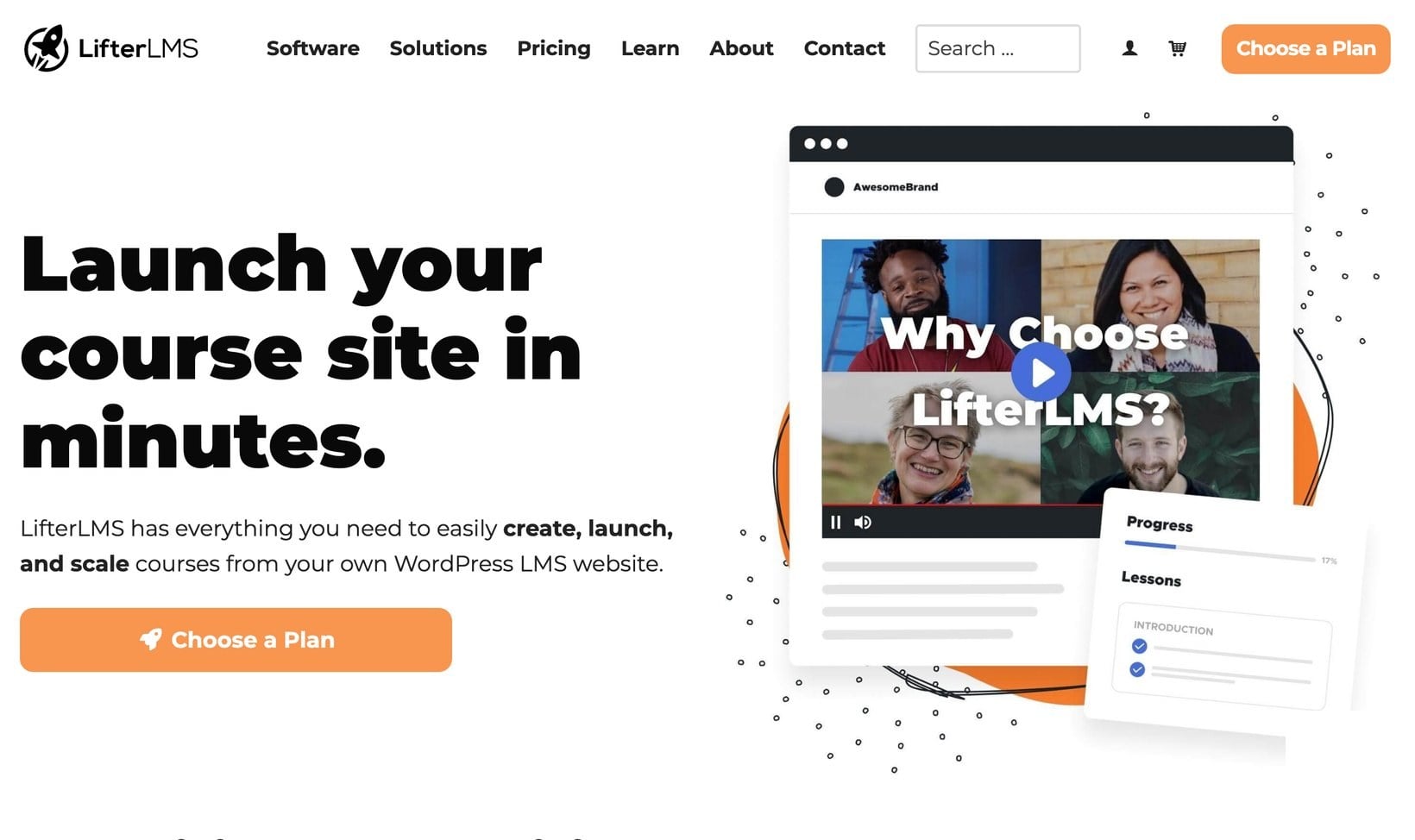
LifterLMS is the LMS I'd choose for most WooCommerce course stores, mainly because it respects what WooCommerce is already good at. WooCommerce handles your products, cart, checkout, coupons, subscriptions, customer accounts, payment gateways and order records. LifterLMS then handles the course side, including lessons, access plans and memberships. It also runs enrollments, quizzes, certificates and student progress.
With the LifterLMS WooCommerce integration, you link a WooCommerce product to a LifterLMS course or membership access plan. When someone buys that product, they're enrolled in the relevant course or membership.
That works for simple and advanced offers alike. You can sell a single course, a bundle of courses, a subscription-based training library, or a course paired with a physical workbook or a coaching call.
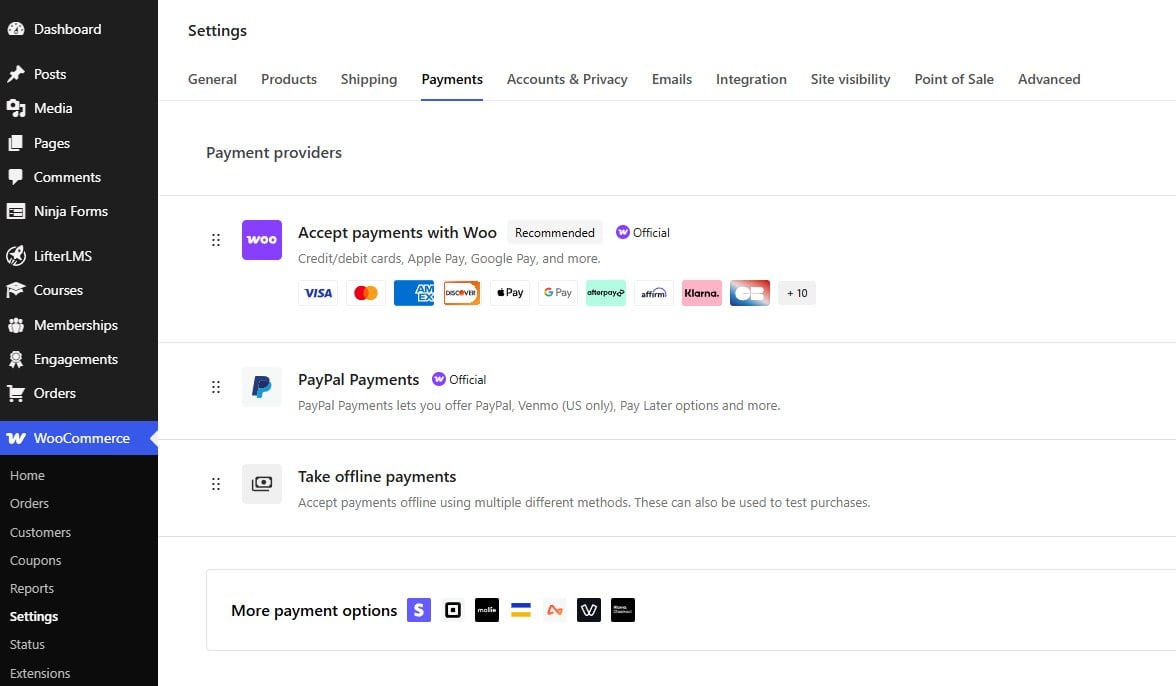
The setup does take a little thought. You need LifterLMS, WooCommerce and the WooCommerce integration configured correctly, and you'll want to test the checkout and enrollment flow before launching. Once it's running, the roles stay clear: WooCommerce manages the purchase, LifterLMS manages course delivery and access.
Pros:
- Strong fit for existing WooCommerce stores, with WooCommerce left in charge of checkout and ecommerce.
- Full LMS features for course delivery, including quizzes, certificates and progress tracking.
- Works for courses, memberships, bundles and subscriptions.
- A good option for selling courses alongside other products.
Cons:
- Requires the separate WooCommerce integration.
- Needs proper setup and testing before launch.
- More than you need for a very basic one-course site.
LifterLMS is my top pick for most WooCommerce stores because it adds a full course platform without replacing the ecommerce system you already use.
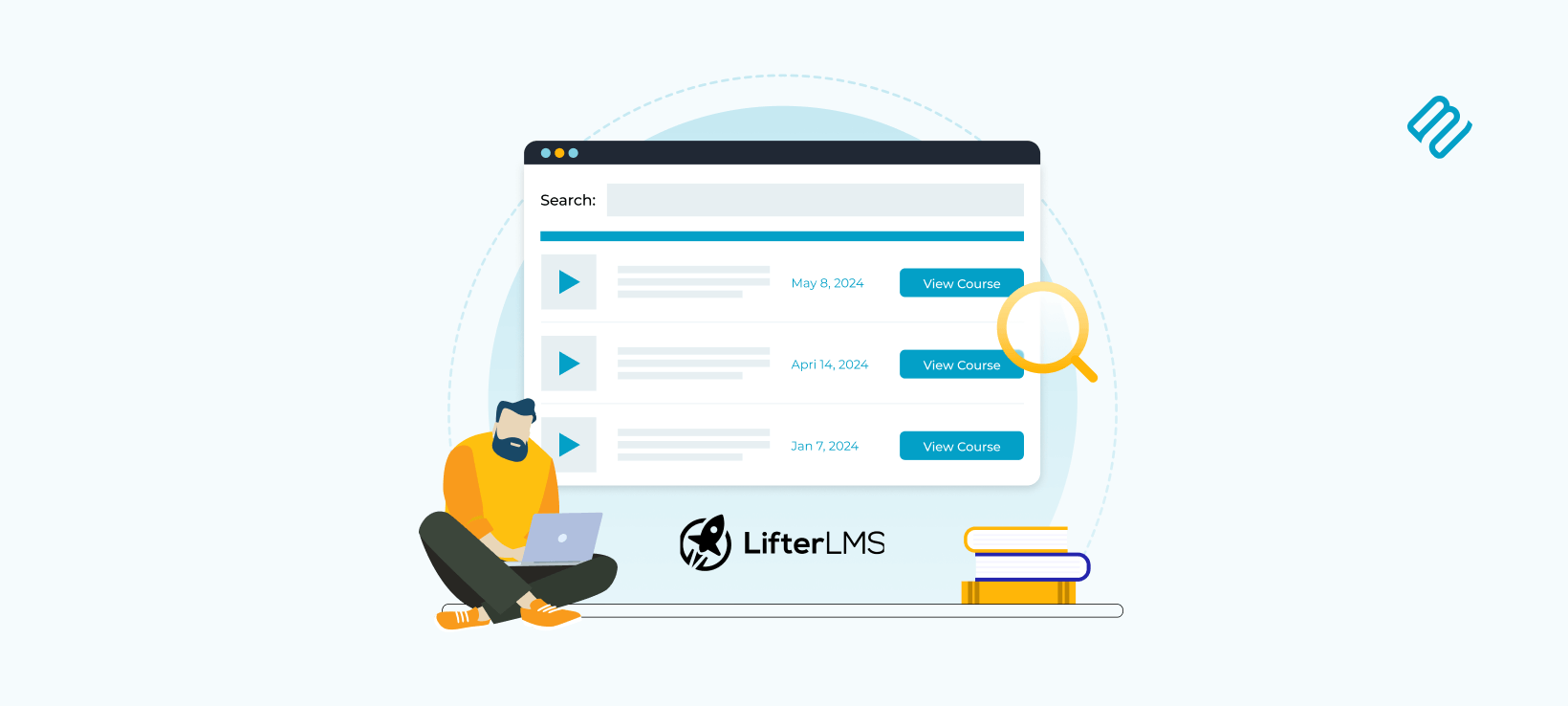
It suits stores that want to sell courses, memberships, subscriptions or mixed physical-and-digital offers. If you build up a large catalog, you can even list your LifterLMS courses in a searchable table.
2. LearnDash

LearnDash is one of the best-known WordPress LMS plugins, and it has a dedicated WooCommerce integration. That integration connects LearnDash courses or groups to WooCommerce products, so buying the product enrolls the customer in the connected course or group.
It supports several WooCommerce product types too, including simple, variable, subscription and course products, which gives it enough flexibility for most course-selling setups.
LearnDash is a strong LMS in its own right, with a large ecosystem and a long track record. The reason I wouldn't put it first here is audience fit.
If the brief were "best WordPress LMS", LearnDash would be near the top. For a WooCommerce store specifically, I find LifterLMS the cleaner fit, because its WooCommerce integration feels native. LearnDash started life as a standalone LMS, and its WooCommerce integration still has that bolted-on feel.
There's also a bigger question mark over LearnDash's future. In 2026, owner Liquid Web wound down the StellarWP brand that ran LearnDash and folded the product into Liquid Web itself.
The standalone learndash.com site now redirects there, the dedicated team and independent roadmap are gone, and updates are only publicly committed through early 2027. LearnDash isn't shutting down, but I'd weigh that uncertainty carefully before starting a new course store on it.
Pros:
- Strong, mature LMS feature set.
- Dedicated WooCommerce integration for courses and groups.
- Supports several WooCommerce product types.
- A great choice if you already use LearnDash.
Cons:
- Not as WooCommerce-first as LifterLMS.
- Can feel heavier than a simpler course store needs.
- May need extra setup to get the buying flow exactly right.
- Uncertain long-term future since the 2026 StellarWP wind-down.
LearnDash is a good WooCommerce LMS option, especially for sites that already use it or need its course and group features. If you want to display those courses on the front end, you can even list LearnDash courses in a searchable table.
3. Tutor LMS
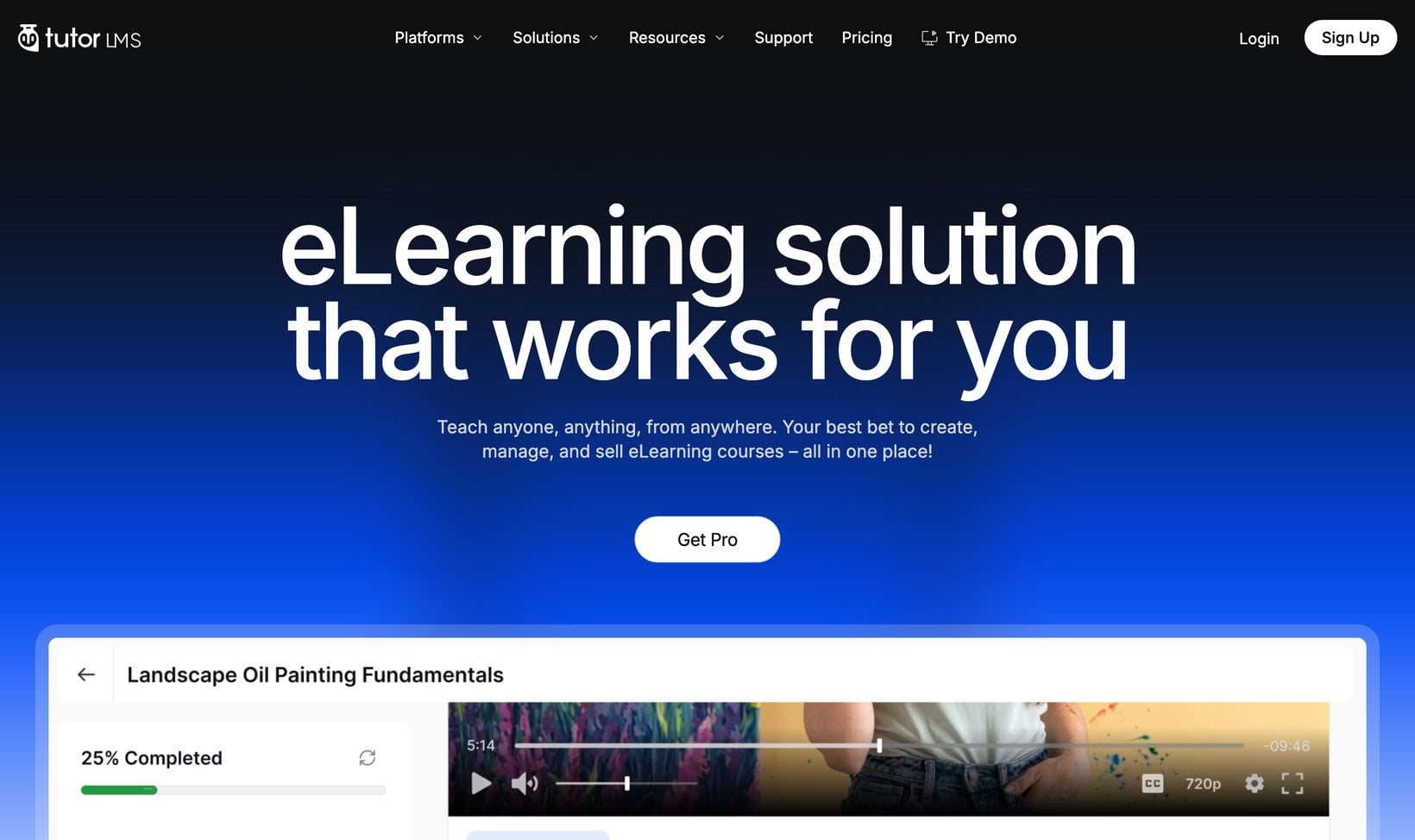
Tutor LMS is a strong choice if your course site needs marketplace-style features. Its WooCommerce integration supports selling individual courses, bundling courses with related products, using discount codes and working with the WooCommerce cart and payment flow.
Tutor LMS is especially interesting if you want multiple instructors, front-end course management or a course marketplace model. In that situation it may be a better fit than a simpler LMS.
For a standard WooCommerce store, that marketplace angle can be more than you need. If you already sell products and simply want to add courses, LifterLMS is easier to recommend. It gives you the course features without turning the site into a marketplace unless that's what you want.
Pros:
- Good for instructor-led and multi-instructor course sites.
- Useful marketplace-style features.
- Supports course bundles and WooCommerce selling.
Cons:
- More marketplace-focused than many stores need.
- Can feel like overkill for a simple course catalog.
- Not as clear a fit for an existing WooCommerce store as LifterLMS.
Tutor LMS is a good option if your course business needs multiple instructors, front-end course management or marketplace features. For a single-instructor store, it may be more than you need.
4. Sensei LMS
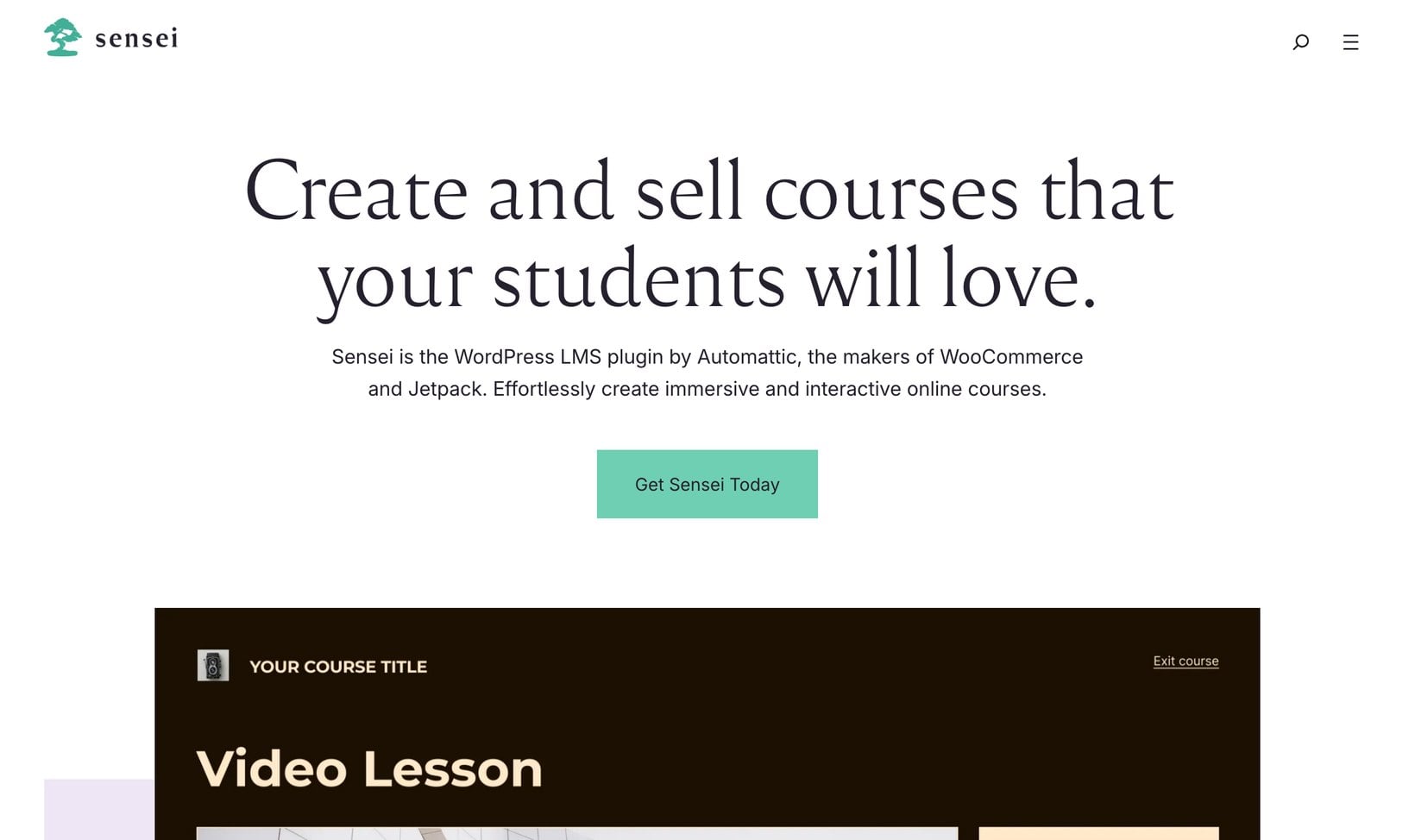
Sensei LMS is closely tied to the WooCommerce ecosystem. Sensei Pro is available on WooCommerce.com and is positioned as a way to sell online courses with WooCommerce and Sensei. Its course features include quizzes, certificates and content drip. You also get prerequisites, student management and reports.
The appeal here is simplicity. If you like using WooCommerce.com extensions and want a course plugin from the same wider ecosystem, Sensei is worth a look, and it's a neat option for straightforward course selling.
I'd be more cautious for larger or more complex stores. Sensei can sell courses with WooCommerce, but LifterLMS gives you more room to build a course business around memberships, access plans, bundles and more advanced course structures.
Pros:
- A natural fit for WooCommerce.com users.
- Sells Sensei courses through WooCommerce.
- Includes useful LMS features like quizzes and certificates.
Cons:
- Less flexible than LifterLMS for advanced course commerce.
- Not as strong for membership-led or bundle-heavy course stores.
Sensei LMS is a good choice for straightforward course stores that prefer products from the wider WooCommerce and Automattic ecosystem.
5. LearnPress
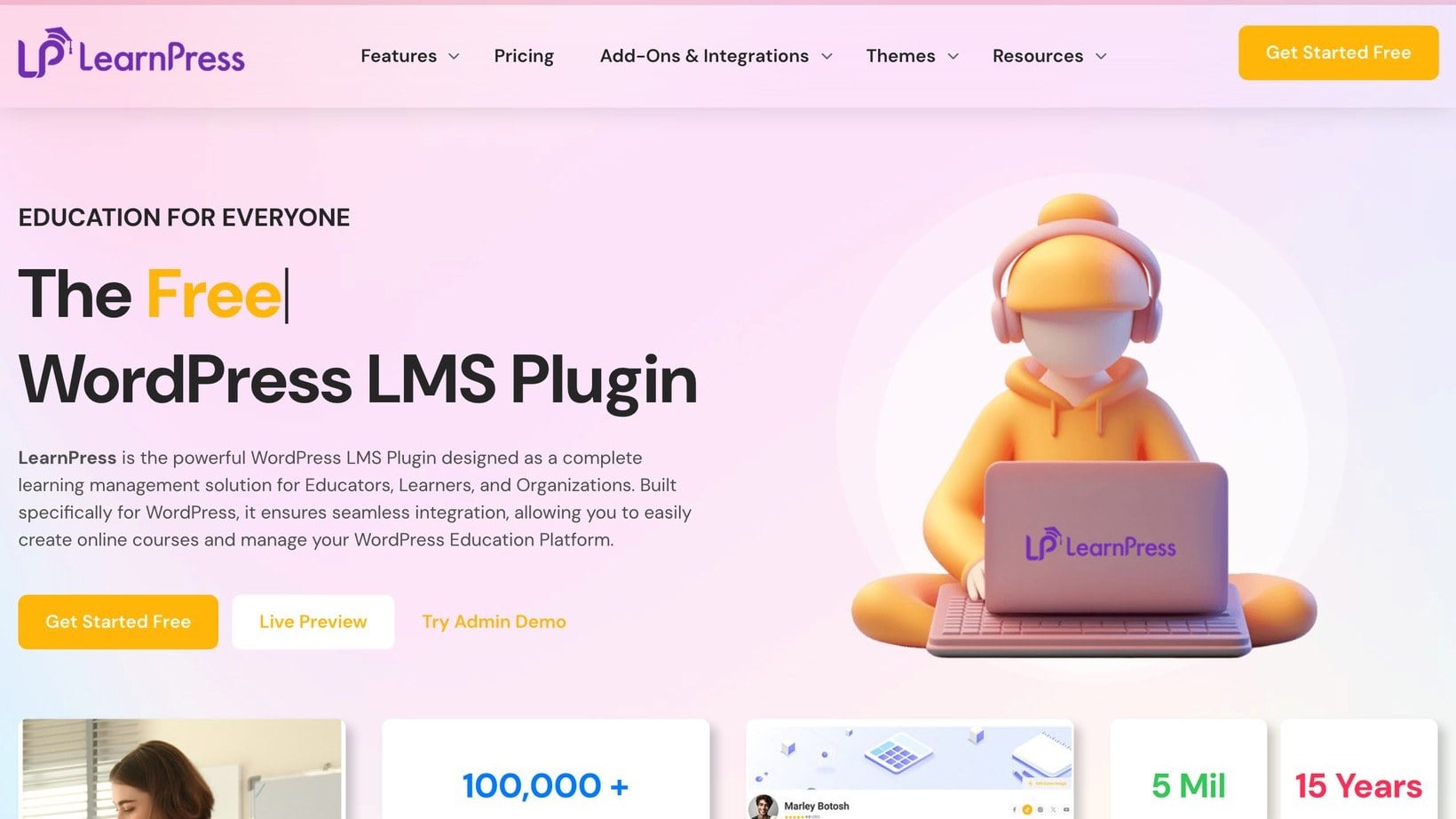
LearnPress is a popular WordPress LMS plugin with a WooCommerce add-on. The add-on lets LearnPress use WooCommerce payment gateways and allows courses to be bought through WooCommerce products, so you can use WooCommerce for checkout instead of relying on LearnPress's own payment options.
LearnPress makes sense if you're working with a smaller budget or testing a course idea before investing in a more complete setup. The trade-off is that it can need more add-ons and configuration to build the course experience you want, and it isn't as polished as the stronger platforms.
Pros:
- WooCommerce add-on lets courses sell through WooCommerce products.
- It's popular and widely used, with a large user base.
- Suitable for smaller or lower-budget course projects.
Cons:
- Less polished than the stronger LMS platforms.
- May need extra add-ons to get the experience you want.
- Not my first choice for a serious WooCommerce course business.
LearnPress is worth considering if cost is your main constraint, or you want to test a smaller course project before committing to a more advanced setup.
6. WP Courseware
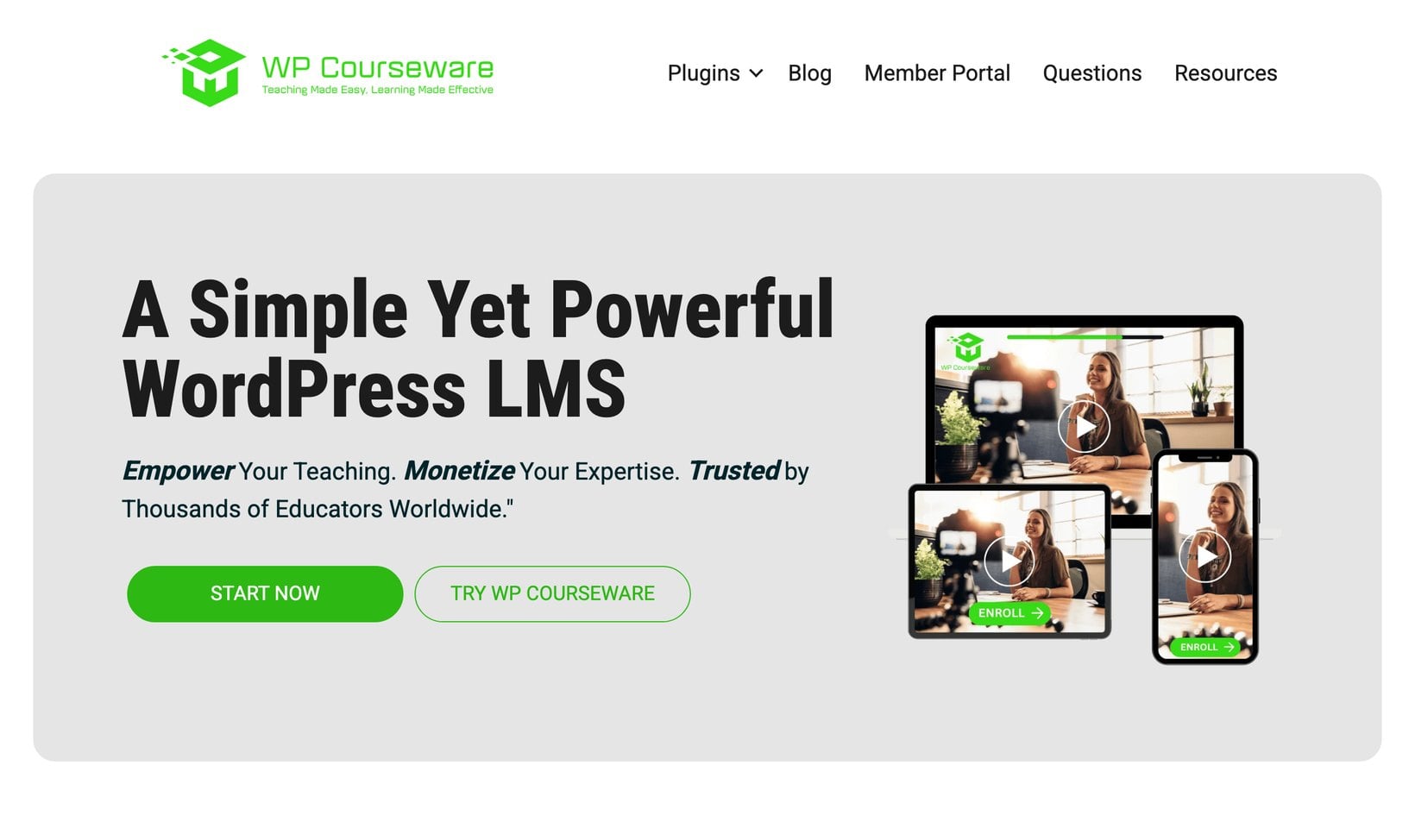
WP Courseware has a WooCommerce add-on that connects courses to WooCommerce products. The model is simple: you create a course, create a WooCommerce product, associate the product with one or more courses, and students are enrolled after purchase.
That simplicity is the main appeal. If you need a basic LMS setup and want WooCommerce to sell the course, WP Courseware handles it well.
The limitation is that it feels more like a connector between WooCommerce and course access than a full course-commerce platform. For a more ambitious store, I'd want the deeper LMS and membership features LifterLMS offers.
Pros:
- Simple to understand and set up.
- Connects WooCommerce products to courses and auto-enrolls students after purchase.
- Good for basic course-selling setups.
Cons:
- Less feature-rich than the top LMS options.
- More limited for advanced course businesses.
- Not as strong for memberships, bundles and long-term growth.
WP Courseware suits smaller course stores that need a straightforward way to connect WooCommerce products with course access.
7. MasterStudy LMS
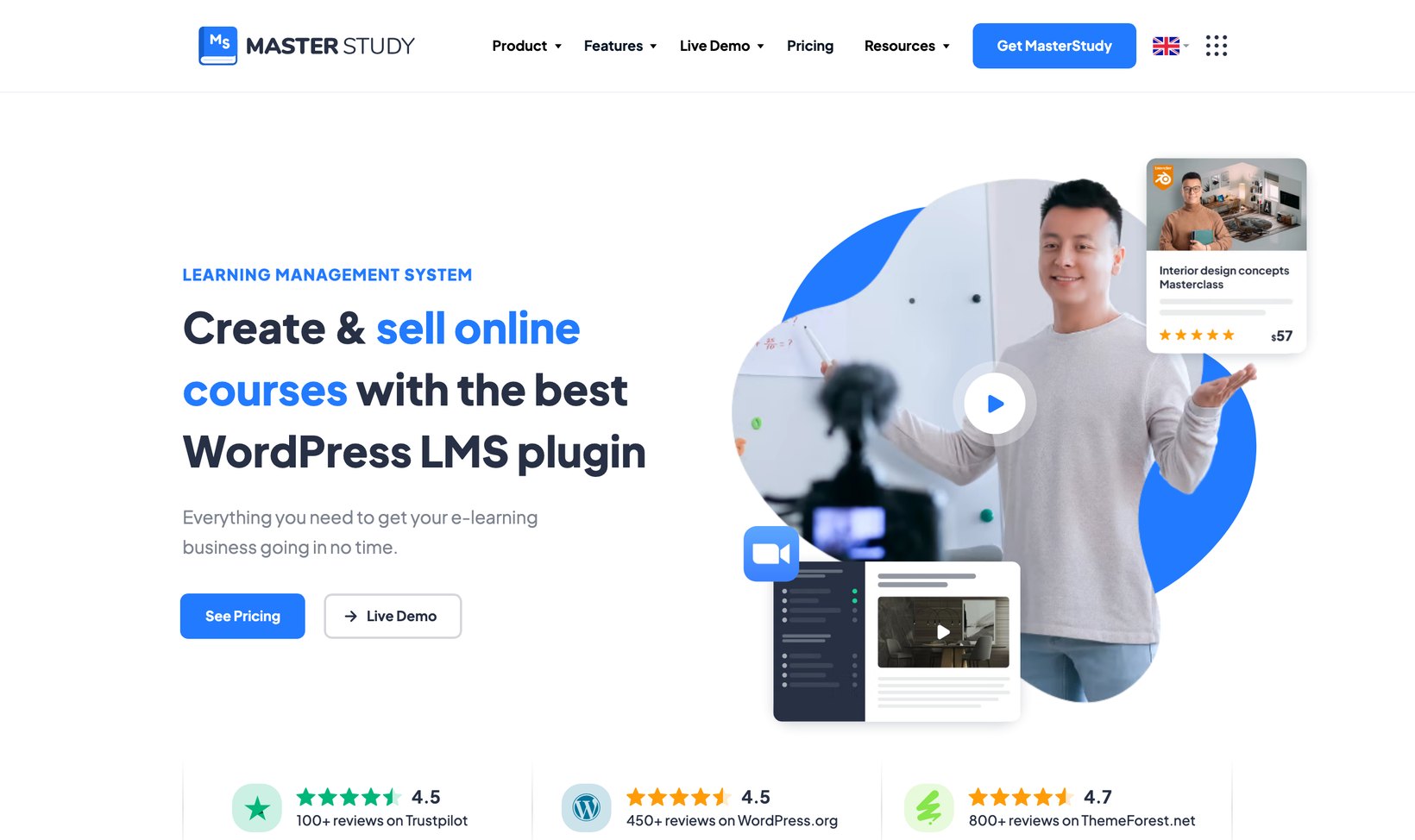
MasterStudy LMS is a WordPress LMS plugin with WooCommerce support. You can enable WooCommerce checkout so that course purchases are handled through WooCommerce. It can also display courses on the WooCommerce shop page, which is useful if you want courses to sit alongside other products.
MasterStudy is strongest when you're building a course website around its own ecosystem of templates, demos, instructor tools and course layouts. That's handy if you're starting from scratch and want a ready-made course-site structure.
It's less compelling if you already have a WooCommerce store and want to add courses to your existing buying experience, where LifterLMS still feels like the better fit. For a deeper look, see my MasterStudy LMS review.
Pros:
- WooCommerce checkout support and shop-page display for courses.
- A wide range of LMS and course-site features.
- Good if you like the MasterStudy theme ecosystem.
Cons:
- More course-site-led than WooCommerce-store-led.
- Less natural for an established WooCommerce store.
- Not as strong as LifterLMS for flexible course commerce.
MasterStudy LMS can work well for a new, theme-led course website. It's less suited to store owners who already have an established WooCommerce design and buying experience.
Why LifterLMS is the best LMS for WooCommerce stores
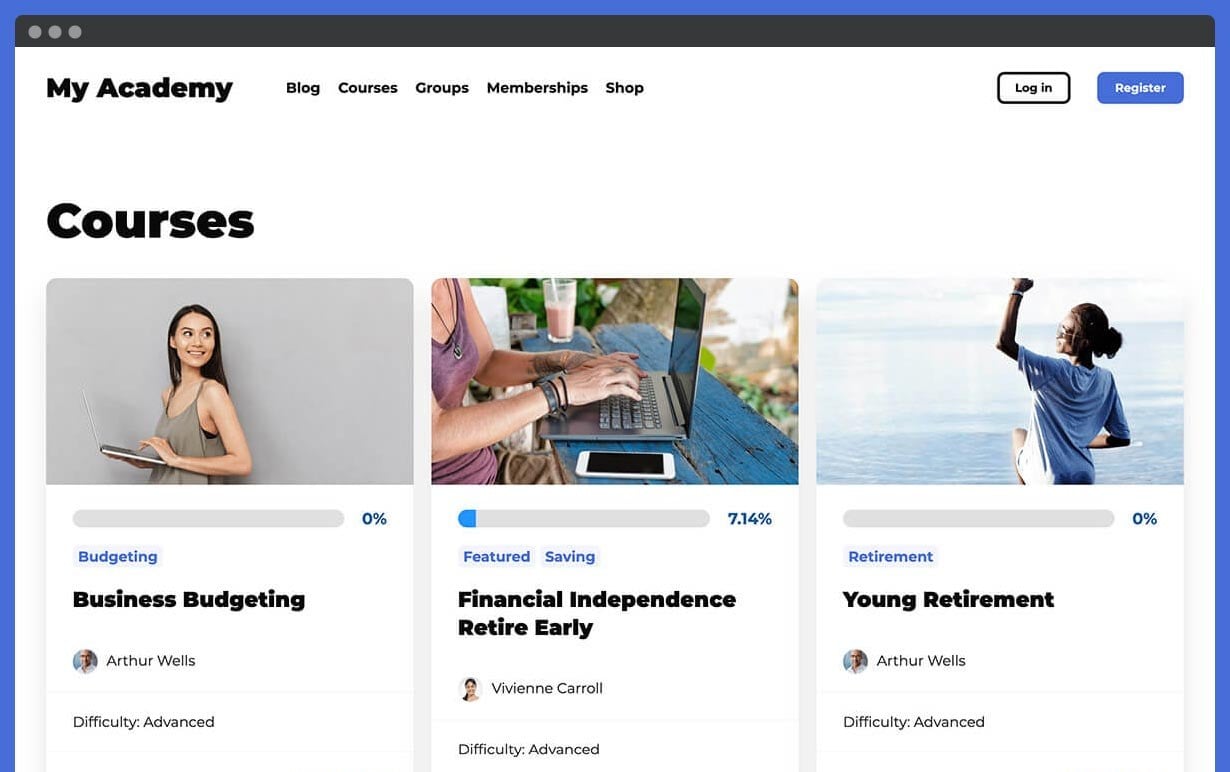
It's easy to focus on the course builder when comparing LMS plugins, but WooCommerce store owners also need to examine the sales and access flow. Check whether the LMS setup lets customers:
- Buy a course and a physical workbook in the same order.
- Use coupons at your existing checkout.
- Purchase course bundles or subscriptions.
- Keep using the WooCommerce account area they already know.
- Gain or lose course access when an order or subscription status changes.
This is where LifterLMS stands out. It lets WooCommerce stay the ecommerce system, then manages what happens after the purchase. That means you can build a course store without turning your WordPress site into a patchwork of separate checkouts, disconnected accounts and manual access changes.
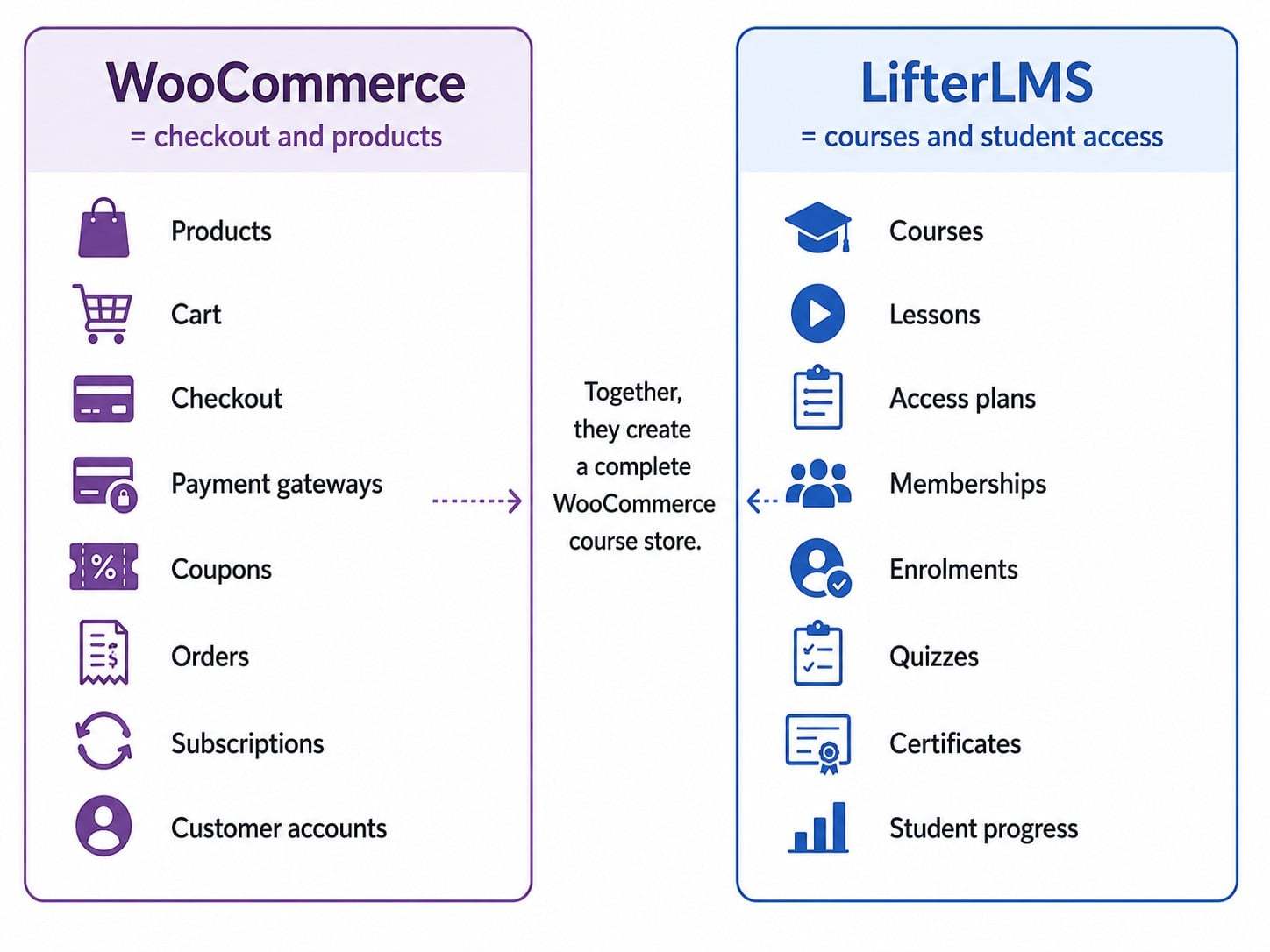
In my experience, the course stores that stay manageable are the ones that keep WooCommerce in charge of products, payments and orders, and let a specialist tool handle the rest. An LMS is no different. For a WooCommerce store owner, that separation is the most practical setup.
How to sell courses with WooCommerce and LifterLMS
Once you've picked your LMS, the basic process for selling a course looks like this:
- Install WooCommerce on your site.
- Install the LifterLMS plugin.
- Enable the LifterLMS WooCommerce integration.
- Create your course in LifterLMS.
- Create a WooCommerce product for the course.
- Link the WooCommerce product to the LifterLMS access plan.
- Test the checkout flow yourself.
- Confirm that the student receives access after purchase.
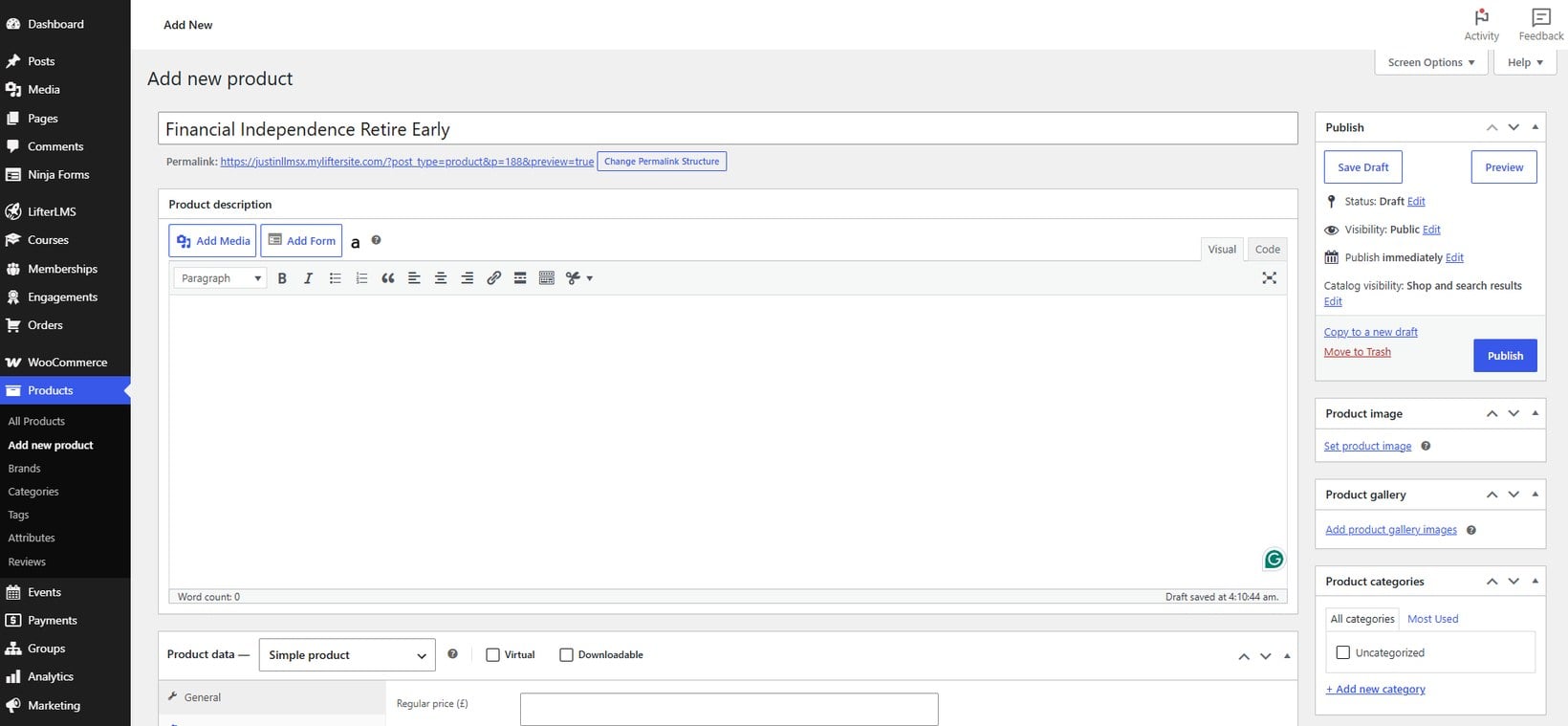
Once that basic flow works, you can build more useful offers around it. For example:
- A beginner and advanced course sold together as a bundle.
- A course subscription with monthly access.
- A membership that unlocks a library of courses.
- A course paired with a printed workbook or a coaching session.
That's the real benefit of using WooCommerce for course sales. You're not limited to a basic 'buy course' button, and you can shape the offer around your store. For a fuller walkthrough, see my guide to creating online courses with WordPress and WooCommerce.
Boost your WooCommerce course store with the right plugins
Getting the LMS and checkout connected is only the first step. The next question is how customers will find and buy your courses.
Once courses are WooCommerce products, you can improve how shoppers browse, compare and buy them using the wider WooCommerce plugin ecosystem. Several of the plugins I'd use here are our own, built at Barn2 to help WooCommerce stores sell more effectively.
For example, our WooCommerce Product Table plugin can pull your LifterLMS or LearnDash courses into a searchable, filterable table with an add-to-cart button on every row. That's far easier for students to scan than a standard course grid once you have more than a handful of courses.
The right additions depend on the store you're building:
- For a large course catalog, our WooCommerce Product Table adds instant search and filters so students can find the right course fast.
- WooCommerce Quick View Pro lets shoppers preview course details in a quick-view window without leaving the list.
- If courses include optional coaching, workbooks or certificates, WooCommerce Product Options adds those choices to the product page.
- WooCommerce Discount Manager supports course promotions and bundle offers.
- Stores selling private training can use WooCommerce Protected Categories to create hidden course catalogs for schools, clients or members.
- WooCommerce Wholesale Pro suits businesses selling training access to companies or resellers.
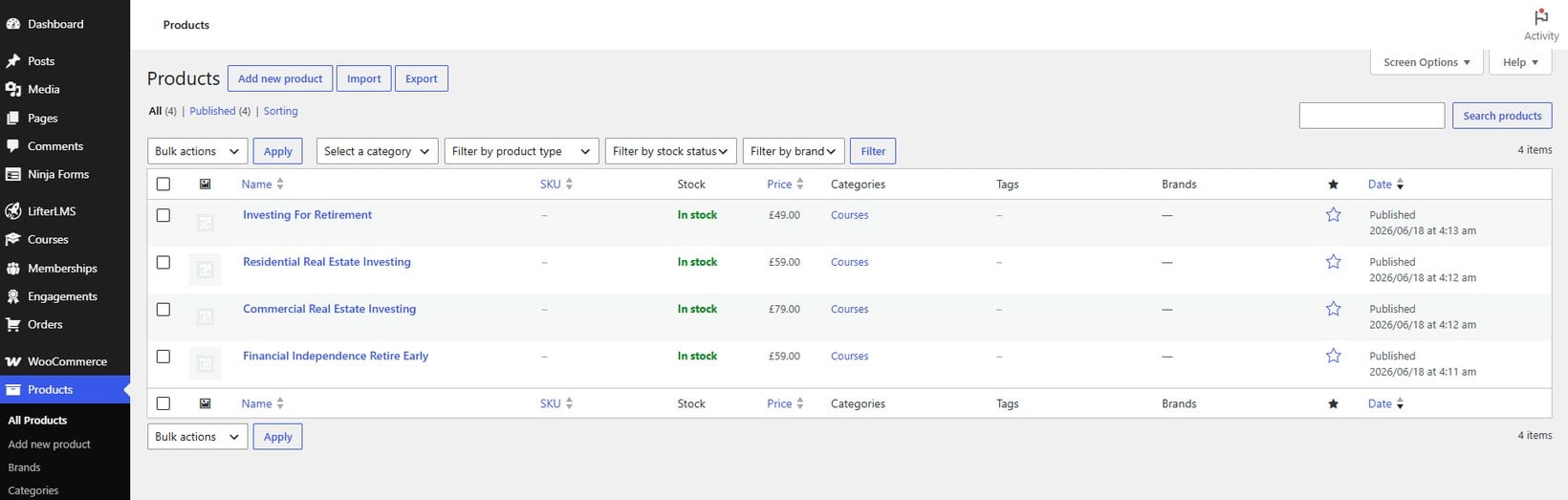
Your LMS controls the learning and WooCommerce controls the sale. The rest of your plugin stack improves how people browse, compare and buy.
Frequently asked questions about WooCommerce LMS plugins
What is the best LMS for WooCommerce?
LifterLMS is the best LMS for most WooCommerce stores. It lets WooCommerce handle products, checkout, payments and orders, while LifterLMS handles courses, lessons, access plans, enrollments, memberships and student progress.
Can I sell courses with WooCommerce?
Yes. WooCommerce can sell online courses when it's connected to an LMS plugin. WooCommerce handles products and checkout, while the LMS gives students access to the course after purchase.
Do I need an LMS if I already use WooCommerce?
Yes, if you want a proper course experience. WooCommerce can sell the course, but it doesn't provide lessons, progress tracking, quizzes, certificates, student dashboards or structured course access on its own.
Can I sell course subscriptions with WooCommerce?
Yes, provided your WooCommerce and LMS setup supports subscriptions. This is useful for training libraries, memberships, coaching programs or courses with ongoing access.
Can I sell physical products and courses in the same store?
Yes. This is a key benefit of using WooCommerce. You can sell courses alongside books, workbooks, downloads, merchandise, coaching, memberships or services.
Is LifterLMS better than LearnDash for WooCommerce?
LifterLMS is my preferred option for an existing WooCommerce store, because it clearly separates ecommerce and course delivery. LearnDash remains a strong choice for sites that already use its course or group features.
Which Barn2 plugins work well with a WooCommerce LMS?
It depends on the course store. WooCommerce Product Table is useful for searchable course catalogs and WooCommerce Product Options can add course extras. WooCommerce Discount Manager supports offers, while WooCommerce Protected Categories hides private course catalogs for specific customers or groups.
Which WooCommerce LMS should you choose?
If you already run a WooCommerce store and want to add online courses, LifterLMS is my top overall choice. It adds the course, membership and student-management features WooCommerce lacks, while letting your store keep handling products, checkout, payments and orders.
The other plugins suit more specific needs. LearnDash is sensible for existing LearnDash sites, Tutor LMS stands out for marketplace-style projects, and Sensei LMS is a straightforward route for stores that prefer the WooCommerce.com ecosystem. If you want a broader view beyond WooCommerce, see my comparison of the best WordPress LMS plugins.
Whichever LMS you choose, you can make the course-buying experience better with the right supporting plugins. WooCommerce Product Table turns a large catalog into a searchable order form and WooCommerce Quick View Pro adds course previews. WooCommerce Product Options and WooCommerce Discount Manager help you add course extras and run promotions.
For private or B2B training, WooCommerce Protected Categories and WooCommerce Wholesale Pro keep catalogs restricted to the right buyers. For most established WooCommerce stores, LifterLMS plus a few well-chosen plugins is the most balanced starting point.