Are you thinking about using AI tools on your WordPress site? In this detailed post, I'll introduce you to the various benefits of AI for WordPress websites. I'll also share the best ChatGPT & AI WordPress plugins.
Artificial intelligence (AI) tools are everywhere these days - from cars to smartphones to restaurants and even WordPress. When you think about the many benefits of AI, it's easy to see why.
No AI tool can completely replace talented humans (yet). However, they can massively improve workflows for various WordPress-related tasks, help you become more efficient, and deliver a better experience to your website's visitors. I created this guide to answer questions like:
How to use AI in WordPress?
How to optimize the benefits of AI?
What are the best WordPress plugins to use for your business?
Lots more
So, if you want to make AI work for your WordPress site and which ChatGPT & AI WordPress plugins are worth your time, this guide is for you.
(And no, AI didn't write this post.)
If you just want the standouts, here are my top picks by job:
Best all-round AI engineMeow Apps AI Engine connects your own API key to GPT, Claude and Gemini for text, images and chatbots.
Best for SEO contentGetGenie researches competitors and writes optimized content in the editor.
Best AI SEO pluginRank Math adds AI content recommendations to the SEO plugin most pros use.
Best for WooCommerce product contentSetary bulk-generates product descriptions across your whole catalog.
Best for AI in a page builderDivi AI writes text, images and layouts inside Divi.
Best for AI internal linkingLink Whisper suggests internal links as you write.
Types of WordPress AI and ChatGPT plugins
There are thousands of WordPress AI and ChatGPT plugins that perform a wide range of tasks. I've outlined the various types of plugins based on their key features:
Text generation
Text generation plugins use AI technology to automatically create new and unique website content. They can generate blog posts, website copy, product descriptions, and more.
Most WordPress text generation plugins are currently built with ChatGPT's API. These plugins use natural language processing (NLP) and deep learning to analyze and understand a website's content. Then, they create relevant content based on their analysis.
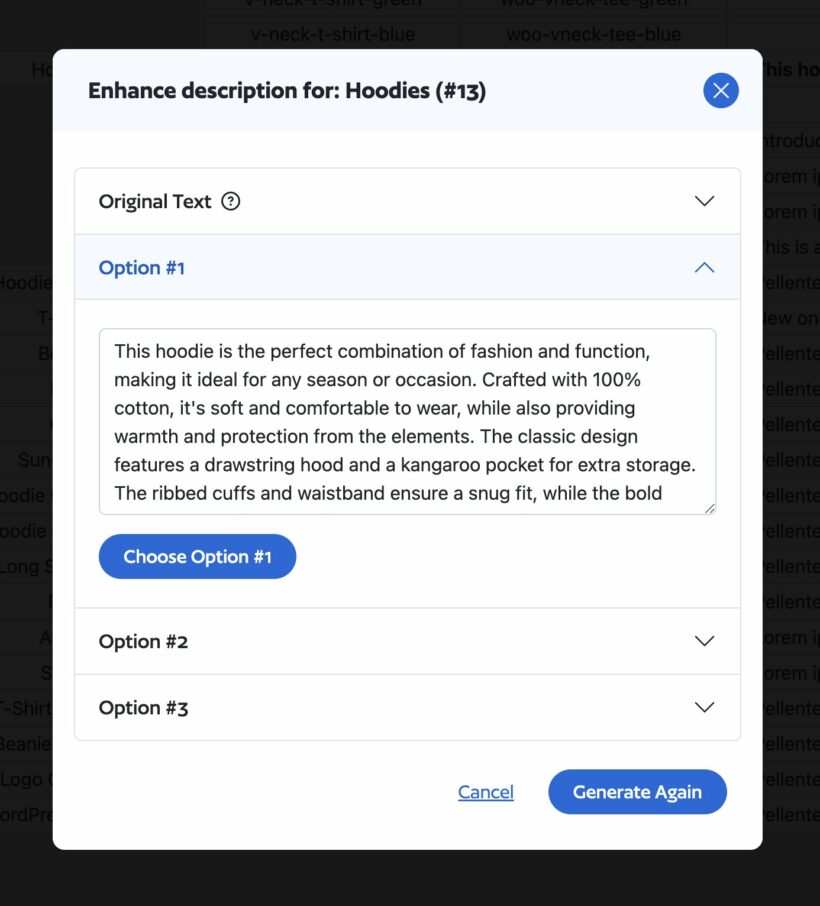
For example, the WooCommerce bulk editor Setary can boost your sales by using AI to rewrite and improve your product descriptions.
Image generation
Image-generation AI is a remarkable thing. You enter a text prompt description of the image you want to create. An AI plugin automatically creates stunning, custom visuals within a few seconds.
For example, platforms like invideo also offer an AI image generator that helps users create high-quality visuals from simple prompts. After the AI generates the images, you can add more instructions and filters to tweak and customize the images further.
AI video tools are now entering the WordPress ecosystem, allowing you to generate short product demos, social media clips, or animated explainer videos directly from text prompts. These plugins can save hours of manual editing and help you produce engaging visual content without a professional video team.
Chatbots and customer support
AI conversational chatbots make a real difference to automating and improving customer support on websites.
Chatbots aren't a recent invention; they've been around for a while. But how can AI improve the chatbot experience? By using natural language processing and machine learning algorithms. These algorithms help chatbots provide more personalized and accurate responses to customer queries.
Businesses can also incorporate AI knowledge base searches into WordPress form plugins. This can help them provide instant customer support, leading to a more positive user experience.
SEO optimization
There are several types of AI SEO plugins that automate various kinds of SEO-related tasks. However, they all share one common goal: to help boost your website's organic search ranking.
AI SEO plugins can analyze your website's content and provide on-page optimization suggestions. These insights can help improve meta tags, titles, descriptions, and headings. They also highlight backlinking and interlinking opportunities.
Some plugins even autogenerate and submit XML sitemaps. This helps search engines crawl and index the site, and allows you to add social media metadata to your website.
Ecommerce operations
AI-powered WordPress plugins can help ecommerce stores improve their processes. For example, they can speed up their order fulfillment process. This helps to reduce the time and resources needed to manage orders and inventory.
These plugins help automate time-consuming tasks like inventory management and order fulfillment. They also provide valuable insights into customer behavior to help businesses become more efficient and profitable.
Code generation
Plugins that generate code use deep learning algorithms and NLP to automatically generate code snippets and scripts. They can even create entire software applications based on your inputs.
Code generation plugins are probably the most exciting type of AI WordPress plugins. They can help you add cool, new features to your website, even if you have zero coding knowledge. They also help plugin developers to reduce routine tasks and save time.
Benefits of AI for WordPress websites
There are many benefits to using AI plugins on WordPress websites. Here are the top ones:
Improved SEO optimization and content creation
Content creation and SEO optimization are crucial for nearly every type of WordPress site. You probably already know that a lot of time and effort goes into creating optimized content that ranks well. Spending several hours every week on content is quite common for many websites.
Many AI plugins can help with various parts of the content creation and optimization process. From keyword research to creating blog posts and images to optimizing your site's content to rank higher in search. This leads to higher organic traffic and increased visibility to your target audience.
Personalized user experiences
Your site's user experience (or UX) can determine whether website visitors return or not. And considering that 88% of website visitors are less likely to return after a bad site experience, the stakes are pretty high.
If you want to create a website from scratch, AI can help. It can generate code for stunning website designs and layouts with user-friendly features in only a few minutes. For example, ZipWP's AI website builder makes it easy to create a website with AI
AI can also analyze users' behavior on your website and then provide personalized experiences for each user using tools like an AI video generator, etc. For example, recommend relevant products, services, or content based on a user's previous selections.
Enhanced customer support and engagement
Chatbots (or conversational agents) are AI-powered plugins that can provide instant, personalized support to your website's visitors.
Think of chatbots as virtual assistants that are available 24/7 and can provide support to your customers. They help answer common questions, resolve issues, and provide recommendations based on customer interactions. They can even automate routine tasks like scheduling appointments.
Faster ecommerce operations
There aren't yet many AI WordPress plugins exclusively focused on ecommerce websites. However, the ones that are available so far seem promising.
These plugins can help reduce the time spent on stock management and product pricing - two critical parts of running a successful ecommerce business. This is especially helpful if your ecommerce store has a large product database. They can help you save a lot of time by allowing you to bulk edit products and product variations, modify product prices, and more.
Automated website maintenance and security
Many things must be done to ensure your website is up-to-date and secure. AI plugins are handy for automating several routine and time-consuming maintenance-related tasks, such as:
Updating plugins, themes, and website backups.
Monitoring your site to identify performance issues, such as slow page load times.
Crawling your site to look for broken links and suggesting link replacements.
AI plugins can also monitor your website for security threats like malware or hacking attempts. They'll immediately alert you if they detect unusual or suspicious activity so that you can quickly prevent security breaches.
My criteria for these AI plugins
AI plugins come and go fast, so my first filter was simple: is each tool genuinely useful, and still actively maintained in 2026? I've left out several popular older names that have since been discontinued or abandoned.
For the ones that made the cut, I looked at what each does and how it's priced - per-credit subscriptions versus bringing your own API key. I also weighed how easy it is to use and how active its development and reviews are.
Setary is an ecommerce plugin that simplifies stock management and product pricing for WooCommerce stores. It's a tool we co-own at Barn2, so this is an in-house pick. The plugin adds all your products and product fields to an editor with a spreadsheet-like interface. From there, you can easily edit and update product metadata and custom fields.
Setary uses the latest artificial intelligence technology to help you generate unique, high-quality product descriptions with a few clicks. You only need to enter a text prompt. Its "Enhance with AI" option will generate multiple options for you to choose from, helping you save time and money.
Pros: Generates and refines product descriptions across your whole catalog from a spreadsheet-style editor, with AI built in.
Cons: It's really a WooCommerce bulk-editor with an AI description feature, not a general text or image generator, and it's a paid subscription.
Divi AI (Layout, Text, Image and Code Generation)
Divi AI is a full suite of AI tools built into Divi, a popular WordPress page builder. It can write text, create images, generate code, and even design pages with unique layouts using Divi’s wide range of content elements and design options. All it takes is a simple prompt, and Divi AI takes care of the rest.
Divi AI can also improve your content, edit your images, and customize your website. It has convenient quick actions for text adjustment, such as fixing spelling errors, translating to different languages, and improving the tone of your writing. It comes with an AI image editor that you can use to modify elements, enhance images, and expand and fill the canvas (just like Photoshop).
Divi AI’s standout feature is its ability to generate entire pages with custom layouts. It combines all of its AI tools and works like your own web designer, copywriter, and photographer to create your website. It generates unique layouts, customizes the fonts and colors, and then automatically fills the page with well-written content and beautiful photos. Cons: It only works if you build on the Divi page builder, and full AI access pushes you toward the pricier Pro tier.
CrocoBuilder is an AI-native dynamic frontend development builder for WordPress that combines AI-assisted website creation with a visual editor and real developer workflows. It lets you generate pages, website structures, and reusable components from prompts while keeping full control over the HTML, CSS, and JavaScript.
One of CrocoBuilder's key advantages is that AI-generated websites remain structured and maintainable. Its atomic DOM output keeps the markup lightweight, while the Unified Design System lets you manage global styles, CSS variables, classes, and responsive breakpoints across the entire project. CSS Sync also keeps visual editing and raw CSS changes in sync.
CrocoBuilder goes beyond basic AI page generation with dynamic WordPress functionality. Its Loop Builder, Query Builder, Theme Builder, conditional logic, and reusable components allow developers to create complex, data-driven interfaces without duplicating content or relying on rigid pre-built widgets.
The builder also integrates with AI agents through MCP, allowing tools such as Claude and Codex to work with site structures, pages, components, styles, and queries. Its AI-first Component Builder can generate custom HTML, CSS, and JS components that can be refined manually and reused throughout a project.
Cons: Its advanced developer-focused features may have a steeper learning curve than simpler AI website builders, and some integrations are still being developed.
Genie (AI content optimization)
Genie is an AI-powered content and SEO assistant plugin. It uses machine learning algorithms and advanced AI technology to research your competition and create NLP-optimized content.
This plugin performs each step in the content production process - from research to content creation to SEO optimization - right within your WordPress dashboard. It also includes 30+ templates such as blog posts, social media copy and WooCommerce product descriptions. This makes it a great tool to help you quickly create unique, relevant, and engaging content.
You can use Genie to create various types of content. However, it's most suited for WordPress sites where content quality and ranking are crucial because of its advanced optimization capabilities. Cons: Its credit-based pricing can add up with heavy use, compared with bring-your-own-key tools.
HandyWriter (AI-powered writing assistant)
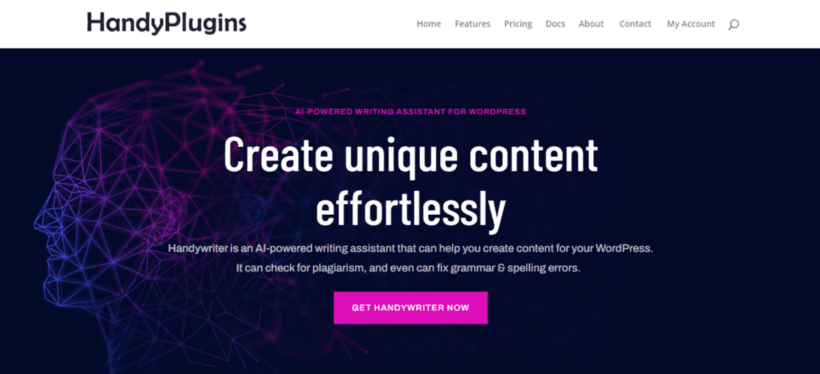
HandyWriter is an AI writing assistant plugin. It can help you create various types of content for your WordPress site. Like ChatGPT, HandyWriter uses the benefits of AI natural language processing and machine learning algorithms to understand your text prompts and generate relevant content.
HandyWriter is less advanced than Bertha AI. However, it still generates good-quality content. It also includes built-in grammar and plagiarism checkers to ensure your content is error-free and original.
HandyWriter's best feature is the ability to generate an entire blog post including the title, summary, and SEO meta descriptions with just a single click. And, like similar plugins, it includes templates to create content for product descriptions, ad copy, YouTube video descriptions, and more. Cons: It locks you into a proprietary credit model with no bring-your-own-key option, and it still has a very small user base.
MeowApps AI Engine (Text and image generation)
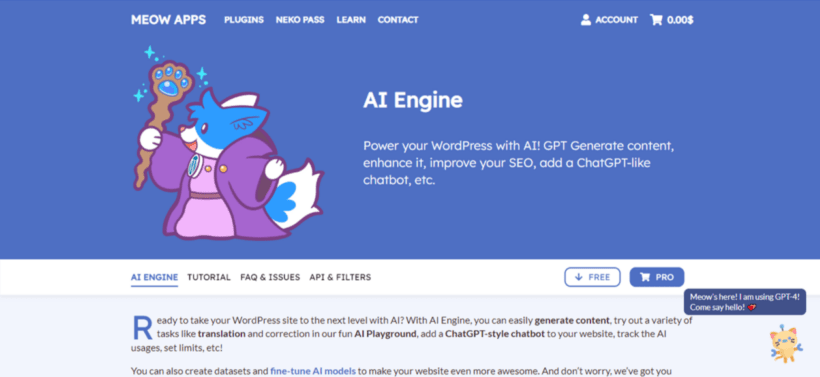
MeowApps AI Engine is an innovative AI WordPress plugin powered directly by ChatGPT. It can help create fresh and engaging content for your website.
The MeowApps AI Engine plugin is great at generating text for blog posts, social media posts and ads. It has a fantastic chatbot feature that provides a ChatGPT-style chatbot (which I'll cover in more detail later on) for your website. It also includes image generation capabilities, an AI Playground with a user-friendly interface, settings to train your AI models, and lots more.
The quality of generated text and images isn't yet as good as Bertha. However, it still stands out for its versatility, unique interface, and nearly endless use cases. This makes it an excellent option for those looking to experiment with AI-powered content tools. Cons: It's powerful but has a steep, developer-leaning learning curve, and you manage your own API keys and billing.
WriteRush
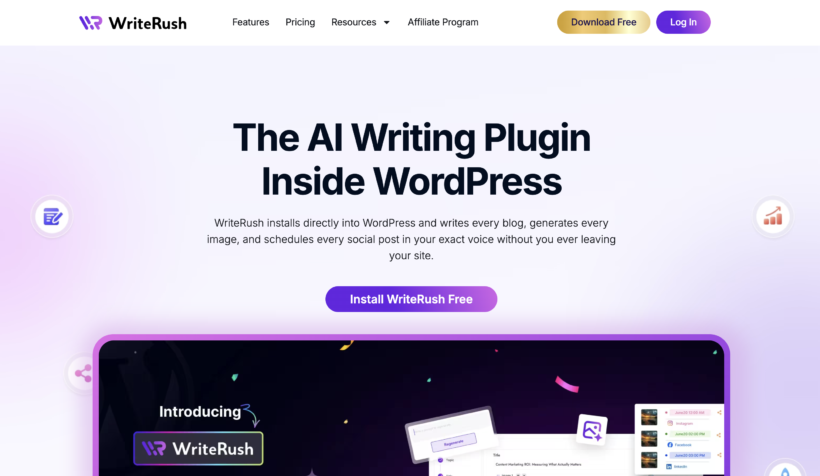
WriteRush is an AI-powered WordPress content writing and marketing plugin that streamlines keyword research, SEO planning, content creation, image generation, and publishing. It offers keyword research, SERP-based and AI-generated outlines, blog-type selection, topic analysis, SEO scoring, one-click blog generation, and a guided long-form writing workflow. Users can customize content by audience, purpose, tone, and other advanced parameters, while generating or regenerating titles, sections, and outlines as needed.
The plugin supports brand voice training using text samples or existing WordPress content, helping businesses maintain a consistent writing style. It also includes AI image generation and regeneration, automatic Unsplash image insertion, and tools for creating and scheduling social media posts and campaigns.
WriteRush works with Gutenberg, Elementor, and the Classic Editor and can send publish-ready articles directly to WordPress drafts. Its product module also creates product descriptions, product page copy, and product reviews. This makes it a practical all-in-one solution for bloggers, marketers, agencies, freelancers, content teams, and business owners who want to produce optimized content faster without leaving WordPress. Cons: WriteRush is mainly designed for WordPress users. AI-generated content still requires human review for accuracy and quality. Results depend on the keywords, instructions, and selected settings. New users may need time to learn the platform, and advanced SEO professionals may still require dedicated SEO tools.
Customer support and contact forms
DocsBot AI
DocsBot AI is an innovative WordPress plugin that allows you to create AI-powered custom question-and-answer-style chatbots trained with your business' content and documentation. This can help improve employee and customer support experience.
You can train DocsBot AI on common customer queries and responses. Then, display the chatbot on the front end of your site to respond to new support tickets automatically. Alternatively, you can train DocsBot AI as an internal knowledgebase to answer typical employees' questions about your business.
DocsBot AI uses ChatGPT's API to power the bots, which makes it highly effective at providing quick and accurate responses to queries. Cons: It's a paid external service (from around $149/month) rather than a WordPress plugin - WordPress is only a content source and an embed.
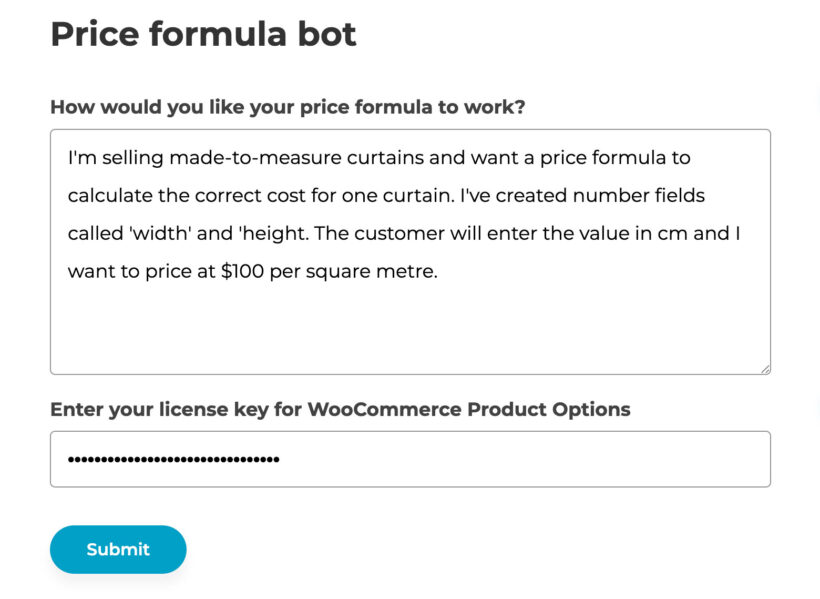
Simply describe the factors that should be used to determine the price of your WooCommerce products, and AI bot will create advanced formulas for you:
Pros: Turns a plain-English description of your pricing logic into a working WooCommerce price formula, with no maths or code.
Cons: The AI bot only generates price formulas, so it's a narrow feature within the wider plugin rather than a general AI tool.
MeowApps AI engine (AI-powered Chatbot)
I covered MeowApps AI engine earlier for its text generation capabilities. However, its innovative chatbot features are worth another mention.
MeowApps AI Engine allows you to create and embed custom ChatGPT-style chatbots on your website. It's connected directly to ChatGPT's API and uses advanced NLP technology to provide intelligent and accurate responses to customer queries.
This plugin has countless options that enable you to customize the chatbot to suit your needs. For example, you can name the bot and give it a "personality" e.g friendly, knowledgeable, annoyed, etc. The bot will generate responses based on its set personality. You can also customize how it appears on your website, to align with your website's overall design. Cons: It's the same plugin covered above, so the same caveats apply - the chatbot is one feature of a broad, developer-leaning tool.
Social Chat Pro - Bots (Social Chat)
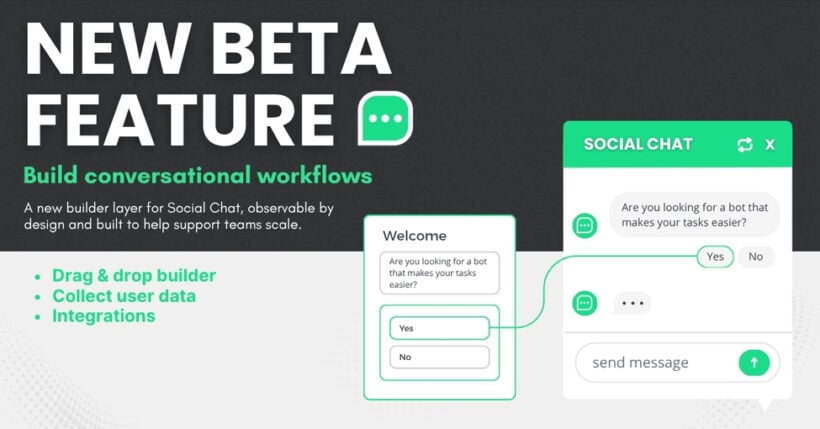
When it comes to using AI for customer support, meeting your users where they already are is half the battle. QuadLayers' WhatsApp Chat Bots plugin brings the power of Artificial Intelligence directly to the world’s most popular messaging app. Instead of just adding a basic chat widget to your WordPress site, this tool allows you to deploy sophisticated, AI-driven conversational agents.
By smoothly integrating with OpenAI, this plugin transforms your WhatsApp channel into a 24/7 intelligent support desk. The AI can understand natural language, instantly answer complex frequently asked questions, and guide users through your sales funnel - all without requiring your team to lift a finger. It’s the perfect blend of advanced AI and everyday convenience. Cons: Its AI chatbot is still in beta and runs on QuadLayers' external servers, and the AI features are premium-only.
WS Form (AI-powered form features)
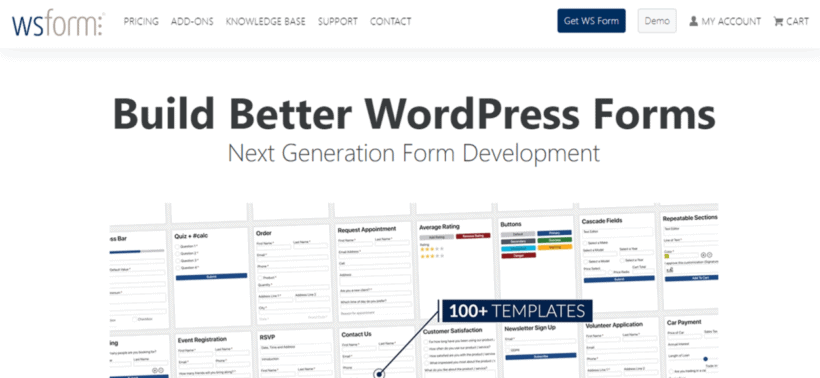
WS Form is a versatile WordPress form plugin. It's great for anyone seeking interactive, visually appealing, and highly functional forms packed with the power of AI. The plugin's OpenAI integration sets it apart from other form builder plugins. This integration enables users to have an interactive experience when filling out forms on your website.
WS Form includes tons of AI-powered features. For example, instruction-based text editing, image creation based on text prompts, and moderation checks to ensure your site visitors don't submit offensive content. Cons: The AI features are Pro-only (the free Lite version has none), and it has a steeper learning curve than simpler form builders.
Gravity Forms (AI-powered form creation)
Like WS Form's OpenAI integration, Gravity Forms uses OpenAI and ChatGPT in its forms. Use it to generate AI-powered responses to form submissions, edit and improve submitted content. Plus, you can moderate submissions by blocking or flagging undesirable or offensive content - all in real time.
You can also integrate Gravity Forms OpenAI plugin with Gravity Flow, an automation plugin. Then build custom workflows to automate form-based processes on your website. Cons: It handles AI inside forms only - it can't build chatbots - and needs paid Gravity Forms plus the paid add-on.
Everest Forms (AI-powered contact form)
Everest Forms is a dynamic form builder plugin with robust AI integration for building AI contact forms. It’s a perfect choice for users looking to create an interactive, practical, and highly functional form.
The AI feature in Everest Forms is available as an add-on for the plugin, accessible in both the free and premium versions. It uses OpenAI’s API to link ChatGPT with your WordPress contact form, so you can get creative and build a versatile contact form for your website.
With Everest Forms AI, the possibilities are limitless. You can enhance your form with an OpenAI chatbot, automate AI-generated emails, receive instant feedback during form creation, and much more. These practical benefits make Everest Forms AI a valuable tool for your website. Cons: Its AI add-on is thin and lightly documented next to WS Form or Gravity Wiz, so the AI side is the weakest of the form builders here.
SEO plugins
RankMath (AI content optimization for SEO)
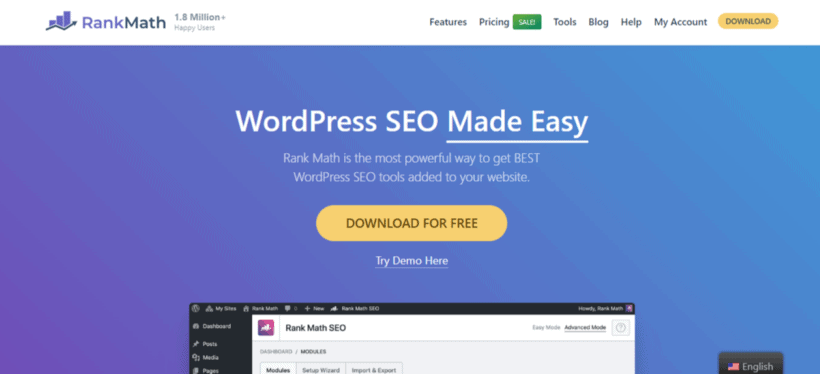
RankMath is one of the first WordPress SEO Plugins to the benefits of AI into its plugin. RankMath's Content AI feature uses its proprietary data set to share AI-driven content recommendations for your website.
RankMath's Content AI suggestions are based on your focus keyword and your target country. It suggests related keywords and phrases, target content length, number of headings, links, media, and meta description for your blog post.
RankMath also generates functional Schema-ready FAQ sections to add to your website. Plus, its smart link suggestions can help you add credible citations to your content and increase your site's visibility on search engines. Cons: Content AI runs on a credit system tied to a connected account, and the wider feature set has a steeper learning curve than Yoast.
SEOPress (AI content optimization)
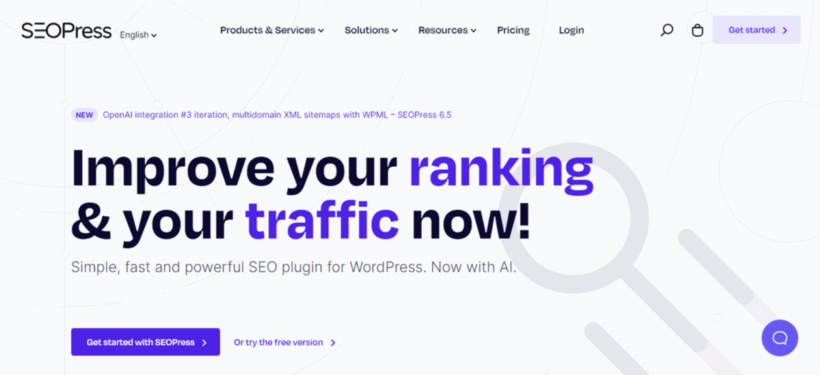
The robust SEOPress plugin is used on over 250,000 WordPress websites to help improve their search rankings and traffic.
SEOPress integrates with OpenAI to help improve your content-creation workflow. Once you link your OpenAI account with SEOPress, it'll read your site's content. Then, autogenerate metadata, such as titles and meta descriptions for individual or bulk posts. Cons: It has a smaller community than Rank Math or Yoast, so there are fewer third-party tutorials and integrations.
Link Whisper (AI-powered internal link suggestion)
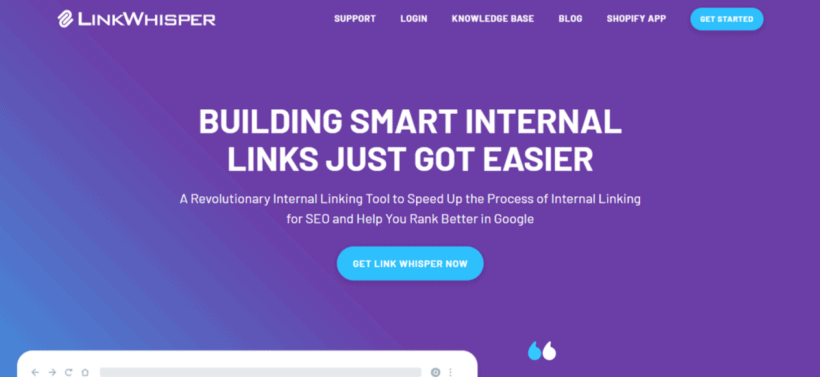
Link Whisper is an intelligent internal linking tool. It drastically reduces the time and effort spent building internal links to help boost your website's SEO.
The Link Whisper plugin uses AI to suggest relevant internal links while you're writing or editing content within WordPress. It also includes an "Auto-Linking" feature that automates the process of building links on your site. You need to input a keyword and specify the destination URL. Link Whisper will automatically build links from previous and future mentions to the destination page.
Link Whisper includes an in-depth reporting dashboard to show you an overview of your site. You can see the internal and external links, broken links, errors, or posts that could use more internal links, so you can easily make changes.
Cons: It has a mixed reliability reputation, with a notable tail of low reviews over bugs, and the best features are paid-only.
WordLift (AI-powered SEO content optimization)
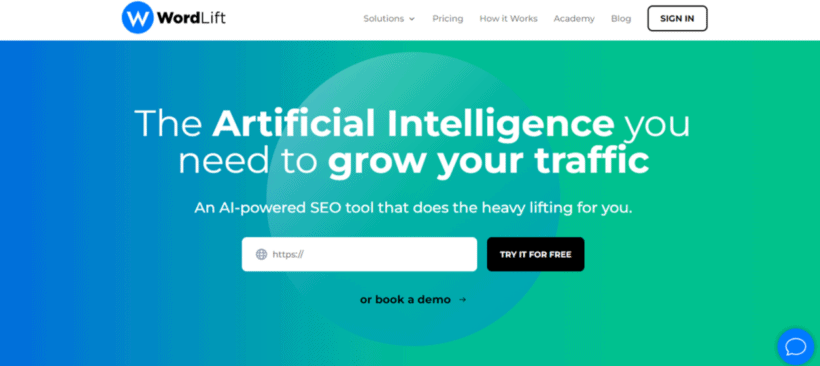
WordLift is a unique WordPress SEO plugin that uses powerful AI technology to help your site rank higher in search.
WordLift's key feature is its ability to crawl through your website and create custom code known as "knowledge graphs". The knowledge graphs translate your site's content in a way that's easy for search engines to read and understand - which boosts your site's SEO.
Additionally, you can use WordLift to recommend relevant products to your website's visitors. Plus, you can add clickable carts, widgets, and shopping cart banners, which help to increase your average session duration (i.e., the average time users spend on your website), revenue and enhance the experience of your website's visitors. Cons: It's expensive for small sites and more enterprise-oriented, with some documentation and interface friction.
Uncanny Automator (Automation with OpenAI integration)
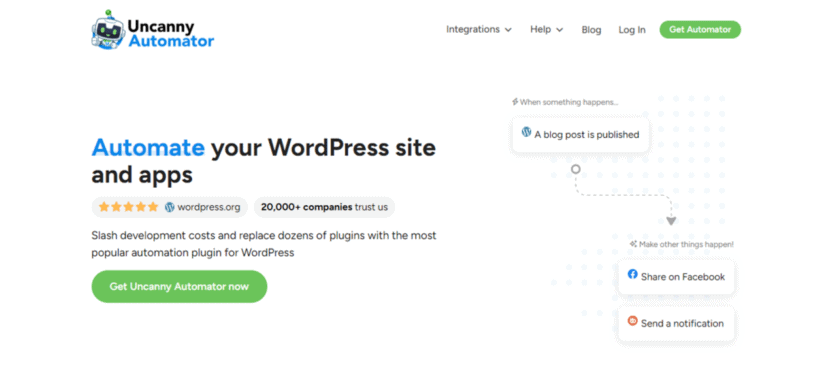
Uncanny Automator is a popular no-code WordPress plugin used on over 20,000 websites. It helps you connect various plugins and sites and automate workflows for routine tasks.
How does AI enhance automation? Automation plugins aren't new; they've been used for years. Now, they can connect AI tools with your WordPress site to help you automate manual, time-consuming tasks.
For example, you can use the Uncanny Automator plugin to directly integrate your WordPress site with OpenAI. Then, create custom workflows that use ChatGPT to generate high-quality original blog posts based on simple triggers. If you have an ecommerce site, you can set up workflows to generate relevant product descriptions once you add a new product or product variation, and lots more.
Cons: It's an automation framework rather than an SEO tool, so the AI angle needs you to build recipes and bring your own OpenAI key.
Which AI plugin should you choose?
With this many tools, the right one depends on the job. For general AI content, images and chatbots from a single plugin, Meow Apps AI Engine is the most flexible, and you pay your own API costs rather than a markup. For SEO content specifically, GetGenie or Rank Math are the strongest picks.
If you run a WooCommerce store, Setary is the fastest way to generate product descriptions at scale, and our own WooCommerce Product Options can build price formulas from a plain-English description. For internal linking choose Link Whisper, for a docs chatbot DocsBot AI, and for AI inside forms WS Form.
What are the limitations of AI?
No AI plugin is perfect, and most tools will need some level of fine-tuning to work precisely as you need. For all the benefits of AI for WordPress sites, it's equally essential to be realistic about its limitations:
Wrong information: AI tools (like ChatGPT) sometimes generate incorrect information. This happens because AI tools are trained on data scraped from the internet. Since there's no way to verify the accuracy of the data, these tools may sometimes present wrong information as right.
Plagiarism: AI tools may sometimes outrightly plagiarise existing content. As I mentioned earlier, AI tools were fed with information from the internet. They simply regurgitate this rather than create "brand new" content. That’s why many teams run drafts through an AI Checker as a quick extra step before publishing.
Limited knowledge: At the time of its release, ChatGPT had little understanding of the world and events after 2021. And it's a similar situation with other AI tools. Although these tools are still handy, they may not be suitable for all use cases.
Quality of work: AI tools are powerful. But they still have some way to go before they can work with zero human intervention. They may not be capable of performing tasks that need a lot of creativity.
Human assistance: AI tools are only as effective as the prompts and instructions entered. Not to mention, humans must set them up to work in the first place. So they may not be as helpful if they aren't set up correctly or if ineffective prompts are entered.
AI tools can help automate routine tasks and improve workflows. However, they can't (yet) replace human expertise completely. Your success with AI depends on how well you combine your existing knowledge and skills with these cutting-edge tools.
Conclusion
Used well, AI plugins genuinely speed up WordPress work - drafting content, optimizing for search, supporting customers and automating routine jobs - as long as you treat their output as a starting point, not a finished product.
If you're considering using AI on your WordPress site, these are the best plugins to start with:
Have you ever tried using AI tools? What type of website do you have, and which plugins are you most looking forward to using? What have been the biggest benefits of using AI tools for your business? Let me know in the comments!