A searchable document library for any website

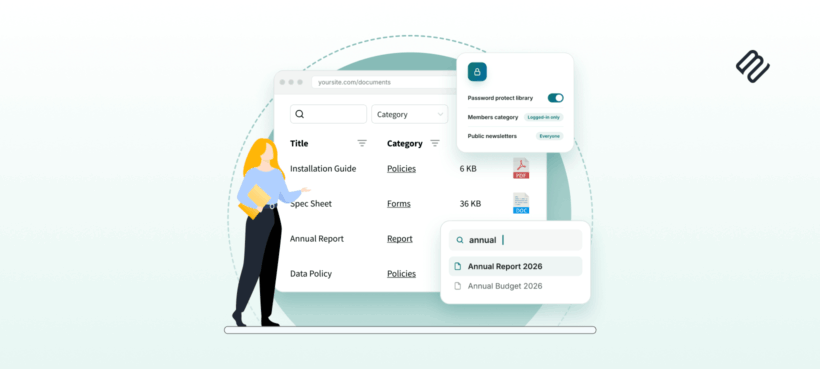
For years, Document Library Pro has helped organizations turn a pile of files into a fast, searchable library on their WordPress site. Today we are bringing that same library to any website, whatever platform it runs on.
Document Library Pro began as a WordPress plugin, and it still is one. But when we looked closely at the organizations using it, we found that many of them don't run their websites on WordPress at all. That is why we have also built a version that works anywhere.Our customers aren't only on WordPress
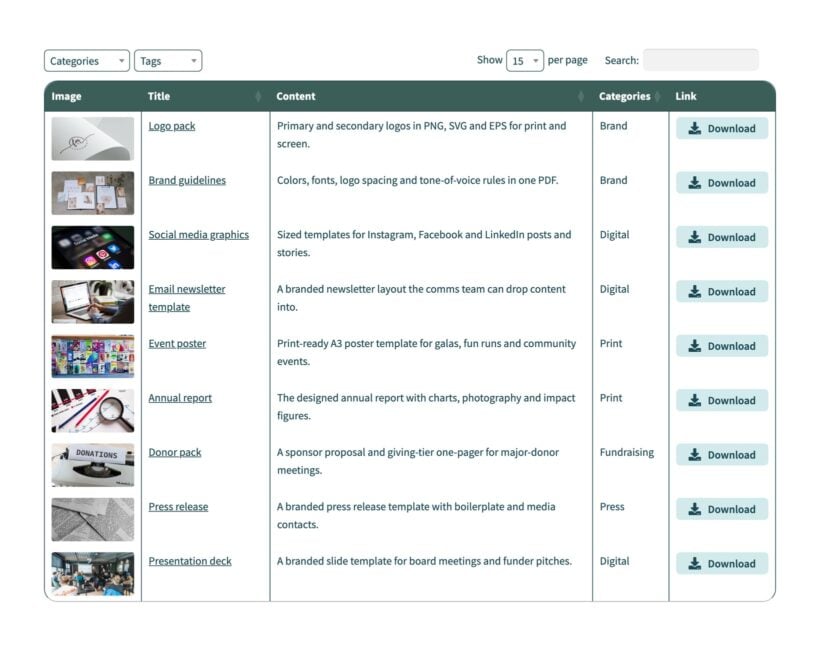
- Nonprofits and charities publishing reports, toolkits and guides.
- Clinics and health organizations sharing patient resources and clinical guidance.
- Councils and government bodies posting agendas, minutes and policies.
- Membership and professional associations giving members a library of resources.
Publishing your library on any website
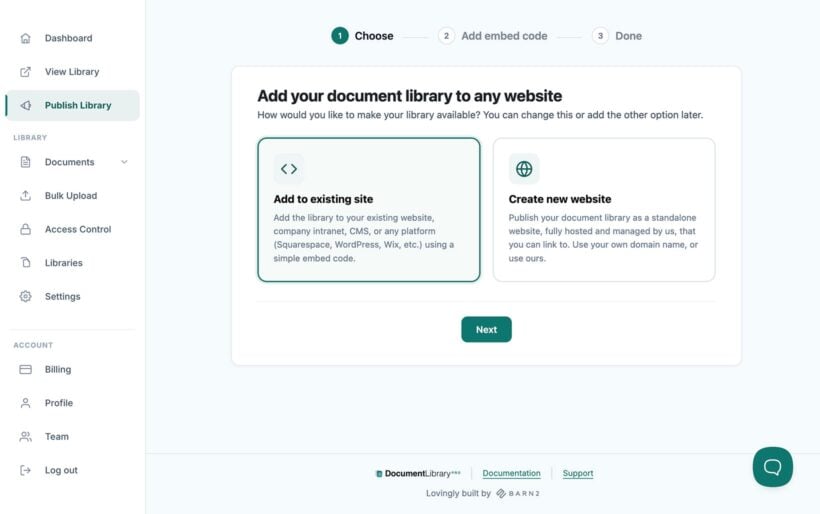
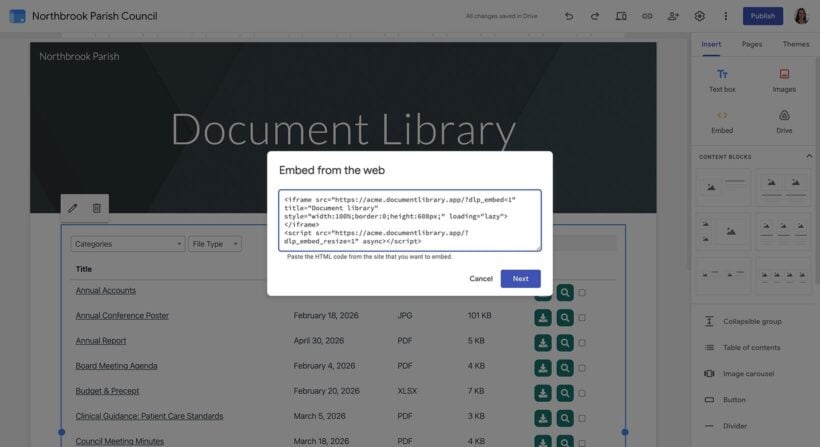
Whatever your site is built with, you can now give it a full document library. You build the library in one place, then publish it where you need it. There are two ways to do that:- Add it to an existing siteAdd your library to any site with a simple embed code, whatever platform it runs on.
- Publish it as its own websiteHave us publish your library as a standalone site on your own domain, with nothing for you to host or maintain.
Give people a library they can search and filter
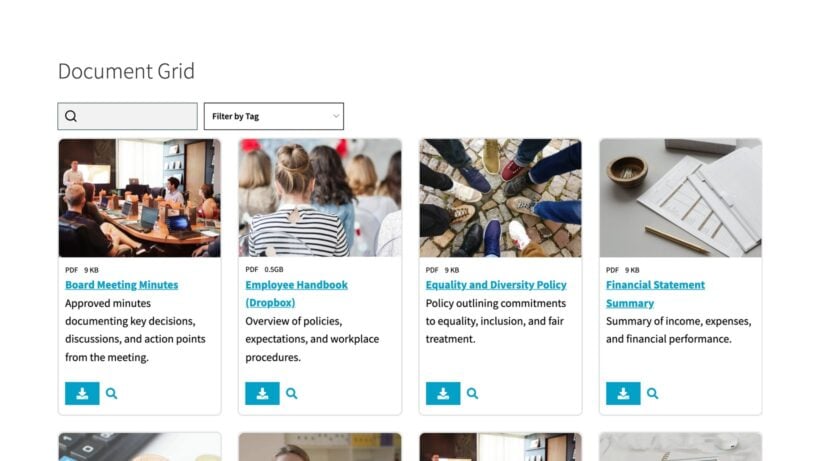
A good document library does the work your visitors would otherwise have to do themselves. They can search by keyword, filter by category, date or file type, and preview or download a document in a couple of clicks. You decide who gets in, so you can open it to the public or restrict it to specific people such as members, staff or a board.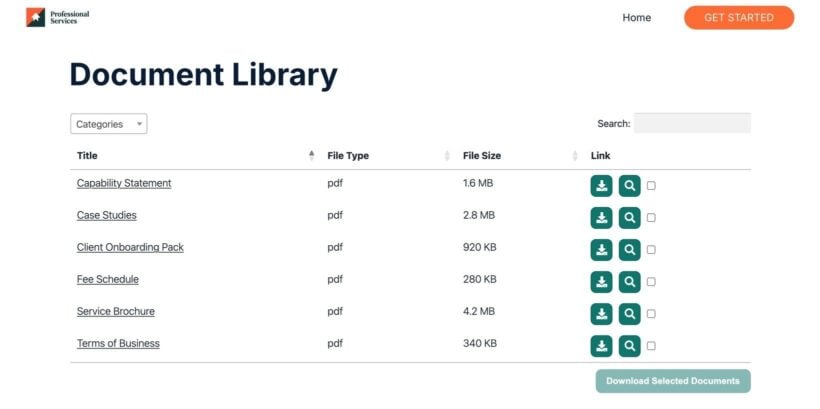
Why not just use SharePoint or Google Drive?
If you have ever gone looking for a tool like this, you will know the choices are thin. SharePoint is built for storing and collaborating on files internally, behind a corporate login, which is a different job. Google Drive and Dropbox are great for storing and sharing files. Putting a branded, searchable library of those files on your own website is a separate job. That's exactly what document library software like Document Library Pro is designed for. And now you can do it on any platform. Folder sync makes the two work together: The hosted version of Document Library Pro can sync a shared Google Drive or Dropbox folder into your library. Every file in the folder becomes a searchable, downloadable document on your website. Subfolders become subcategories, and the library re-syncs with the folder automatically every day.Watch the full tutorial
WordPress plugin or hosted version: Which is right for you?
There are now two ways to use Document Library Pro:- If your site runs on WordPressUse the original plugin. You install it, host it and manage it from your WordPress dashboard, and it is better value when you are already running WordPress.
- If your site runs on anything elseUse the hosted version. We host it and handle the updates, and you add your library to any website with no plugin to install.
| WordPress plugin | Hosted version | |
|---|---|---|
| Works on | WordPress sites | Any website, any platform |
| WordPress required? | Yes | No |
| Who hosts it | You | We do |
| Where to find it | barn2.com | documentlibrary.pro |