GiveWP alternatives: which one should you choose?


Looking for a GiveWP alternative for your WordPress site? Here are the strongest replacements, who each one suits, and how each compares to GiveWP feature by feature.
GiveWP has earned its place as one of WordPress's most established donation plugins. Lately, though, its future has come into question, and nonprofits are weighing up their options.
The good news is that you have several strong options, some more flexible than GiveWP, especially if your site already runs WooCommerce. Below, I compare the best replacements and map each one against GiveWP's main features. I also explain how to switch across.
As a bonus, I'll also show how to add a searchable document library for the reports, policies and minutes many nonprofit sites need to share. And if you'd like a broader comparison beyond GiveWP replacements, see my full roundup of the best WordPress donation plugins.
Quick verdict
Short on time? Here's the fastest way to pick a GiveWP alternative.
- Closest like-for-likeCharitable works most like GiveWP, with the gentlest learning curve.
- Best for WooCommerce storesWooCommerce Product Options collects donations alongside your sales.
- Best all-in-one platformDonorbox rebuilds GiveWP's hosted, everything-included feel.
- Best value with recurring givingPaymattic includes recurring donations with no platform fee.
Why are people looking for GiveWP alternatives?
GiveWP has been a trusted donation plugin for years, so why are so many nonprofits weighing up alternatives? A few reasons come up again and again.
- Uncertain futureGiveWP was acquired by Liquid Web in 2021, both founders have since left, and Liquid Web has now dissolved its StellarWP brand and taken the standalone GiveWP website offline. The plugin still updates, but the roadmap is unclear.
- Key features cost extraRecurring giving, peer-to-peer fundraising and advanced reporting all sit in paid add-ons, so the real price climbs quickly.
- Fees on the free versionGiveWP's free Stripe integration adds a 2% fee on top of Stripe's own charges until you upgrade.
- Too many pluginsSome nonprofits want a lighter setup, with fewer plugins to maintain and update.
- WooCommerce integrationStores want donations recorded alongside their product sales, which GiveWP keeps in a separate system.
- Less maintenanceOthers would rather a hosted platform handle the donation engine for them.
GiveWP alternatives compared
GiveWP is a fully featured, sophisticated plugin. I compared each alternative on the features nonprofits relied on most in GiveWP, then ranked them by how closely they replace it for a typical nonprofit. Here's how they measure up, feature by feature.
| GiveWP feature | Charitable | Product Options | Donorbox | Paymattic | WPForms |
|---|---|---|---|---|---|
| Free version | Yes | No | Yes | Yes | No |
| Custom donation forms | Yes | Yes | Yes | Yes | Yes |
| Recurring donations | Add-on | No | Yes | Yes | Pro |
| Stripe & PayPal | Yes | Yes | Yes | Yes | Yes |
| Donor management | Yes | Partial | Yes | Yes | No |
| Peer-to-peer fundraising | Add-on | No | Yes | No | No |
| Detailed reporting | Yes | Yes | Yes | Yes | Partial |
| Works without WooCommerce | Yes | No | Yes | Yes | Yes |
| No platform fee | Yes | Yes | No | Yes | Yes |
A quick key: 'Add-on' means a paid extension, 'Pro' means it needs a paid plan, and 'Partial' means it's possible but limited, usually through WooCommerce.
1. Charitable
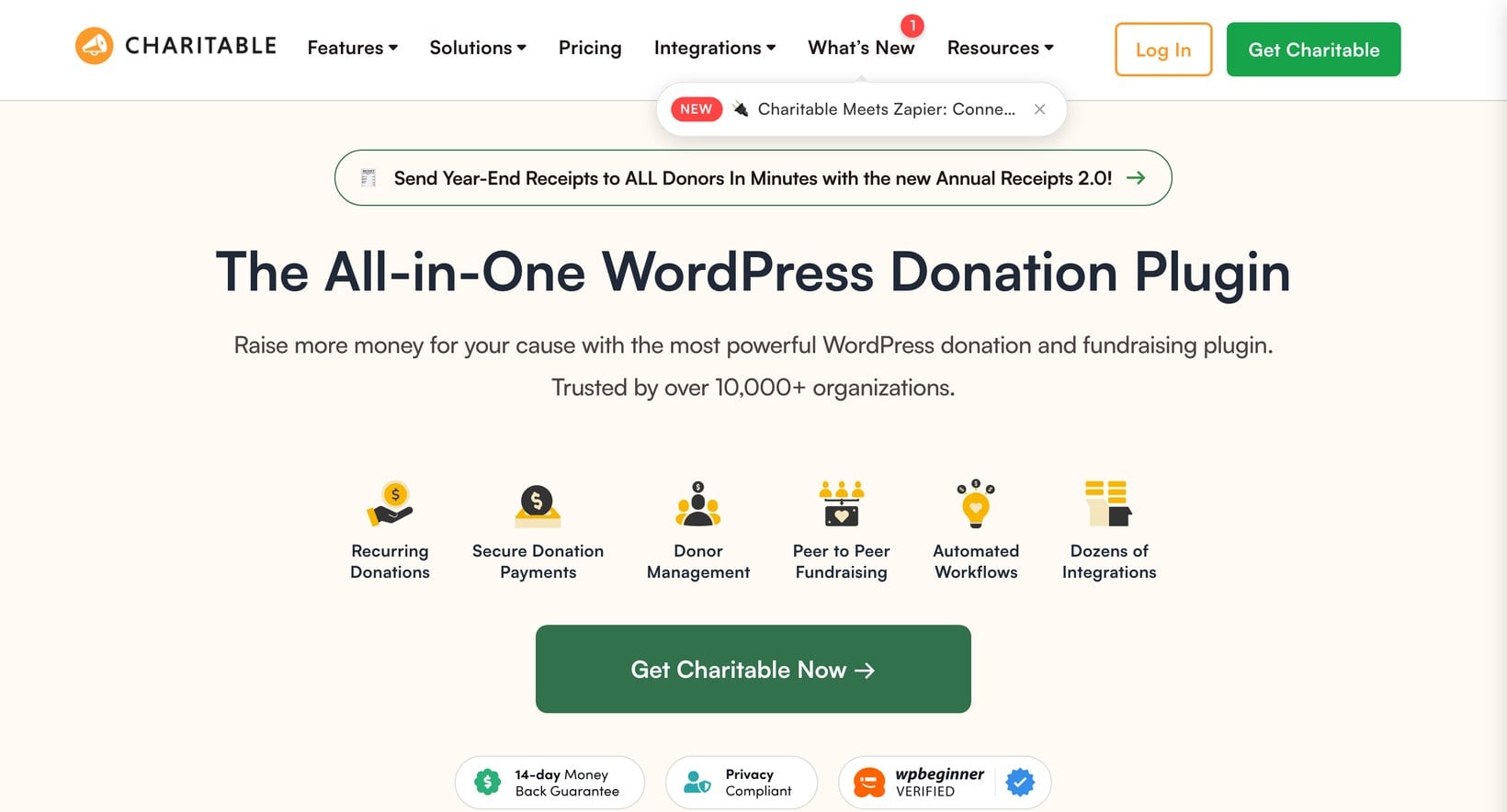
Charitable is the closest drop-in replacement for GiveWP. Like GiveWP, it's a dedicated WordPress donation plugin built for nonprofits, with a capable free version, donation forms and donor management.
Recurring giving and peer-to-peer fundraising sit in paid extensions, much as they did with GiveWP, so the upgrade path feels familiar. If you want a like-for-like replacement that doesn't touch WooCommerce, start here.
2. WooCommerce Product Options
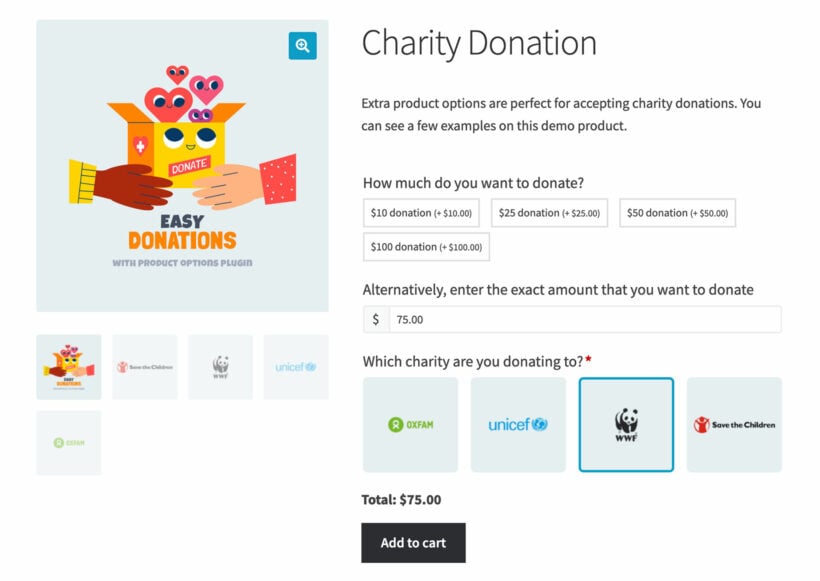
If your site already runs WooCommerce, you can replace GiveWP's donation forms without a dedicated donation plugin. We make WooCommerce Product Options, which turns a product into a flexible donation form with preset amounts and a custom amount field.
Every donation is recorded as a WooCommerce order, so receipts, donor records and reporting sit alongside your other sales. It won't match GiveWP's nonprofit-specific tools like peer-to-peer campaigns or built-in recurring giving, but for a store that simply needs to take donations, it's the easiest route.
3. Donorbox
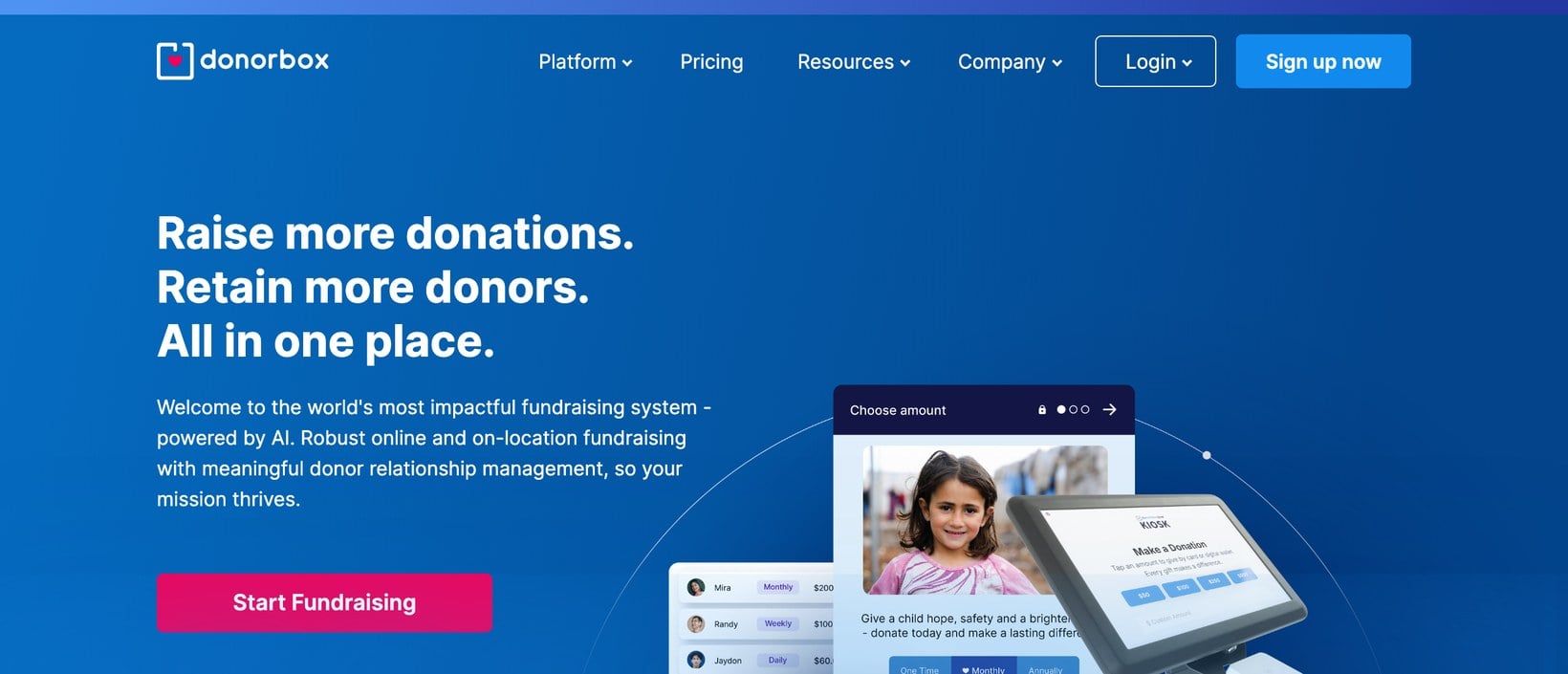
Donorbox comes closest to GiveWP's all-in-one fundraising platform, but hosted. Donation forms, recurring giving, a donor CRM and even peer-to-peer campaigns are all built in, and you embed the form on your WordPress site.
The trade-off against GiveWP is fees and control. Donorbox adds a platform fee on its free plan, and your donor data lives on its servers rather than in your own WordPress database.
4. Paymattic
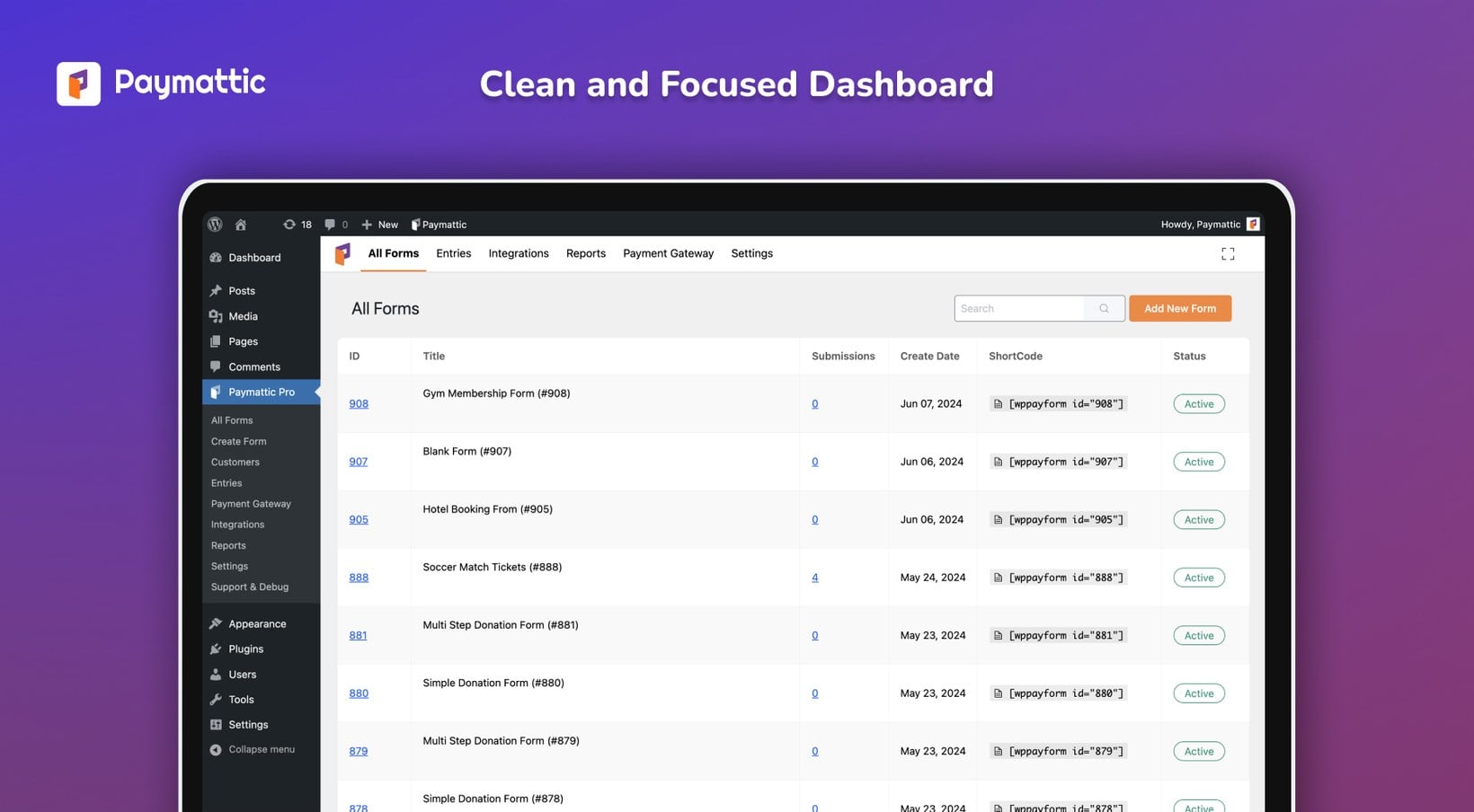
Paymattic covers most of what nonprofits used GiveWP for in one lighter plugin. Recurring donations are included in its Pro plans rather than charged as a separate add-on, it adds no platform fee, and it supports Stripe, PayPal and Square.
It lacks GiveWP's peer-to-peer fundraising and the nonprofit tooling is lighter, but for one-off and recurring donations it's strong value.
5. WPForms
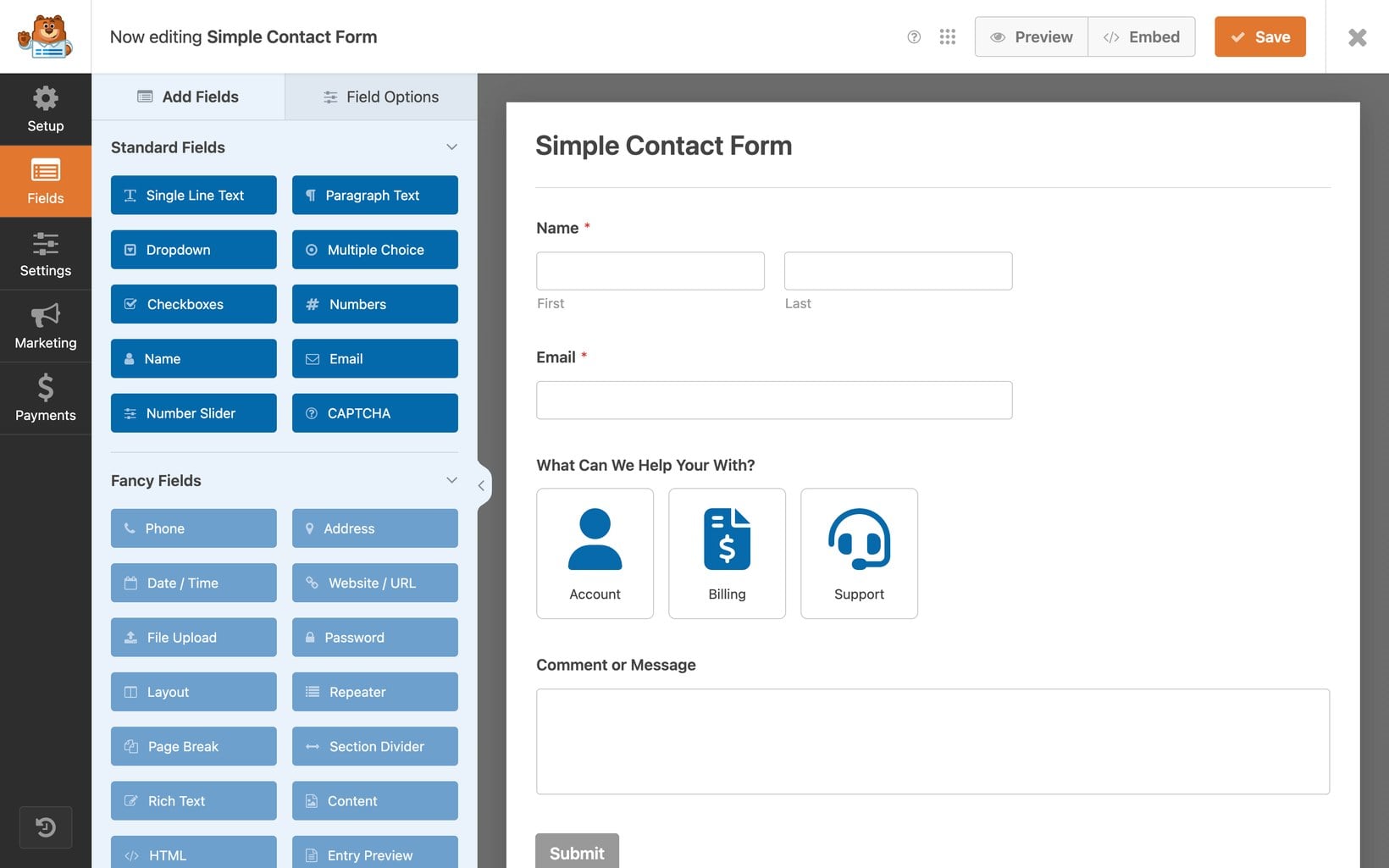
If you already build your forms with WPForms, you can add a donation form instead of running a separate platform. Its Pro plans handle donation fields, recurring payments and the main gateways.
It won't replace GiveWP's donor management, campaign pages or peer-to-peer fundraising. WPForms suits lighter donation collection alongside your other forms, rather than a full fundraising operation.
Which GiveWP alternative should you choose?
The right replacement depends on your setup.
- Closest like-for-likeChoose Charitable for a dedicated donation plugin that works much like GiveWP.
- Already on WooCommerceUse WooCommerce Product Options to collect donations alongside your sales.
- A hosted all-in-one platformPick Donorbox if you want recurring giving and peer-to-peer built in.
- Recurring donations without platform feesLook at Paymattic for the best standalone value.
- Already use WPFormsAdd a donation form with WPForms rather than learning a new tool.
Switching from GiveWP step by step
Moving off GiveWP is straightforward if you take it step by step.
- Export your data firstDownload your donor and donation records from GiveWP so you keep your history. GiveWP can export both to CSV.
- Set up the replacementBuild your new donation form with your chosen plugin and connect the same payment gateway.
- Test a real donationMake a small live donation yourself to confirm the payment and receipt flow works end to end.
- Switch your donation page overReplace the GiveWP form with the new one, then keep an eye on the first few live donations.
Most nonprofits can make the switch in an afternoon. The main risk is losing your donation history, so keep that GiveWP export safe and leave the old forms in place until the new ones have taken a few live donations.
Bonus: Add a searchable document library
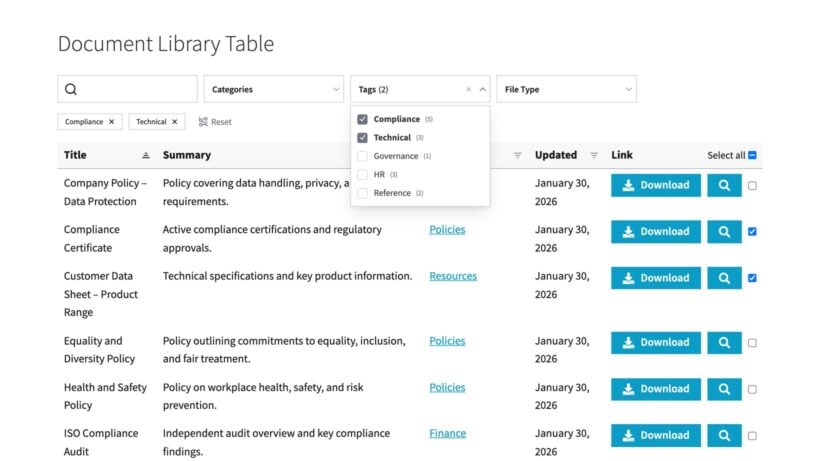
Donations are only one part of a nonprofit website. Most organizations also share documents like annual reports, board minutes and policies, and a long unsorted page makes them hard to find.
We built Document Library Pro to create a searchable, filterable library where visitors find what they need by keyword or category. You can also restrict access, so board-only papers stay private. It pairs with any of the donation plugins above. See real examples in our nonprofit resource library guide.
To test the idea first, the free Document Library Lite plugin creates a basic searchable library, and you can step up to the paid version for access control and grid layouts when ready.
Final thoughts
Moving on from GiveWP can feel daunting, but you have solid options. Charitable is the closest like-for-like replacement, WooCommerce Product Options fits stores already on WooCommerce, and hosted tools like Donorbox rebuild GiveWP's all-in-one feel. Whichever you choose, you can pair it with Document Library Pro to share your documents, and see my guide to the best WordPress donation plugins for a wider comparison.
If you're not sure which fits, drop us a line and we'll help you work it out.
2 Comments
Really useful breakdown, especially the point about exporting to CSV before switching — that's the one thing that always worries me about moving off GiveWP. I ended up building Donatico partly to solve that specific problem: it imports donors, full donation history, and campaign links directly from GiveWP or Charitable (dry-run preview first, no duplicates), rather than a CSV round-trip. Zero platform fees too. Thought it might be worth a look for this list: https://wordpress.org/plugins/donatico/
Hi Mamunur,
Thanks for sharing! Donatico sounds like a great tool, and having an automated import process for donor data and history definitely saves a lot of time compared to standard CSV exports.
We will keep it in mind for future updates to this guide!
Best regards,
The Barn2 Team